

AppLock (MAX)
AppLock (MAX) screenshots (7)
Description AppLock (MAX)
Imagine this: you hand your phone to a friend to show them a photo, and with a few swipes, they could be reading your private messages or emails. It happens in seconds. Your personal space deserves a guard at the gate. AppLock (MAX) by ONE App Ltd. is that dedicated guardian, transforming your device into a fortress where you control exactly who accesses what.
Core Security & Advanced Protection Features
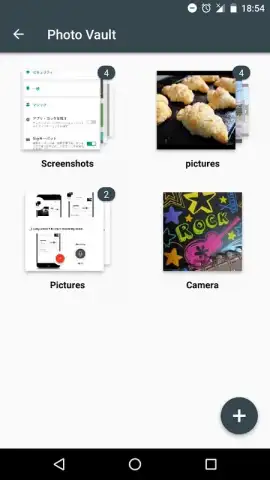
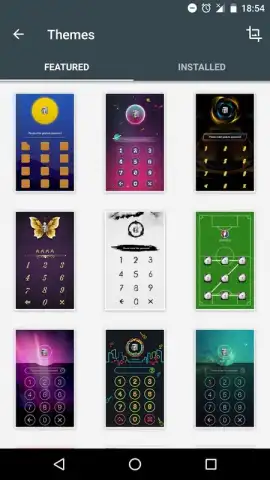
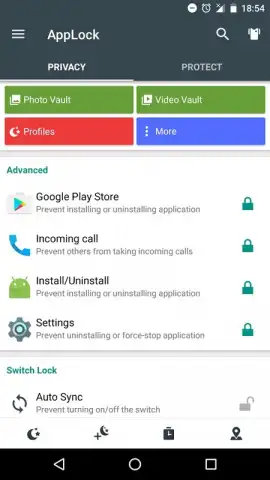
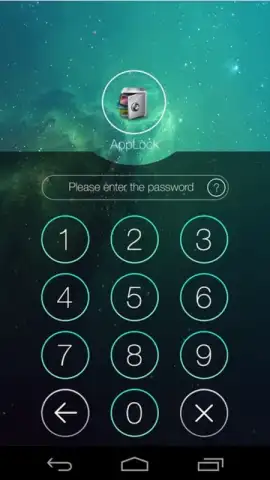
AppLock (MAX) goes far beyond a simple password prompt. Its primary function is to place a virtual lock on any installed application, from your gallery and social media to banking apps and email clients. You can assign unique graphic passwords for different app categories, ensuring your photo vault has a different key than your messaging apps. This layered security approach means that even if one pattern is seen, your entire digital life isn't compromised.
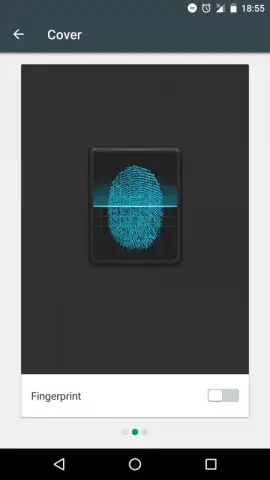
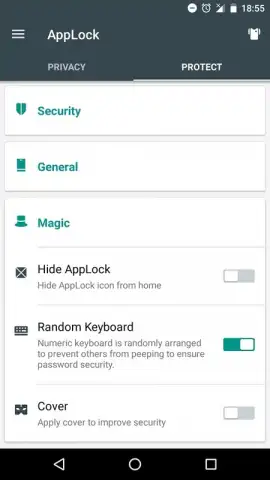
The feature set is designed for proactive and discreet protection. The intruder selfie function automatically captures a photo with the front-facing camera of anyone who fails an unlock attempt, giving you concrete evidence of who tried to access your secured apps. For next-level stealth, the fake error screen feature allows you to replace the actual lock screen with a convincing "Force Close" or "Error" message. To anyone snooping, it simply looks like the app has crashed, completely hiding the fact that it is password-protected.
Additional Device Utility
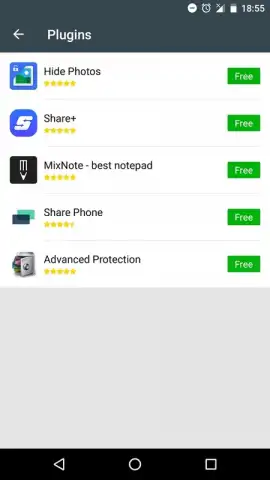
Understanding that security is part of overall device health, AppLock (MAX) includes a cleaning utility. This tool lets you scan for and remove junk files, cached data, and residual documents that accumulate over time, freeing up valuable storage space and potentially improving device performance. This combination of robust locking mechanisms and system maintenance makes it a comprehensive tool for managing both your privacy and your phone's efficiency.
- Lock any app with graphic passwords
- Automatic intruder photo capture
- Stealth fake error screen mode
- Integrated device cleaning utility
We suggest taking control of your mobile privacy today. Consider downloading AppLock (MAX) to implement powerful, intelligent locks on your most sensitive applications.
Internet required. IAP available.


