

AR Drawing : Trace Anything
AR Drawing : Trace Anything screenshots (10)
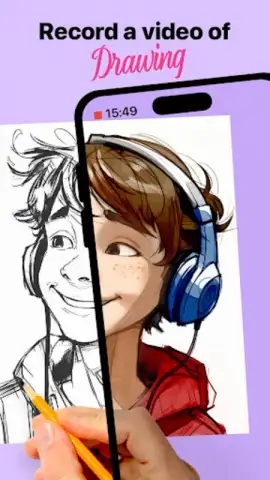
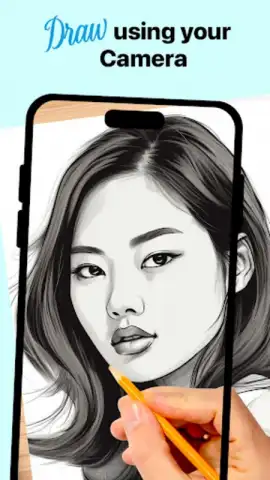
Description AR Drawing : Trace Anything
Struggling to Translate What You See into Accurate Lines on Paper?
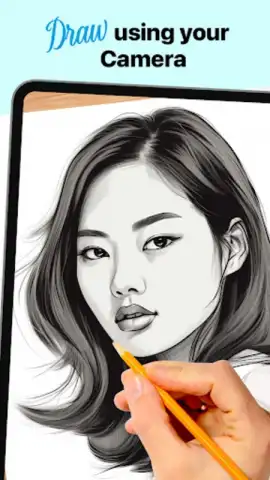
Many aspiring artists and hobbyists face a fundamental hurdle: bridging the gap between a reference image and a confident sketch. The challenge of maintaining correct proportions, perspective, and composition often stalls progress. AR Drawing: Trace Anything by iApp Inc. addresses this directly by transforming a mobile device into a practical drawing aid. It utilizes augmented reality technology to overlay a transparent guide onto a physical drawing surface, effectively creating a modern, digital lightbox for any image you choose. This method provides a structured path for skill development through guided repetition and analysis of form.
Core Functionality and Feature Analysis
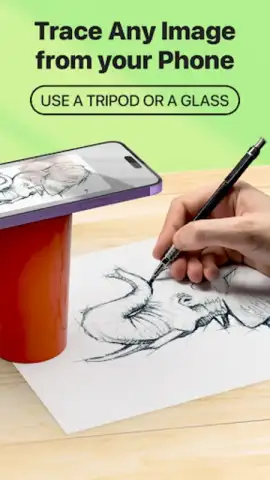
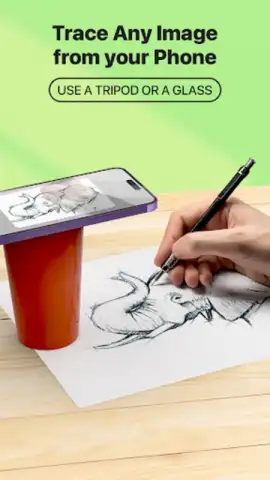
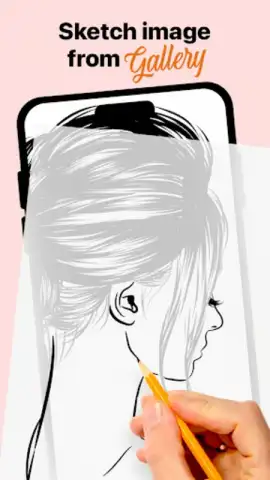
The application operates by accessing the device's camera. Users can select an image from an integrated library, their personal photo gallery, or capture a new photo directly. The software then processes this image and displays it as a semi-transparent overlay on the live camera feed. By positioning a sheet of paper or a sketchbook within the camera's view, the selected image appears to be projected onto the physical medium. The artist can then trace the lines directly onto the paper, following the digital guide. This process demystifies complex shapes and spatial relationships.
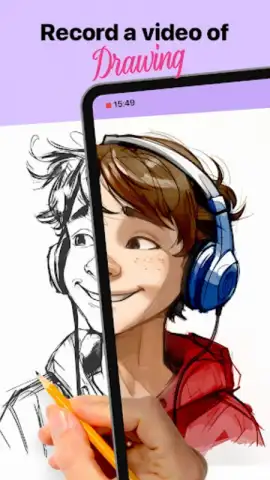
A significant functional aspect is the time-lapse video recording feature. This tool automatically captures the drawing process, condensing it into a short, shareable video. This is not merely for social sharing; it serves as a valuable review tool. Artists can retrospectively analyze their stroke order, hand movement, and pacing, turning each session into a diagnostic tool for improvement. The application positions itself as a practice platform, where tracing is framed as a step toward muscle memory and understanding foundational artistic principles like form and negative space.
The interface is designed for minimal friction, focusing the user's attention on the drawing task rather than navigating complex menus. The AR projection can be adjusted for opacity and locked in place to prevent shifting. While the core tracing functionality is central, the ability to use virtually any digital image as a source material dramatically expands its utility, from practicing classic art studies to sketching personal photographs.
- Augmented Reality Tracing Guide: Projects any selected image as a transparent overlay onto your physical paper via your device's camera for precise line guidance.
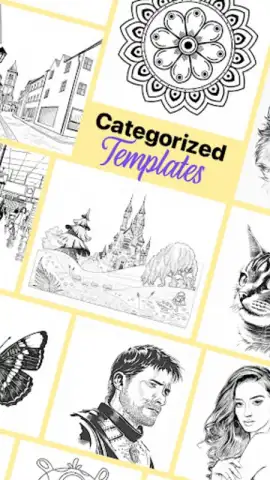
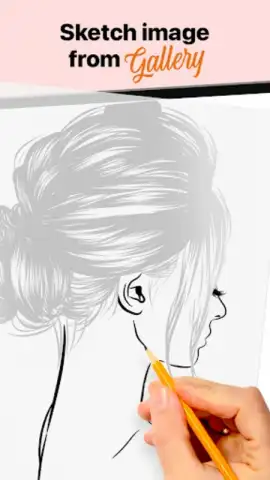
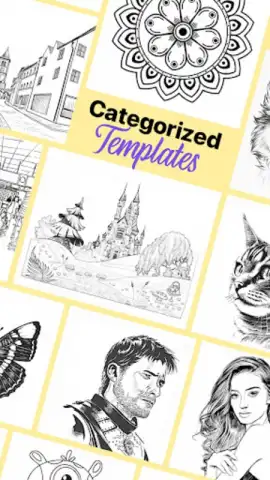
- Extensive & Personal Image Library: Source drawings from a built-in categorized example library or directly from your personal device's photo gallery.
- Educational Time-Lapse Recording: Automatically generates a sped-up video of your entire drawing session for progress review and technique analysis.
- Adjustable Projection Interface: Control the opacity and lock the position of the AR overlay to suit your lighting and drawing preferences.
- Skill Development Framework: Encourages practice through repetition, focusing on building understanding of composition, proportions, and perspective.
Start building your drawing confidence and deconstruct complex images into manageable lines. Download the mobile app now to transform any space into your personal art studio.
Heads up: you'll need wifi for initial downloads and library access. Some advanced features and the full example library may require separate access.
 GooglePlay


