
AR Drawing: TraceCam & Draw
AR Drawing: TraceCam & Draw screenshots (8)
Description AR Drawing: TraceCam & Draw
Struggling to Draw What You See? Your Phone Can Now Be Your Guide
You have the vision, but your hand struggles to translate the image in your mind onto the blank page. That gap between imagination and execution is where frustration grows. What if you could project any image directly onto your paper and simply trace its lines to build muscle memory and perfect your form? This is no longer a hypothetical scenario for artists with expensive projectors. A mobile application transforms your smartphone into a portable augmented reality studio, designed to bridge that gap for anyone with a creative spark.
A Creative Companion for Every Skill Level
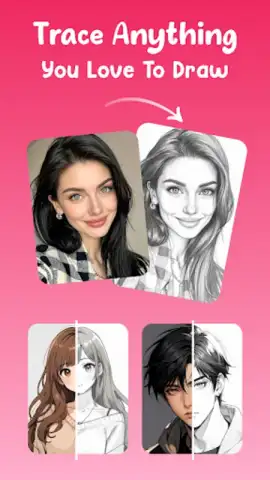
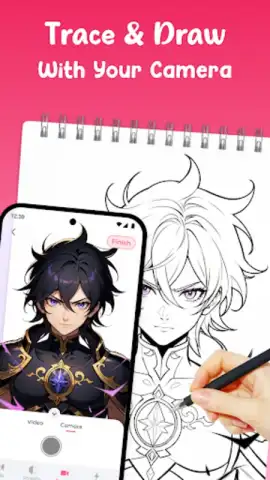
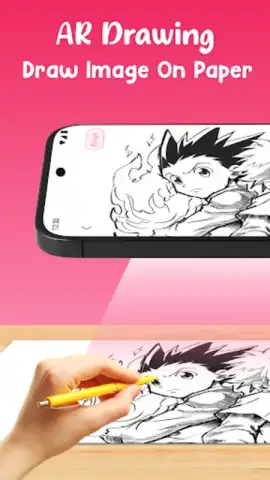
AR Drawing: TraceCam & Draw functions as a personal art assistant, leveraging your device's camera to overlay images onto any physical surface in real-time. This method provides a foundational guide, allowing you to focus on line control, pressure, and technique rather than wrestling with complex proportions from the start. The application serves multiple purposes: it is a patient teacher for beginners, a precision tool for enthusiasts refining their craft, and a rapid sketching aid for experienced artists needing a quick compositional outline.
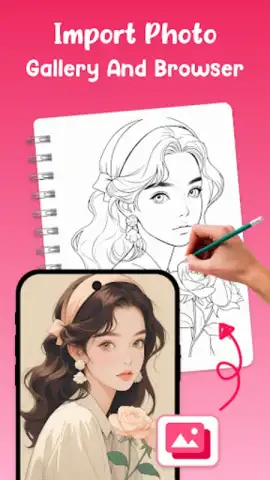
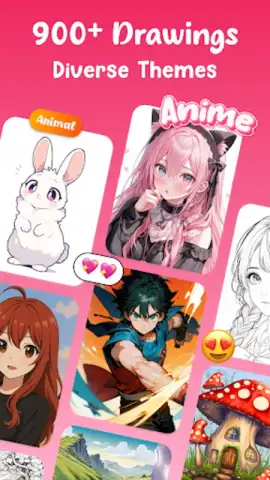
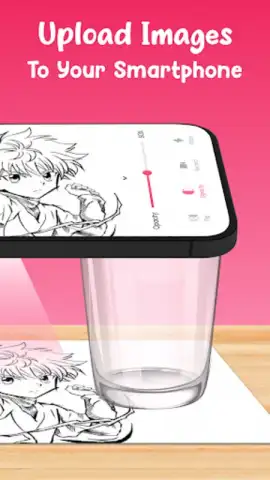
The process is built for immediacy. You select an image from an extensive built-in library, which includes diverse categories like detailed animals, elegant florals, character portraits, and popular cartoon styles. Alternatively, you can import any photo from your gallery, instantly converting personal pictures into traceable templates. Once your reference is chosen, you position your phone above your drawing surface. The app's AR viewfinder projects the image's outline directly onto your paper or canvas, allowing you to trace with accuracy.
Core Features That Refine Your Artistic Process
Beyond simple projection, the app includes a suite of tools to ensure a seamless and adaptable drawing session. You are not locked into a static image; you have full control to adjust the overlay to match your canvas perfectly.
- Dynamic Image Manipulation: Precisely adjust the opacity of the projected guide, zoom in on fine details, rotate the image to any angle, or flip it horizontally for perfect symmetry in your composition.
- Low-Light Assistance: An integrated flashlight toggle illuminates your workspace directly from the app, ensuring clear visibility of both the projection and your paper in dim environments.
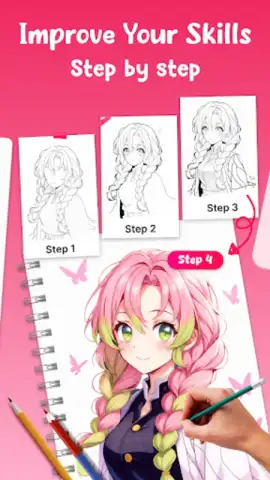
- Skill Development Focus: Use the tracing process to drill fundamental art skills, improving your understanding of anatomical proportions, practicing various shading techniques, and developing steady, confident line work.
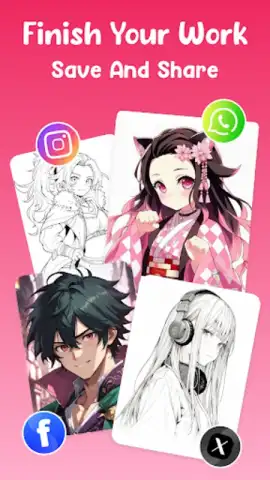
- Progress Documentation: Record a full timelapse video of your drawing session from start to finish, creating compelling content to share your creative journey or to review your own technique.
- Offline & Private Operation: All core tracing functions work without an internet connection, and your imported images and creations remain stored locally on your device for complete privacy.
The utility of this tool extends far beyond casual sketching. It is employed for creating precise tattoo stencils, planning large murals by projecting onto walls, practicing calligraphy strokes, and even as an educational demonstration tool to show the construction stages of a drawing. By removing the initial barrier of accurate outlines, the app accelerates the rewarding part of creation—the act of drawing itself.
Download AR Drawing: TraceCam & Draw Now
Stop struggling with the setup and start creating with confidence. Consider downloading AR Drawing: TraceCam & Draw to unlock a new method of practicing and creating art. This application provides the structured guidance needed to translate ideas into tangible artwork with unprecedented ease. Install it today and experience how augmented reality can directly enhance your traditional drawing skills.
This application requires a stable internet connection for initial download and access to certain online image libraries. The app may contain optional in-app purchases for premium features or expanded content. Use as directed in a safe, stationary environment.
 GooglePlay


