

AudioLab
AudioLab screenshots (7)
Description AudioLab
A Comprehensive Tool for On-Device Audio Manipulation
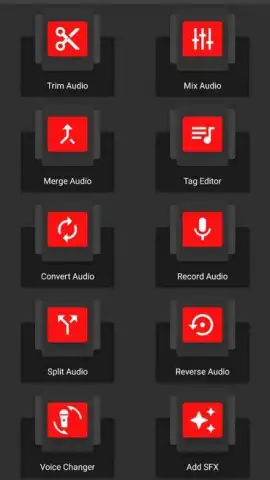
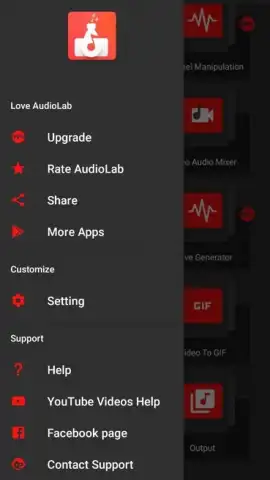
AudioLab positions itself as a robust, self-contained audio editing suite designed for the Android user who needs immediate control over their sound files. Unlike cloud-dependent editors, this application operates directly on audio stored on your device, providing a practical solution for editing voice memos, music tracks, or any recordings made with your smartphone. Its interface is built around a central hub, granting streamlined access to a surprisingly wide array of professional-grade tools, transforming a mobile device into a capable audio workstation.
Functionality and Core Editing Mechanics
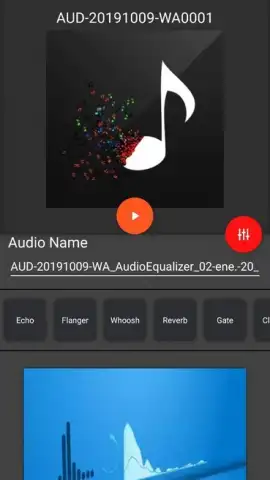
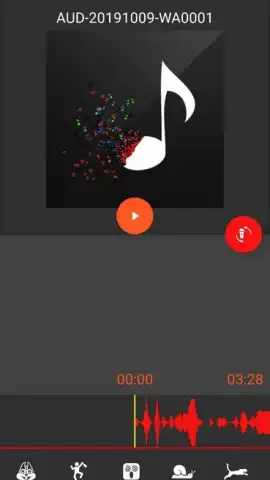
The application's workflow is logically structured from its main menu, where each tool is dedicated to a specific task. The fundamental editing capabilities are strong: you can precisely trim audio files to remove unwanted sections or seamlessly merge multiple clips to craft new compositions. Beyond simple cuts, AudioLab includes a sophisticated voice modulator. This tool allows for granular pitch and frequency adjustment, enabling dramatic transformations—from shifting a human voice to sound otherworldly or animalistic to making subtle corrections for clarity. Furthermore, the app provides equalization controls to correct and enhance the high and low frequencies of any audio file, addressing common issues like muffled sounds or harsh treble.
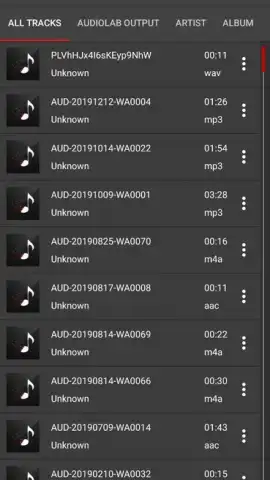
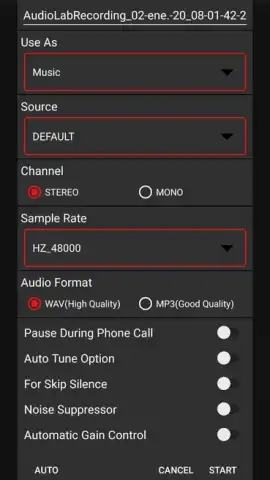
A significant feature is the integrated high-quality recorder. This allows for the direct creation of audio notes, interviews, or ideas within the app, which can then be immediately edited using the same toolkit. This closed-loop system from recording to final edit streamlines the production process. The app supports a wide range of common audio formats, ensuring compatibility with most files you encounter or create, making it a versatile player for various audio projects.
- Perform precise trimming and seamless merging of multiple audio clips.
- Transform voices with a detailed modulator for creative or corrective effects.
- Adjust and correct audio quality using equalization for high and low frequencies.
- Record new audio directly within the app with the integrated recorder tool.
- Edit and export audio in a wide range of common file formats for flexibility.
We suggest trying AudioLab if you regularly need to edit voice notes, create simple audio mixes, or experiment with sound directly on your Android device. Consider downloading it for a hands-on experience with its comprehensive toolset.
Heads up: you'll need wifi for initial download and updates. Some advanced features and the ad-free Turbo experience may require a separate purchase.
 GooglePlay


