

AZ Screen Recorder
AZ Screen Recorder screenshots (19)

Description AZ Screen Recorder
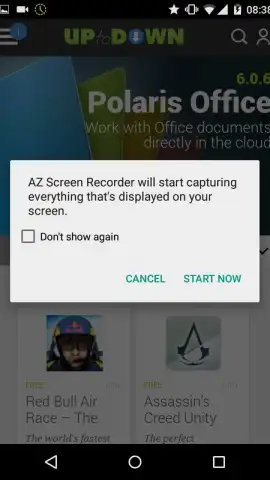
Imagine needing to capture a perfect gaming combo, a crucial software bug, or a fleeting social media story. AZ Screen Recorder provides a direct pipeline from your Android screen to a video file, operating without the need for complex root permissions. This utility transforms your device into a versatile recording studio, requiring only Android 5.0 (Lollipop) or a more recent operating system to function.
Core Functionality and Interface Design
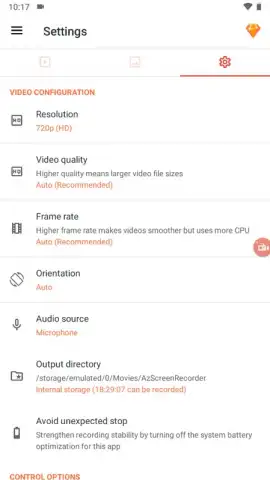
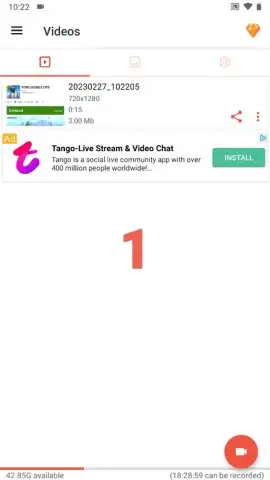
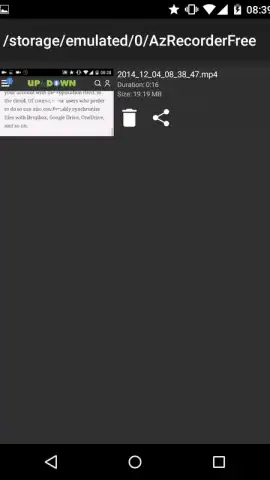
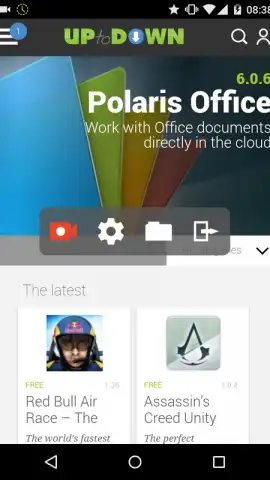
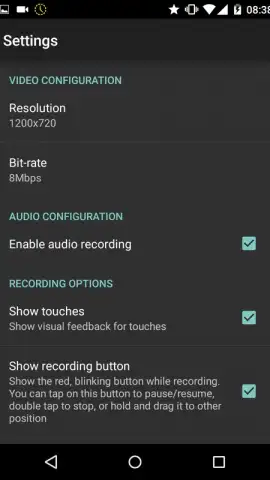
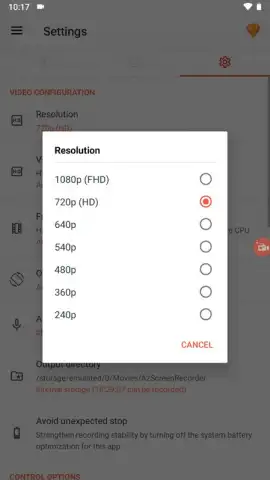
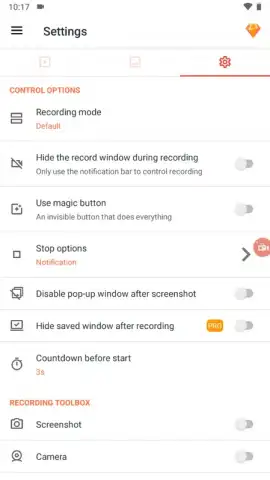
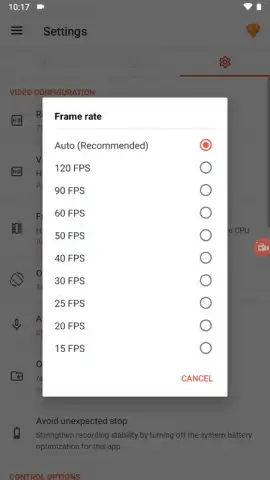
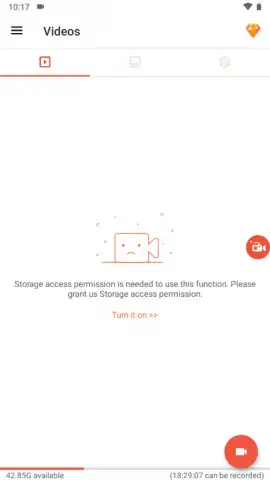
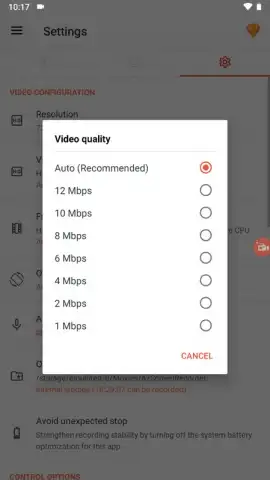
The application launches with a minimalist and focused control panel. A persistent overlay presents four central icons for immediate access to primary functions: initiating a new recording session, configuring application settings, browsing the local gallery of captured videos, and terminating the application process. The settings menu provides granular control over output parameters, allowing you to define video resolution and quality. A dedicated log viewer is available to audit all screen interactions and touch events that occurred during a recording period, which is essential for creating detailed tutorials or debugging software.
Recording Process and Advanced Controls
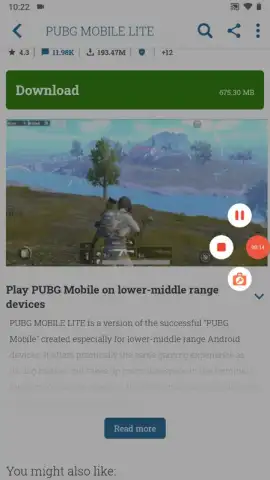
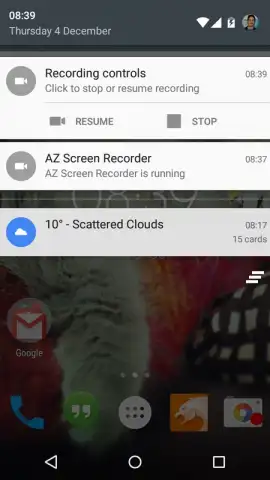
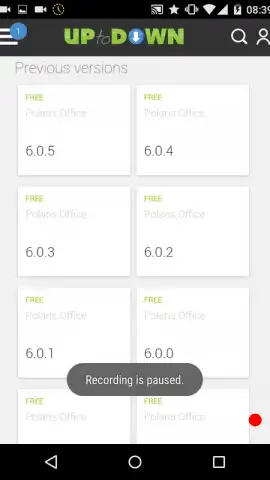
Activation of the recording function is indicated by a pulsating red indicator dot, which is anchored to the lower-right quadrant of the display by default. A single tap on this indicator will pause the active recording. For interface customization, a tap-and-hold gesture on the indicator enables you to drag and reposition the control widget to any on-screen location, ensuring it never obstructs crucial content. The recording engine is designed for fidelity, producing outputs free from embedded watermarks, frame rate degradation, or enforced time limits, making it suitable for extended gameplay sessions or lengthy application demonstrations.
Key Operational Features
- No root access required for operation
- Zero watermarks or recording time limits
- Configurable video output quality and resolution
- Movable on-screen recording control widget
- Touch action and screen activity logger
- Direct gallery access from the main interface
We suggest trying AZ Screen Recorder for any scenario that demands a reliable, high-fidelity capture of your Android device's display, from mobile gameplay to software documentation.
Download the AZ Screen Recorder mobile app now.
Disclaimer: This application requires an active internet connection for initial functionality verification and potential access to supplementary features. The app may contain optional in-app purchases. Please be aware of your mobile data usage policies when operating this utility. Some features may be subject to age restrictions depending on regional regulations. Always review the app's terms of service and privacy policy.
 GooglePlay


