
Best Image Converter Professional (Pro)
Best Image Converter Professional (Pro) screenshots (6)

Description Best Image Converter Professional (Pro)
What if you could convert any image to any format, directly on your phone?
The need to change an image's format is a common technical hurdle, whether for web uploads, professional printing, or software compatibility. Best Image Converter Professional (Pro) is a utility-focused application designed to perform this specific task without requiring desktop software or online services. It operates as a self-contained tool for managing and transforming digital image files, providing direct control over a file's fundamental properties.
Core Conversion Tools and Workflow
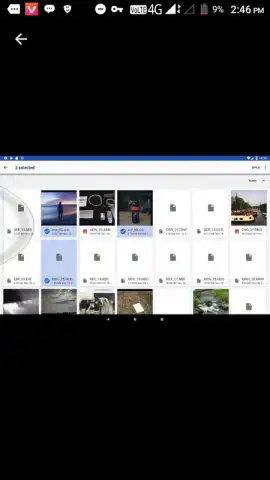
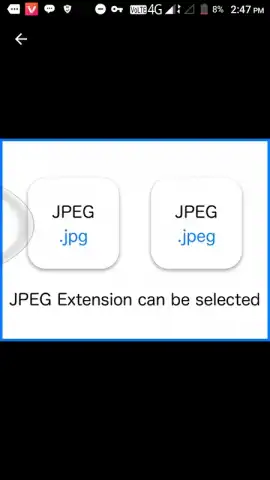
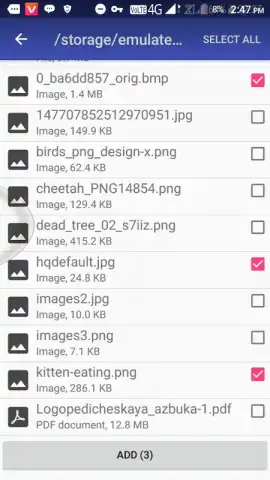
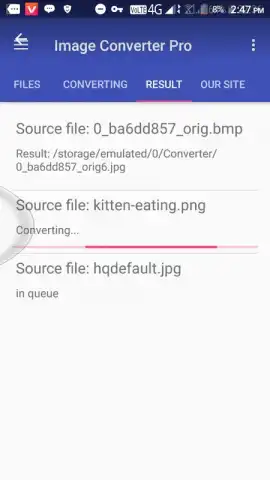
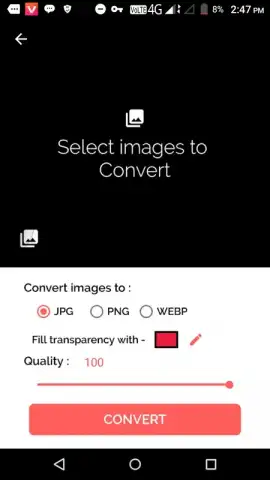
The application's primary function is to process images through a format conversion engine. Users select an image from their device's gallery or file system, then choose a target output format from a supported list. The process involves a secondary interface where basic parameters like output quality (often via a compression slider) and resolution can be adjusted before finalizing the conversion. The app handles batch processing, allowing multiple images to be queued for conversion into a single format in one operation. A dedicated file manager section organizes original and converted files, facilitating easy sharing or deletion.
Key Operational Advantages
- Offline Functionality: All conversion processes are executed locally on the device, ensuring privacy and availability without an internet connection.
- Batch Processing Engine: Convert entire folders or selected groups of images simultaneously, saving considerable time over single-file operations.
- Minimalist User Interface: The layout prioritizes clear navigation to core functions—select, convert, manage—reducing setup time and user confusion.
Download the mobile app now and handle any image format requirement instantly!
Disclaimer: This application requires access to device storage to read and save image files. The "Pro" designation may indicate the presence of in-app purchases to unlock full functionality. The developer is not responsible for data loss; ensure you have backups of original files. An internet connection may be required for initial download and potential updates. Use is subject to the app's Terms of Service.


