

PCMark
PCMark screenshots (9)
Description PCMark
What Does a Comprehensive Android Benchmark Actually Look Like?
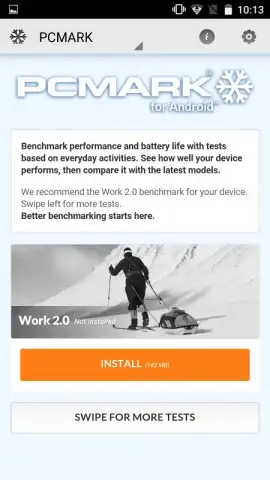
For users who move beyond synthetic scores and seek a detailed, real-world assessment of their device, PCMark for Android provides a definitive answer. This application is the mobile iteration of the long-established PC benchmarking suite, adapted to measure how an Android phone or tablet handles the computational tasks of daily use. It shifts the focus from abstract numbers to tangible performance in scenarios like web browsing, photo editing, and document work, offering a clear, comparative analysis of where a device excels or falls short.
A Toolkit for Practical Performance Analysis
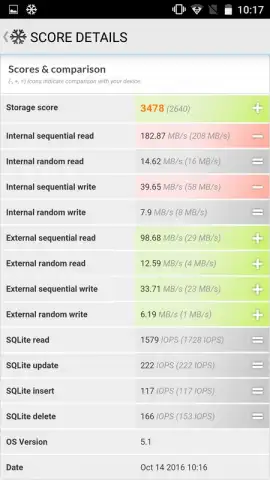
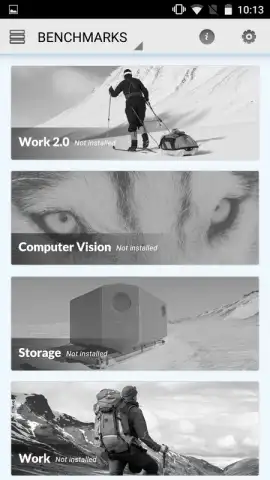
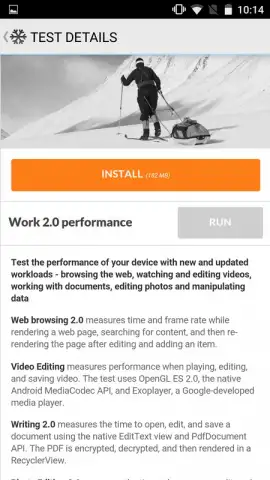
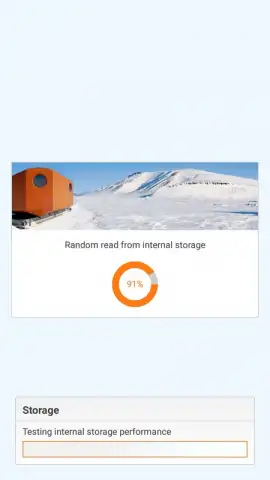
The application’s core value lies in its structured test suites, which simulate actual user workflows rather than pushing hardware to purely theoretical limits. The Work 2.0 performance benchmark is particularly insightful, as it runs through a scripted series of common operations—opening and scrolling web pages, applying filters to photos, and manipulating text and data in documents. This provides a composite score that reflects general system responsiveness for productivity. Separately, the Storage test delves deeper, assessing not just the capacity but the real-world speed and efficiency of a device's flash memory in reading, writing, and managing files, which is a critical factor in overall system fluidity.
Detailed Results and Comparative Context
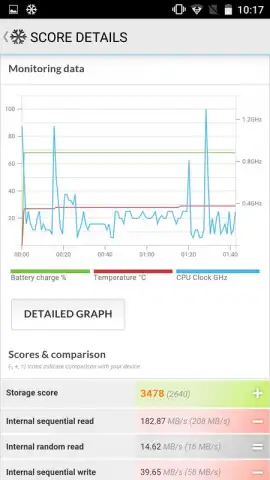
Upon completion, PCMark doesn't just present a single number. It generates a detailed results page with visual graphs, individual scores for different test segments, and crucially, a comparison feature. This allows you to benchmark your device against a database of similar models, providing immediate context. You can identify specific strengths, such as exceptional web performance, or pinpoint weaknesses, like slower storage speeds, transforming raw data into actionable technical insight. The absence of advertising within the testing environment, a benefit of its licensing model, ensures an uninterrupted, focused evaluation process.
- Real-World Workload Simulation: The Work 2.0 benchmark meticulously tests device performance during everyday tasks like web use and photo editing.
- Comprehensive Storage Analysis: Measures not just storage capacity but the actual read/write speed and data management efficiency of your device.
- Contextualized Results Dashboard: View detailed scores on graphs and compare your device's performance directly against similar models for clear ranking.
Get the definitive metrics on your device's capabilities and see how it truly stacks up. Download PCMark for Android now and start benchmarking.
Heads up: you'll need wifi for downloading tests and viewing comparative data. Some advanced benchmark suites within the app may require a separate license.
 GooglePlay


