

Brother Print Service Plugin
Brother Print Service Plugin screenshots (5)
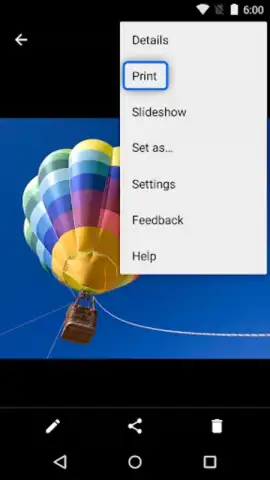
Description Brother Print Service Plugin
Imagine needing to print a document from your phone, only to be met with a wall of complex setup menus and driver errors. The Brother Print Service Plugin transforms that frustration into a seamless, one-tap action, turning your Android device into a direct remote control for your compatible Brother printer.
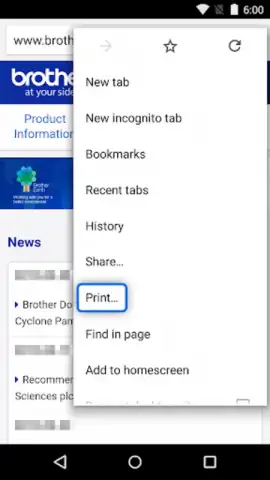
This utility app functions as a dedicated communication bridge between your Android operating system and your Brother printer. It integrates directly with the standard Android print framework, allowing you to send documents, photos, and web pages to your printer from virtually any application that supports the system print function. The plugin handles the translation of your data into a format your specific Brother printer model can understand, bypassing the need for a separate, standalone printing application for most tasks. It is designed for reliability, maintaining a stable connection to manage print jobs efficiently and provide clear status updates directly within the Android print interface.
Core Functionality
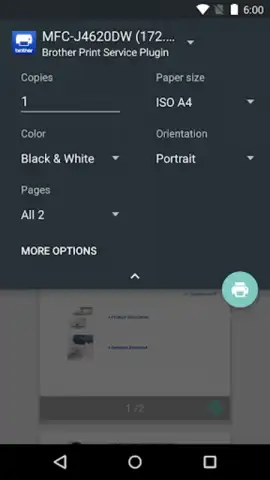
The plugin operates by enabling a streamlined workflow. Once installed and configured with your printer on the same network, it becomes an available option in your phone’s print menu. Its primary role is to facilitate wireless printing over a local Wi-Fi network or via a direct Wi-Fi Direct connection to supported Brother printers, offering a cable-free experience. The service runs in the background, ready to process jobs without requiring the user to open a separate app for basic printing, thus saving time and simplifying the digital-to-physical workflow.
Key Technical Advantages
- Enables wireless printing from any app using the native Android print interface.
- Supports a wide range of Brother inkjet and laser printer models over Wi-Fi.
- Establishes direct device-to-printer connections via Wi-Fi Direct for mobility.
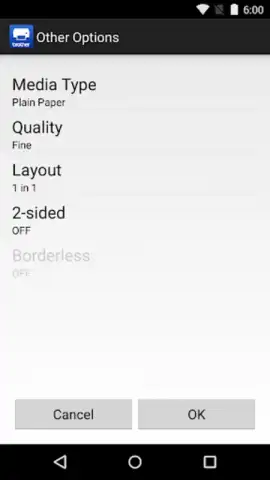
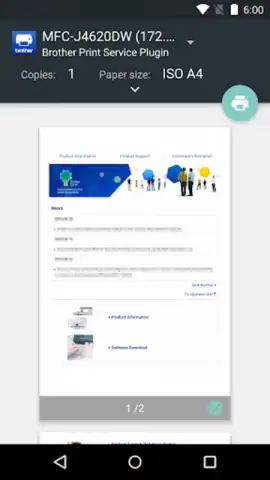
- Provides detailed print job status and printer information within the system dialog.
- Requires minimal user configuration after the initial network printer setup.
Don't miss out on the simplest way to unlock wireless printing from your Android device. This essential plugin is your key to a streamlined workflow.
Download the Brother Print Service Plugin today and experience hassle-free printing.
This service requires a compatible Brother printer and an internet connection for initial setup and driver management. The app itself is free and facilitates printing from other applications.
 GooglePlay


