

Button Savior (non root)
Button Savior (non root) screenshots (7)



Description Button Savior (non root)
Imagine your device's physical buttons fail—a common hardware flaw that can render a phone nearly unusable. This scenario creates a critical accessibility gap, leaving users stranded without basic navigation. Button Savior (non root) addresses this by providing a comprehensive, software-based control panel that operates independently of your hardware, ensuring your device remains functional under any circumstance.
Core Functionality & Interface Mechanics
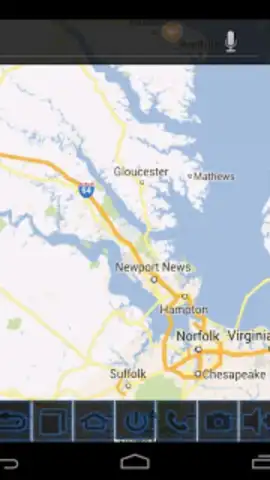
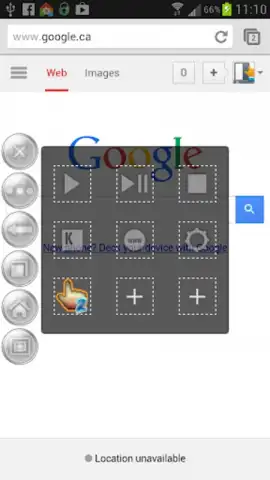
Button Savior (non root) deploys a persistent, semi-transparent overlay on your screen. This overlay contains a customizable set of virtual buttons that replicate and extend the functions of physical keys. The primary mechanics involve a draggable handle for positioning and a main panel that users can expand or collapse with a tap. Core virtual buttons include Home, Back, Recent Apps, Power, Volume controls, and a Lock Screen function. The app utilizes Android's accessibility services to intercept and emulate hardware key presses, allowing it to perform system-level actions without requiring root access. This creates a reliable software fallback layer that is always accessible via a simple swipe or tap gesture from any screen, including the lock screen.
Operational Advantages and Customization
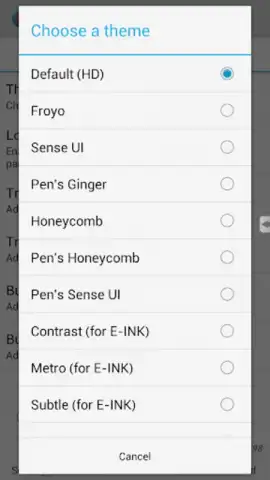
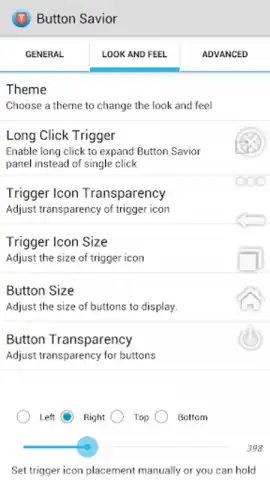
The utility's main strength lies in its non-intrusive yet highly configurable design. Users can adjust the overlay's transparency, choose from multiple button themes and sizes, and define specific trigger areas on the screen to activate the panel. This level of customization ensures the tool adapts to individual workflow preferences without obstructing screen content. Performance is optimized for minimal battery and resource consumption, running as a lightweight background service. The interface is strictly utilitarian, focusing on responsiveness and clarity to provide immediate, reliable access to essential controls precisely when needed.
- Hardware Failure Mitigation: Replaces broken physical buttons with a fully functional, on-screen virtual control panel.
- Non-Root System Integration: Leverages standard accessibility services for full system control without requiring privileged access.
- Extensive Customization Suite: Adjust panel position, transparency, button layout, and activation gestures for a personalized experience.
Download mobile app now to install a permanent software safety net and regain complete control over your device's navigation.
A stable internet connection may be required for initial download. The application may contain optional in-app purchases for advanced themes or features.
 GooglePlay


