

C Locker
C Locker screenshots (9)
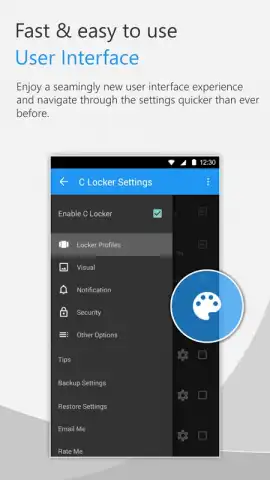
Description C Locker
C Locker Delivers Unprecedented Control Over the Android Lock Screen Experience
This application provides a systematic framework for replacing the standard Android lock screen with a fully customizable interface centered on user-defined widgets and actions. It functions as a utility that prioritizes direct access to information and device functions before authentication, effectively transforming the lock screen from a simple security gate into a functional dashboard. The core proposition is the granular control it offers over layout, interactive elements, and security methods, extending beyond typical theming applications.
Core Functionality and Feature Analysis
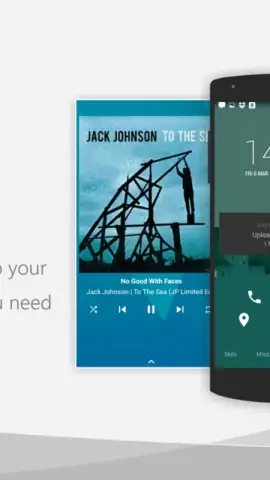
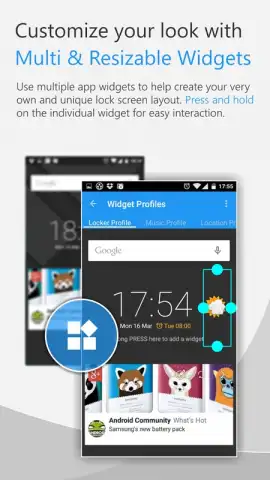
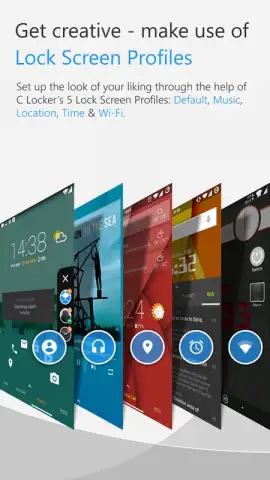
The application operates by allowing users to construct lock screen profiles using a modular widget system. The free version establishes the foundation, permitting the display of key notification widgets for calls, SMS, and Gmail, alongside a single application shortcut widget. Profile management is a central feature, enabling the creation of distinct lock screen configurations for different contexts—such as a default daily profile, a music-focused profile with playback controls, and a location-triggered profile. Basic customization includes the ability to hide the status bar and apply custom icon sets, providing visual differentiation from the stock lock screen.
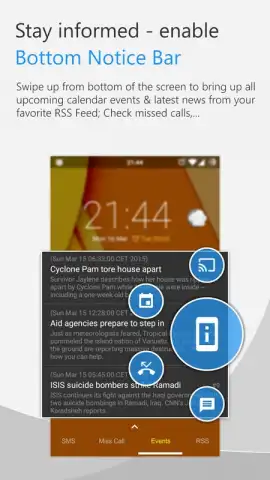
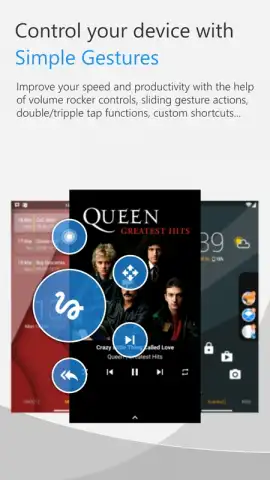
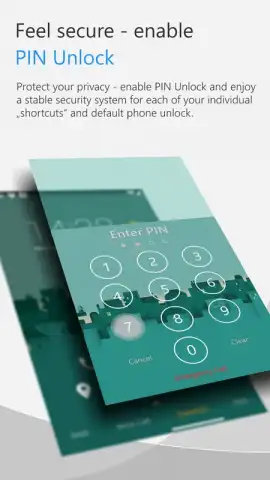
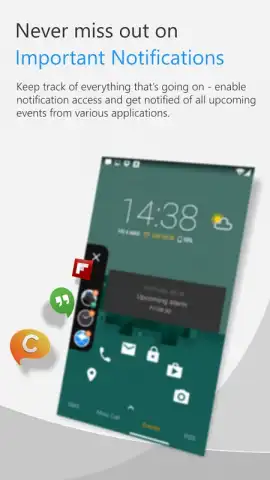
Upgrading to the professional version significantly expands the utility's scope. It removes limitations, allowing for the integration of up to three separate application widget profiles simultaneously and access to a library of over thirty customizable quick-launch shortcuts. Advanced security customization is unlocked, including the ability to set individual PINs for specific shortcuts and utilize pattern unlock. For compatible Samsung Galaxy S series devices with fingerprint sensors, the app can integrate this method for a layered security approach. Additional professional features include comprehensive notification management from third-party apps, integration of RSS feeds from global news sources, and an enhanced music management system that uses volume key gestures for track control directly from the locked screen.
Detailed Feature Breakdown
- Widget-Centric Lock Screen Profiles: Create and switch between multiple lock screen layouts, such as Default, Music, and Location-based profiles, each with unique widget configurations.
- Advanced Security Integration: Supports pattern unlock, shortcut-specific PIN codes, and fingerprint sensor compatibility for select Samsung Galaxy devices for layered protection.
- Professional Shortcut & Widget Expansion: Unlocks over 30 customizable app shortcuts and the ability to manage up to three application widget profiles on a single lock screen.
- Comprehensive Notification & RSS Management: Gain full control over notifications from any app and display live RSS feeds from news sources directly on the lock screen.
- Enhanced Media and Gesture Controls: Utilize volume key gestures for music playback control and access advanced lock screen management options for a streamlined interactive experience.
The tool is engineered for users who require immediate access to information and application functions from a secured lock screen, positioning itself as a productivity enhancer rather than merely a cosmetic changer. It systematically addresses the limitations of standard lock screens by providing a configurable, information-rich interface that maintains robust security protocols.
Download C Locker now to transform your device's lock screen into a personalized command center.
Requires an internet connection for initial configuration and certain features. The app offers in-app purchases to upgrade to the professional version. Features may vary by device and Android version.


