

Cabinet Beta
Cabinet Beta screenshots (5)
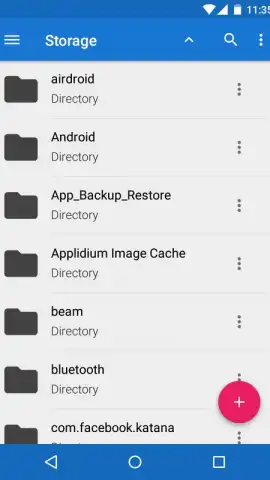
Description Cabinet Beta
Tired of clunky, ad‑filled file explorers? Cabinet Beta redefines Android file management with pure Material Design elegance and powerful simplicity.
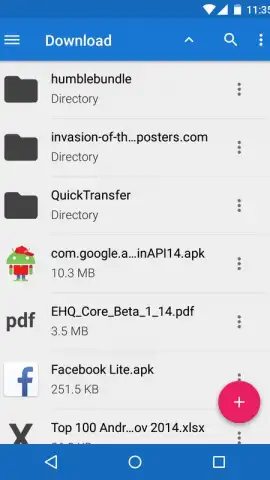
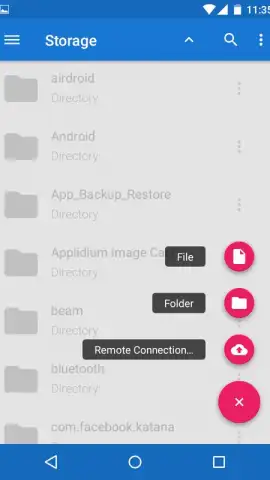
Most Android file managers feel outdated and bloated, crammed with intrusive ads and confusing interfaces. Cabinet Beta breaks that mold entirely. Built by developer Aidan Follestad, this tool embraces the latest Android design principles, offering a clean, intuitive, and incredibly fast experience that feels native to your device. It provides direct, efficient access to both your device's internal storage and SD card directory tree, transforming file management from a chore into a seamless activity. Beyond basic navigation, Cabinet Beta executes fundamental file operations—like copy, move, rename, compress, share, or open with another app—through a streamlined contextual menu, making every task quick and straightforward.
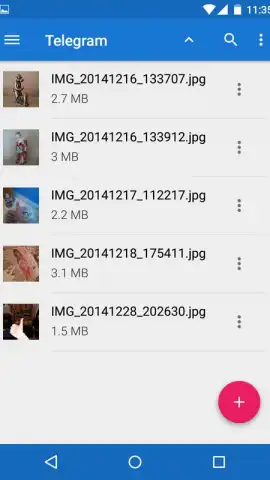
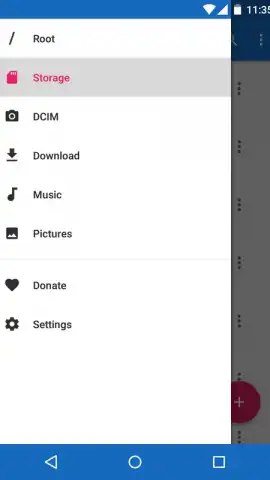
The experience is further enhanced by a dedicated quick-access panel that puts essential folders like Downloads, Images, Music, and DCIM just one tap away. Every file is presented with a clear visual thumbnail or a distinctive format icon, creating an instantly scannable, visually organized library. This is a major advantage over text-only lists, allowing you to locate documents, archives, and media intuitively. Crucially, Cabinet Beta delivers a premium, uninterrupted workflow with no advertisements, and its optional Turbo features unlock even greater efficiency for power users seeking the ultimate toolset.
- Clean Material Design Interface
- Quick-Access Panel for Key Folders
- Visual Thumbnails & Format Icons
- No Advertisements Anywhere
- Full SD Card & Internal Storage Support
- Essential File Operations Included
Stop settling for mediocre file management. Download Cabinet Beta now and experience the speed, clarity, and control of a truly modern Android file explorer.
Heads up: you'll need wifi for some cloud-related features. The optional Turbo upgrade unlocks advanced tools.


