

CAD Touch Free
CAD Touch Free screenshots (13)
Description CAD Touch Free
On-Site CAD Work Without a Laptop
For professionals in architecture, engineering, and interior design, accessing complex CAD software traditionally requires a desktop workstation. This creates a significant gap when on-site measurements, quick design adjustments, or client consultations away from the office are necessary. CAD Touch Free addresses this specific workflow challenge by transferring a suite of professional CAD tools to a mobile device, enabling detailed drafting and editing directly in the field.
Core Functionality and Professional Toolset
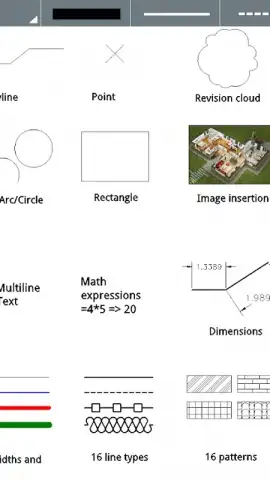
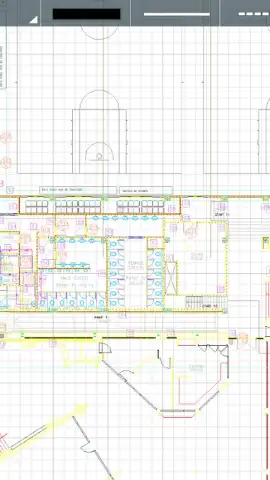
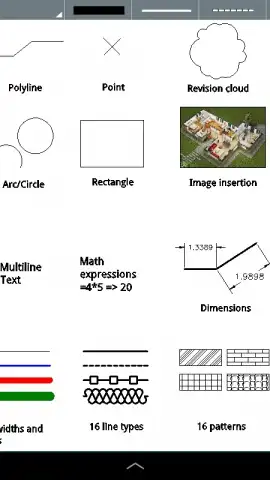
The application operates as a mobile CAD platform built around the DWG file format. Its core engine provides full viewing and editing compatibility for DWG entities up to and including those from AutoCAD™ 2013, ensuring reliable data exchange with industry-standard desktop software like AutoCAD™, SketchUp™, or Solidworks™. The interface is designed for a touchscreen environment, utilizing multi-touch gestures for zoom, pan, and object manipulation, which allows for precise control when creating geometric shapes. Users can draft using fundamental entities including lines, polylines, rectangles, circles, and arcs, forming the basis of technical drawings.
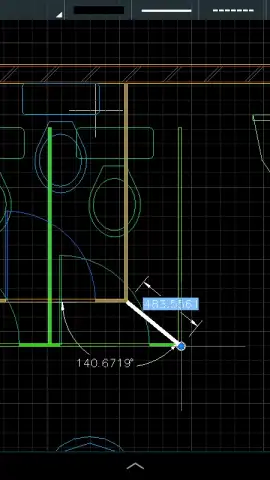
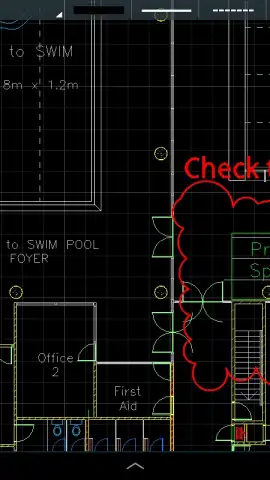
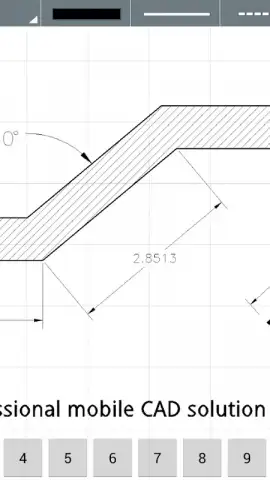
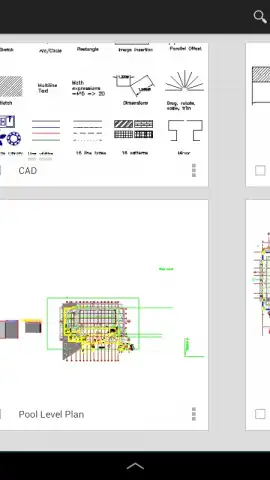
Beyond basic drafting, the software includes a range of advanced tools for detailed design work. Smart dimensioning automates the measurement process between points and objects, while revision clouds are available for marking up changes on drawings. The utility of the application is extended by a built-in object library and a set of modify commands such as trim, erase, mirror, and offset, which are essential for efficient editing. It supports an extensive range of measurement units, catering to both decimal and imperial systems, with specific support for architectural feet and inches, making it suitable for international projects. A key operational feature is its standalone capability; the app functions fully without an internet connection after installation, which is critical for remote site work.
Detailed Feature Overview
- Full DWG file compatibility for viewing and editing entities up to AutoCAD™ 2013.
- Multi-touch interface for intuitive zoom, pan, and object selection on mobile screens.
- Comprehensive drafting tools for lines, polylines, rectangles, circles, and arcs.
- Advanced editing suite including trim, erase, mirror, offset, and smart dimensions.
- Support for multiple unit systems, including architectural feet and inches, with offline operation.
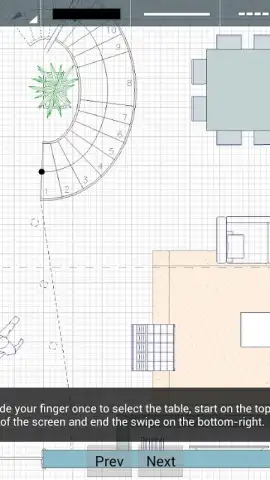
The free version of CAD Touch Free serves as a fully functional viewer and editor with access to dynamic tutorial materials to accelerate proficiency. For professionals requiring project file management, the ability to save or open DWG files from device storage is a feature reserved for the separately purchased Pro version. Optimal performance is achieved on devices with a minimum 4.0-inch screen size, and users are advised to ensure sufficient available RAM by closing background applications for handling complex drawings. While the software provides substantial utility, users should note that formal support channels are limited, and primary assistance is derived from the integrated documentation and learning resources.
We suggest trying CAD Touch Free for mobile drafting and on-site design modifications.
Download the mobile app now.
Disclaimer: This application may require an internet connection for initial download and access to tutorials. The Pro version, which enables saving and opening files, is available as an in-app purchase.


