

Calendar Pad
Calendar Pad screenshots (4)
Description Calendar Pad
A Different Approach to Time Management
Traditional calendar apps often present time as a rigid grid, a series of boxes to be filled. Calendar Pad reimagines this interaction, treating your schedule as a tactile, writable surface. It addresses the common friction of digital planning by merging the intuitive, freeform nature of a paper planner with the powerful automation and connectivity of a modern application. The core experience is built around a digital pad where appointments, notes, and tasks coexist in a single, fluid workspace.
Core Functionality and Analytical Overview
The application operates on a principle of visual organization rather than strict linear input. The primary interface is a clean, infinite canvas that serves as your calendar pad. Users can directly write or type entries anywhere on this surface, with the app intelligently parsing dates and times from natural language to create structured events in the background. This eliminates the multi-step process of opening a new event form, selecting time slots, and filling fields. The system supports layered organization through the use of different digital "pens" or highlighters for color-coding, and allows for the pinning of files, images, or voice memos directly onto specific days or notes.
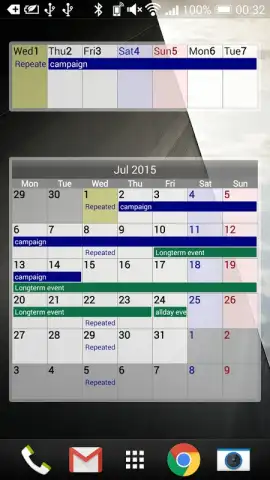
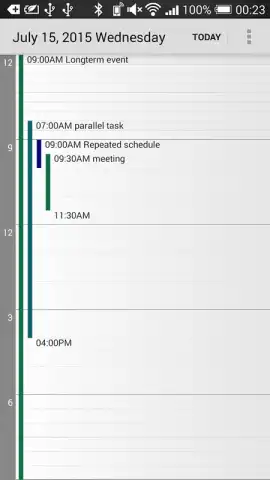
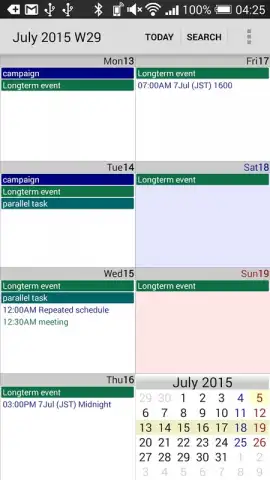
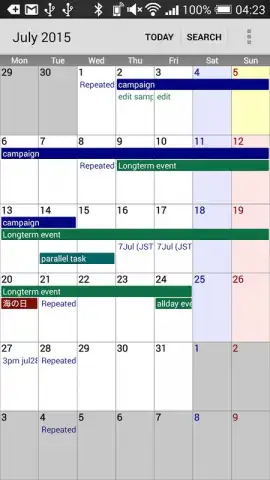
A key analytical feature is the dual-view system. While the main pad encourages freeform planning, a synchronized, traditional calendar view is always accessible. This ensures that all items created on the pad are automatically structured into a clear timeline view and can be integrated with external calendars like Google Calendar. The app performs continuous background analysis on your entries, using subtle visual cues to indicate scheduling conflicts, suggest optimal times for tasks based on past behavior, and surface pending items that lack a definitive time slot.
Documented User Advantages
The application's design prioritizes reducing cognitive load and streamlining the planning workflow.
- Natural Language Event Creation: Input appointments using conversational phrases directly onto the pad, with automatic date and time detection.
- Integrated Task and Note Canvas: Combine scheduled events, to-do lists, and freeform notes in a single, searchable visual workspace.
- Cross-Platform Synchronization: Maintain a unified schedule with seamless, real-time sync across all registered mobile and web devices.
We suggest trying Calendar Pad if your current planning tools feel restrictive and you seek a system that accommodates both structured scheduling and spontaneous brainstorming. Consider downloading the application to experience a hybrid method of organization.
Calendar Pad requires an internet connection for initial setup and synchronization services. The application may offer optional in-app purchases for advanced thematic packs or additional cloud storage capacity.
 GooglePlay


