

Calendar Widget
Calendar Widget screenshots (4)
Description Calendar Widget
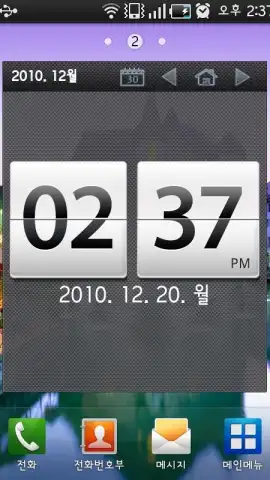
Want a calendar that lives on your home screen, not buried in an app? Calendar Widget transforms your device's main display into a dynamic, always-visible planner, eliminating the need to constantly open a separate calendar application.
Core Functionality & Tools
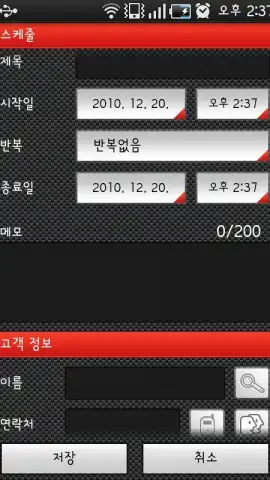
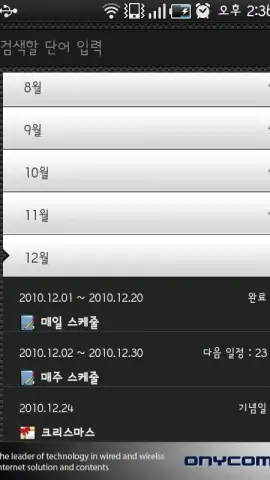
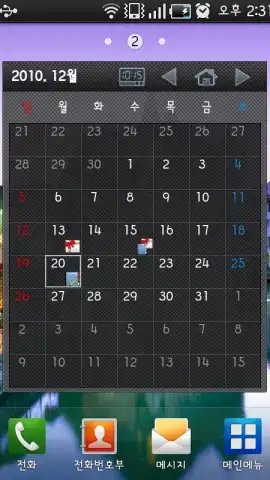
This widget suite provides multiple resizable widget styles that pull events directly from your device's default calendar. You can choose from agenda views, monthly grids, and daily event lists that update in real time. Each widget offers deep customization, allowing you to adjust transparency, font styles, color themes, and event highlighting to match your wallpaper and icon pack. The app includes a dedicated theme editor for creating cohesive looks, supports multiple calendar accounts for unified viewing, and features tap-to-open functionality that launches directly into the corresponding event in your native calendar app for quick editing.
Key Advantages for Daily Use
The primary strength is the reduction of interaction steps to view your schedule, providing at-a-glance accessibility. Performance is optimized for minimal battery impact, with efficient background sync that doesn't drain resources. The visual customization is granular, offering control over every UI element from event dot colors to widget background opacity, enabling true home screen personalization. The widgets are designed to be highly responsive and integrate seamlessly with most major launchers without lag.
- Multiple widget styles & sizes
- Deep visual customization
- Real-time event sync
- Low battery usage
Get your organized home screen and never miss a meeting again. Download Calendar Widget now.
Heads up: you'll need wifi for initial setup and syncing. Some premium themes and advanced customization options are extra.


