

CamScanner
CamScanner screenshots (11)
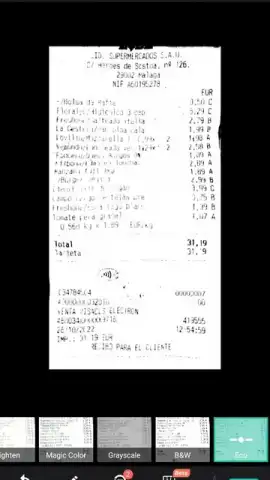
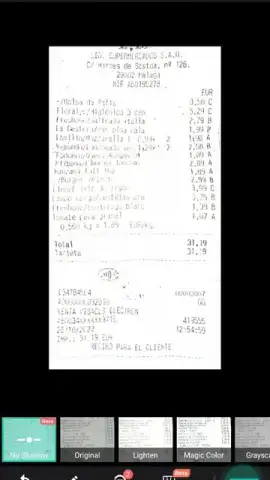
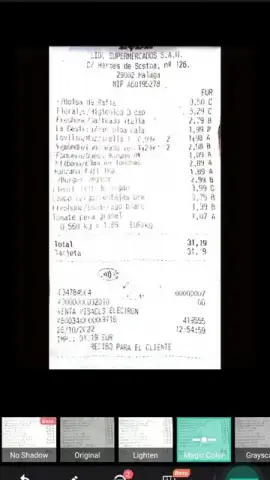
Description CamScanner
Transform Your Phone into a High-Powered Document Scanner
Stop relying on bulky office equipment or low-quality camera shots to manage your documents. CamScanner is a professional-grade scanning tool that instantly digitizes any printed material, from receipts and notes to contracts and business cards, directly from your mobile device. It processes images in seconds, delivering crisp, organized digital files ready for sharing, archiving, or editing, effectively replacing the need for physical scanners.
Core Functionality and Editing Suite
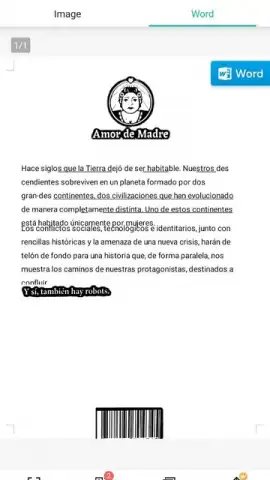
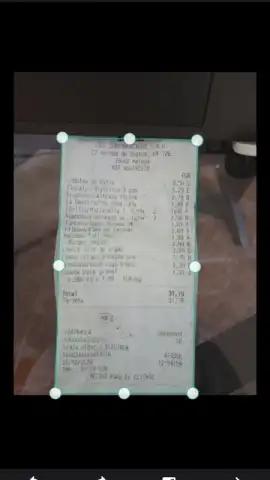
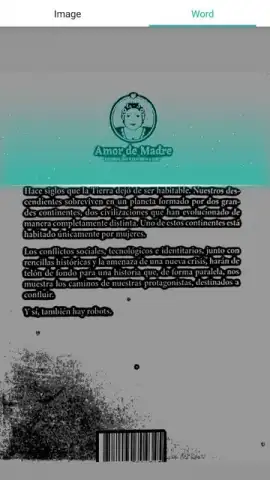
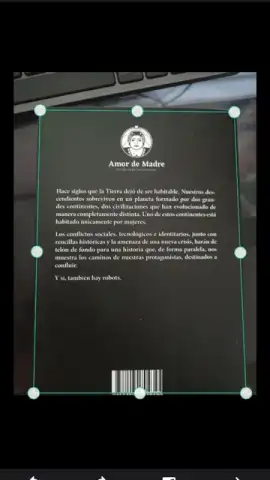
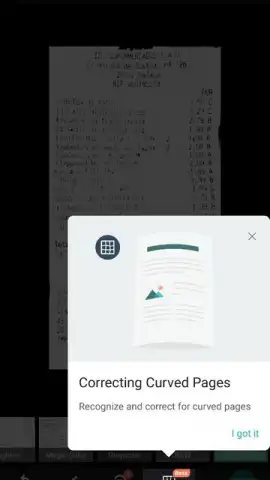
The application uses your device's camera as a scanning sensor. You capture a photo of a document, and the software automatically processes it by correcting perspective, enhancing contrast, and adjusting brightness to produce a clean, scanner-like image. This processed file can then be exported in multiple formats, including PDF, JPG, and Word, for various use cases. The built-in editor provides a suite of optimization filters specifically designed to improve text sharpness and overall document legibility, which is crucial for documents with poor original lighting, faded ink, or textured paper.
Advanced Features and Workflow Integration
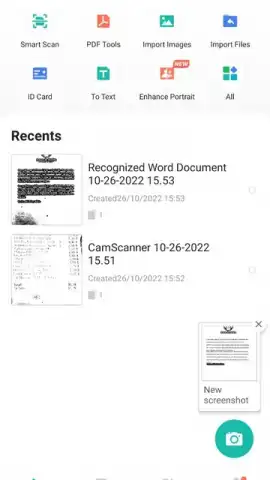
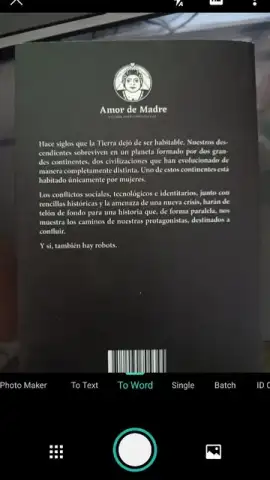
A key operational mode allows you to open the camera within the app without saving intermediate photos to your device gallery, streamlining the scanning workflow. For users requiring uninterrupted productivity and advanced tools, the Turbo subscription tier removes all advertisements and provides enhanced processing capabilities. This makes it suitable for handling large batches of documents or sensitive materials where speed and clarity are paramount. The app serves as a central hub for digitizing physical records, enabling efficient digital organization and secure cloud sharing.
- Multi-Format Export Engine: Convert scanned images into searchable PDFs, standard JPGs, or editable Word documents directly after processing.
- Intelligent Image Processing: Automatically corrects document alignment, crop, and lighting while applying clarity filters for optimal readability.
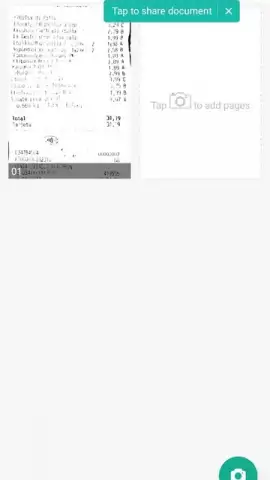
- Direct Camera Integration & Organization: Launch the scanner from within the app and manage all digitized files in a dedicated, organized digital cabinet.
Download the Mobile App Now
Gain exclusive access to a premium scanning toolkit today. New users receive limited-time access to advanced features—transform how you handle paperwork immediately. Download CamScanner now and eliminate document clutter forever.
Disclaimer: This application requires a stable internet connection for certain features and offers optional subscriptions via in-app purchases. Terms apply.
 GooglePlay


