

Smart Office
Smart Office screenshots (5)
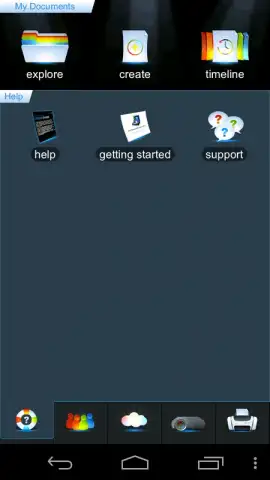
Description Smart Office
Need a true mobile office that handles every document format without the desktop hassle? Smart Office transforms your phone or tablet into a full-fledged document powerhouse, letting you create, edit, and manage Word files, Excel spreadsheets, PowerPoint presentations, and PDFs directly from your device with professional-grade precision.
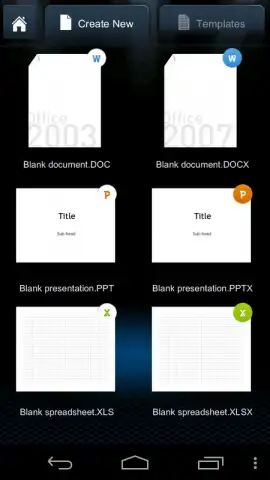
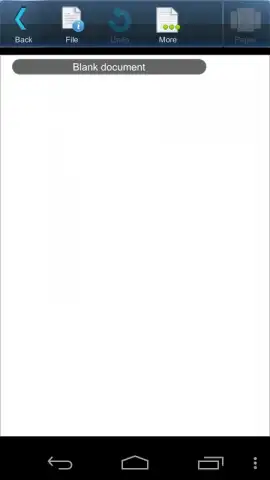
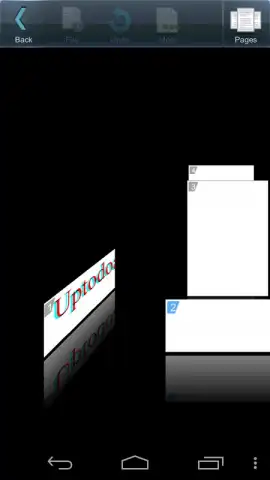
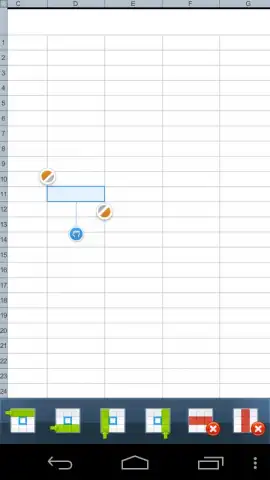
This app delivers a comprehensive suite of tools designed for serious productivity on the go. You get native support for six core formats—DOC, DOCX, PPT, PPTX, XLS, XLSX—with flawless compatibility for files from Office 97 all the way to the latest versions. The intuitive interface features a dynamic bottom toolbar that puts all essential functions at your fingertips, enabling detailed page formatting, image insertion, and multi-touch gesture controls for zooming and navigation. A unique 3D view mode lets you flip through pages visually, while advanced features like cross-document copy-paste streamline workflow by eliminating constant opening and closing of files. Jumpstart any project with fully customizable, pre-installed templates, and finalize work with robust printing support for HP PCL, Epson ESC/P-R, and Samsung SPL printer command languages.
Core Features at a Glance
- Universal Format Support – Seamlessly open, edit, and create documents, spreadsheets, and presentations in DOC, DOCX, XLS, XLSX, PPT, and PPTX formats.
- Advanced Editing Toolkit – Utilize a dedicated toolbar for precise formatting, image insertion, multi-touch zoom, and a unique 3D visual document viewer.
- Streamlined Document Management – Copy and paste content between files without switching windows and save everything to the cloud for access anywhere.
Stop compromising on mobile productivity. Download Smart Office now and get exclusive, early access to a premium-grade document suite—this streamlined power is a limited-time offering for new users.
Heads up: you'll need wifi for most cloud features. Some cool stuff is extra.


