

Captions Lite
Captions Lite screenshots (12)

Description Captions Lite
Ever Posted a Video and Immediately Regretted the Muffled Audio or Missing Captions?
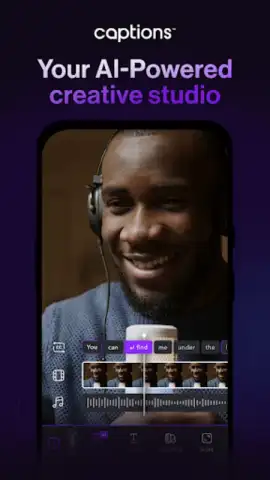
You film a perfect moment, a hilarious skit, or a crucial tutorial, only to realize nobody can understand what’s being said. The background noise drowns out the conversation, or viewers are watching on mute, scrolling right past your content. That sinking feeling ends right now. Imagine a tool that not only hears every word but transforms them into sleek, animated captions that make your videos look professionally produced. That’s the promise of Captions Lite, an AI-powered editor that turns your Android into a portable video studio, making you look like a pro without the steep learning curve.
Your New Secret Weapon for Viral-Ready Videos
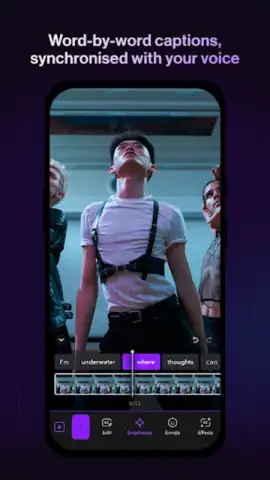
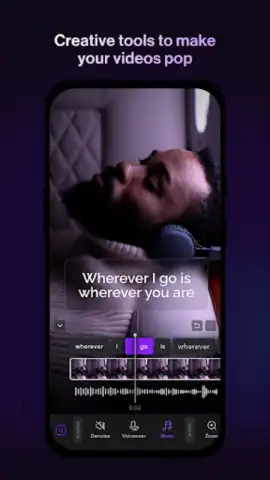
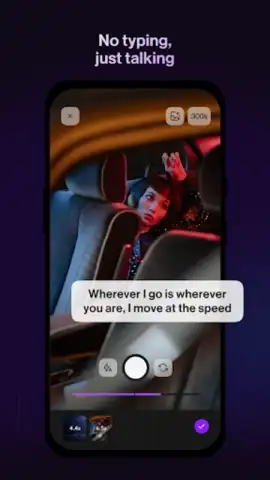
Captions Lite is built on a simple, powerful premise: your voice matters, and everyone should hear it clearly. The app uses advanced artificial intelligence for voice recognition to automatically transcribe any video you feed it. But this is far more than just basic subtitles. This is where your creative control takes over. You’re handed the keys to a vast design library, allowing you to tailor every visual detail. Choose from a diverse spectrum of fonts that match your vibe—whether it’s bold and modern or elegant and subtle. Dial in the perfect style for your captions, add smooth, cinematic transitions between text blocks, and access a whole suite of visual elements to make the words pop. What used to take hours in complex software now happens in minutes, directly on your phone.
Getting started is a seamless bridge into this creative workflow. A quick registration using your Google account or email address unlocks the platform. Once verified, you’re moments away from generating your first set of automatic subtitles. The app even lets you integrate your social media profiles right into your user account, making sharing your polished creations or managing subscription services effortlessly streamlined.
Why Captions Lite Feels Like a Premium Upgrade
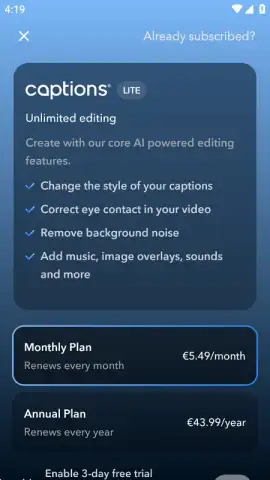
While the free version is incredibly capable, the optional Turbo subscription unlocks a true creative suite designed for serious creators. This is where the AI technology shifts from helpful to genuinely magical.
- AI-Powered Audio Cleanup: That annoying background hum from your air conditioner, the wind noise from an outdoor shoot, or the chatter in a café—simply erase it. The AI intelligently isolates speech, giving your video crisp, studio-quality audio.
- Expanded Creative Libraries: Gain access to an exponentially larger collection of caption styles, animations, and text effects. Find the exact aesthetic that fits your personal or brand identity.
- Rich Media Integration: Go beyond silence or the original audio. The premium library adds a vast selection of royalty-free music tracks and sound effects to set the perfect mood and tone for any video.
- Advanced Visual Tools: Discover unique features like the ability to tweak the appearance of different people within your clips, offering another layer of polish and fun to your edits.
Effortless Editing From Start to Spectacular Finish
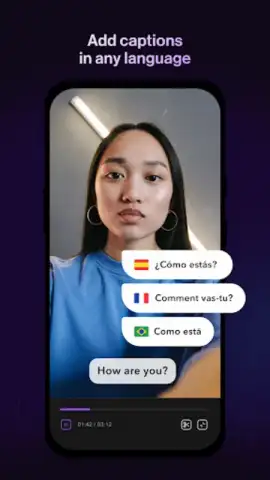
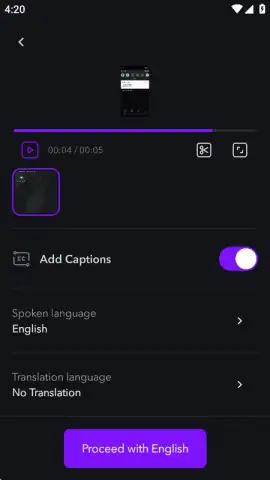
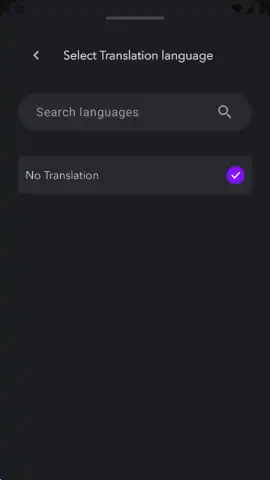
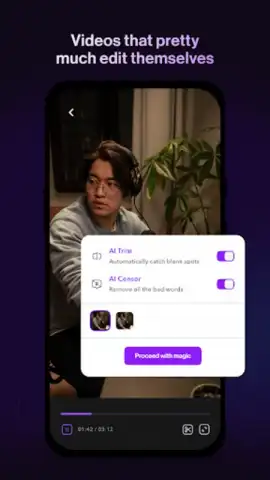
The beauty of Captions Lite lies in its elegantly simple interface. Whether you’re a seasoned editor or a complete novice, the path from raw clip to finished video is intuitive and frustration-free. You simply select the video from your gallery, let it upload for a few seconds, and specify the language for your subtitles. With a single tap, the AI processes the audio. In moments, you have a fully captioned video ready to export and share.
But the journey doesn’t have to stop there. If you want to elevate your content, the editor invites you to dive deeper. Before hitting export, you can seamlessly add those eye-catching effects, smooth transitions, and a backing track. It’s a streamlined process that encourages experimentation, letting you refine your video until it’s exactly as you envisioned, all within one powerful app.
Transform Your Content Game Today
Stop letting great moments get lost in poor audio or silent feeds. Captions Lite delivers one of the simplest, most effective ways to inject professional-grade subtitles and polish into any video. The AI handles the heavy lifting in seconds—you just select your clip and let the app work its magic. It’s that straightforward. This is the tool that bridges the gap between what you capture and what the world actually sees and hears.
Don't just share videos—share experiences that everyone can engage with. Download Captions Lite now and claim your creative advantage!
Internet required. IAP available.
 GooglePlay


