
Chrome Remote Desktop
Chrome Remote Desktop screenshots (4)
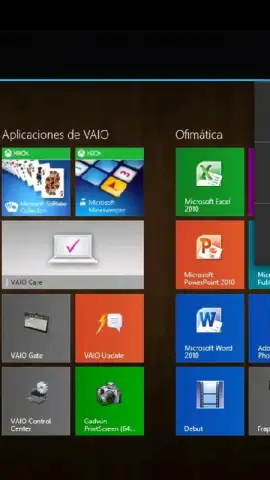
Description Chrome Remote Desktop
Imagine needing a file from your home computer while you're miles away, or having to guide a family member through a tech issue without being in the same room. That feeling of being tethered to a single machine dissolves with the right tool. Chrome Remote Desktop transforms your Android phone into a universal key for your computers, offering a seamless bridge between your mobile life and your desktop power.
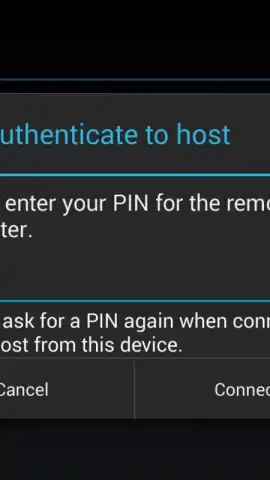
This free application from Google provides a straightforward, secure portal to remotely access and control computers from your Android device. The connection is established through the Chrome browser ecosystem, creating a reliable link to any computer you use regularly. Setup is designed for simplicity, not technical complexity. You begin by installing the Chrome Remote Desktop host component on your computer—be it a Windows PC, a Mac, or a Linux machine. Then, with the companion Android app on your phone, you link the devices using your Google account. Within minutes, you establish a persistent, secure connection that lets you reach your desktop environment from anywhere with an internet connection.
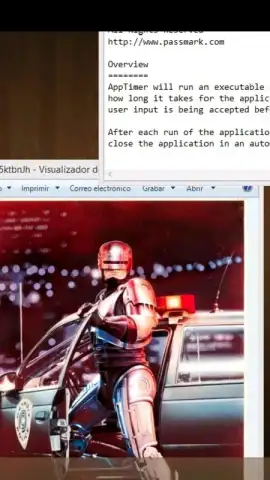
The experience is streamlined and powerful. You interact with your computer's full interface directly from your phone's screen, using intuitive touch gestures for clicking, scrolling, and navigation. The application leverages the open WebRTC standard for its connections, which prioritizes security and privacy for every session, ensuring your remote interactions are protected. Performance is a key focus; the technology enables smooth streaming of your computer's screen, including audio and video playback, even from networks with higher latency. This allows you to perform real work—edit documents, launch specialized software, manage files, or provide remote assistance—as if you were physically seated at the desk.
Core Advantages of Remote Access
- Universal Computer Access: Gain full control over computers running Windows, macOS, or Linux from a single, unified app on your Android device, eliminating platform-specific hurdles.
- Zero-Cost Solution: The application is completely free to use, with no subscription fees, tiered plans, or advertisements cluttering the remote session experience.
- Enterprise-Grade Security: Built on Google's secure infrastructure and the WebRTC protocol, all remote sessions are encrypted, safeguarding your data and privacy during every connection.
- High-Fidelity Streaming: Experience responsive video and audio streaming that makes interacting with multimedia content and applications genuinely practical from a remote location.
- Simplified Connection Management: Your paired computers are securely listed in the app for one-tap access, removing the need to remember complex IP addresses or configure intricate network settings.
Stop being physically bound to your computer to access its resources. Unlock a new level of mobility and productivity by bringing your complete digital workspace directly to your pocket. Transform your Android device into a powerful remote control for your digital life.
Download the Chrome Remote Desktop mobile app now and command your computer from anywhere.
Internet required. IAP available.
 GooglePlay


