

Circle Remote
Circle Remote screenshots (3)
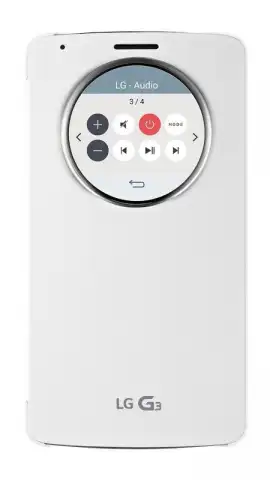
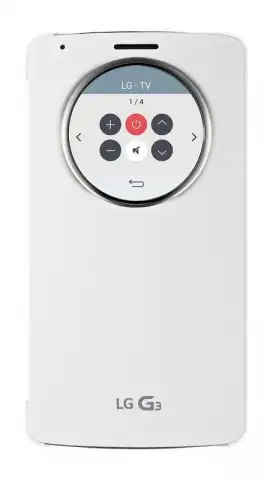
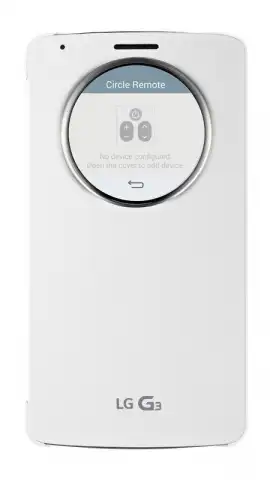
Description Circle Remote
A Universal Remote That Unifies Your Scattered Entertainment
Managing a living room filled with disparate devices—smart TVs, streaming sticks, soundbars, and media boxes—often means juggling multiple remotes and dealing with incompatible control schemes. Circle Remote addresses this common frustration by transforming your Android smartphone into a centralized, intelligent control hub. It bypasses the clutter by creating a unified interface that speaks the language of your various infrared and Wi-Fi based hardware, turning complex setups into a seamless operation.
Core Functionality and Control Mechanics
The app operates by combining a database of control codes with the hardware capabilities of your phone. For devices with an infrared (IR) blaster, it emits precise command signals. For network-enabled smart devices, it establishes direct communication over your local Wi-Fi. The setup process involves selecting your device manufacturer and model from an extensive, categorized list. Once configured, the app presents a clean, customizable remote interface on your screen. The primary mechanics involve navigating menus, adjusting volume, changing channels, and launching apps, all from a single, logically organized panel. Advanced features may include creating macros—single-button commands that execute a sequence of actions, like "Watch Movie," which could power on the TV, switch to the correct HDMI input, and dim the lights via a compatible smart home system.
Key Advantages and User Experience
The principal strength of Circle Remote lies in its consolidation of control and its focus on user-centric design. The interface prioritizes clarity over visual noise, with sensible button grouping and optional themes for better visibility. Performance is dependent on your device's IR hardware strength and network latency, but the app itself is optimized for rapid response, minimizing lag between button press and command execution. Its utility is universal, designed not as a branded accessory but as an independent tool that gains value as your home entertainment ecosystem grows more complex.
- Extensive Device Library: Quick setup with support for thousands of TV, audio, and set-top box models from global manufacturers.
- Customizable Interface: Rearrange buttons, create favorite panels, and adjust layouts to match your daily usage patterns.
- Smart Activity Macros: Program one-touch routines that control multiple devices in sequence for complex entertainment scenarios.
We suggest trying Circle Remote if you're tired of remote clutter and seek a streamlined, modern way to interact with your home theater setup.
Download mobile app now.
Heads up: you'll need wifi for controlling smart devices and updating the remote database. The IR blaster feature requires your phone to have built-in infrared hardware.


