

ClickUp (Old)
ClickUp (Old) screenshots (12)
Description ClickUp (Old)
Tired of Juggling a Dozen Apps Just to Get Work Done?
You know the feeling. Your tasks are scattered between sticky notes, email threads, and three different project tools. Your team’s communication is lost in Slack, while files are buried in Dropbox. You’re constantly switching contexts, wasting precious time just trying to remember where everything is. What if you could finally bring order to the chaos, right from your phone? Imagine a single, powerful command center that replaces that entire messy stack of apps. That’s the experience waiting for you with ClickUp. This isn’t just another task manager; it’s a complete productivity platform designed to consolidate your entire workflow into one beautifully simple, endlessly customizable interface on your Android device. Stop letting disorganization drain your energy and start orchestrating your projects with clarity and control.
Your All-in-One Workspace, Tailored to Your Brain
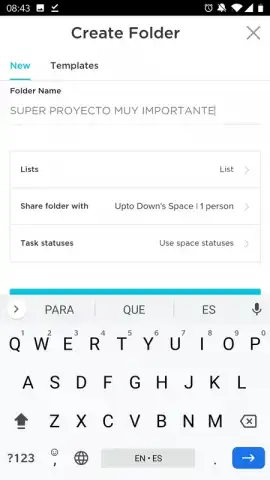
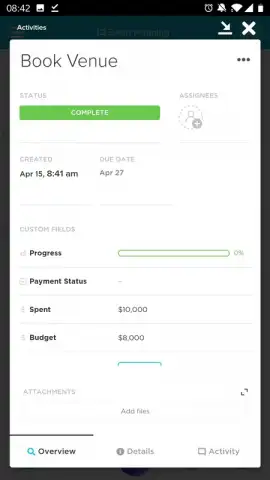
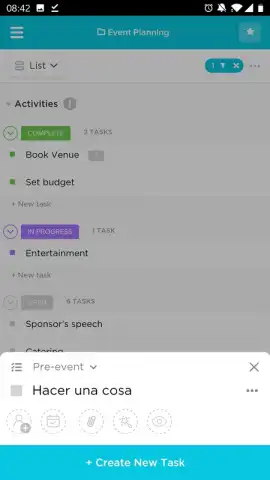
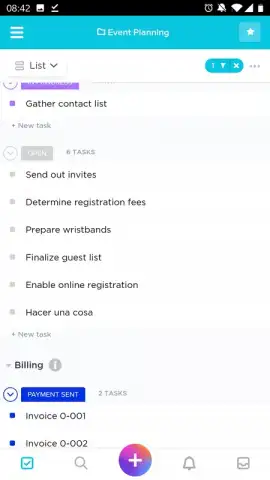
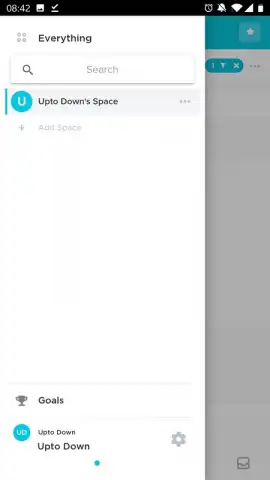
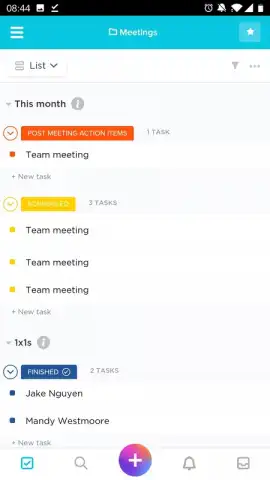
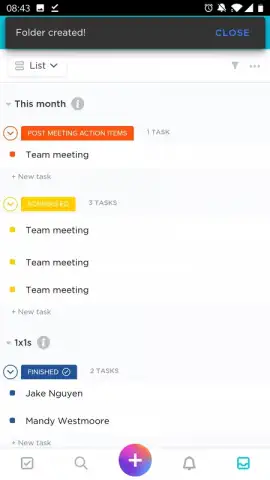
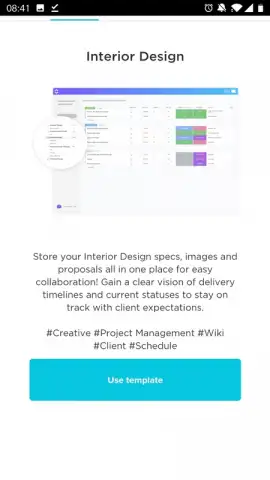
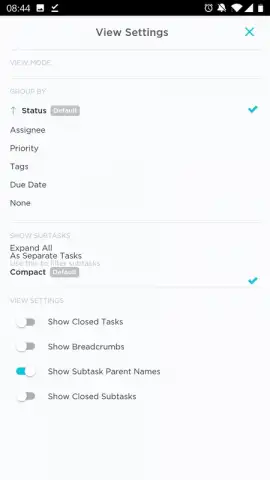
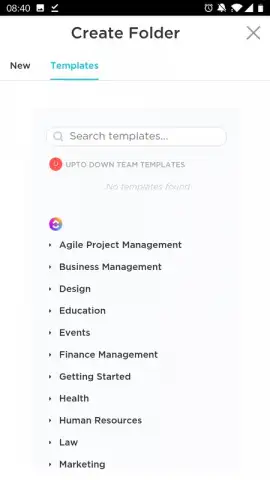
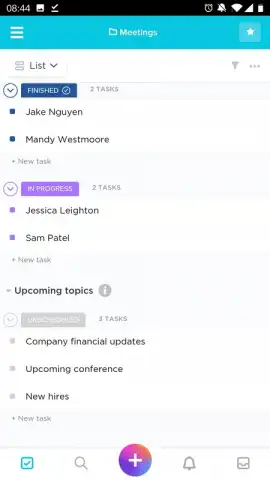
ClickUp understands that no two projects or people work the same way. Instead of forcing you into a rigid system, it gives you the building blocks to create a workspace that perfectly mirrors how you think and operate. You’ll start by creating dedicated Spaces for each major area of your life or work—be it a marketing campaign, a product launch, or even planning a personal event. Inside each Space, you build out your process using highly visual Boards. Picture a digital whiteboard where every task is a clear, movable card. You can create a board for each department, client, or phase of a project. The magic happens inside each card: you break down big, daunting tasks into manageable steps with detailed checklists, add notes, attach files, and set deadlines. It feels like giving every project a clear, actionable blueprint. And if you’re not sure where to start, you can jump in instantly using dozens of pre-built templates for everything from agile sprints to content calendars, effectively borrowing the battle-tested workflow plans of successful companies.
The true power of ClickUp unlocks when you connect everything. You’re not abandoning the tools your team already uses; you’re bringing them all together. Seamlessly import your existing projects from Trello, Asana, Todoist, or Basecamp in just a few clicks—no starting from scratch. Then, integrate with the other pillars of your workday: get Slack notifications for task updates, attach files directly from Dropbox, track time with Toggl, and manage development cycles with GitHub or GitLab. This deep connectivity means you can finally close those fifteen browser tabs and focus. All your communication, assets, tasks, and goals live in one synchronized hub, eliminating the frantic search and context-switching that kills productivity. The mobile app delivers this entire unified experience without compromise, ensuring you can manage, comment, and check off tasks whether you’re at your desk or on the go.
- Consolidate every tool into one customizable productivity platform on your device.
- Organize work with visual Boards and task Cards for personal or team projects.
- Break down complex tasks using detailed checklists, notes, and file attachments.
- Jumpstart any project instantly with dozens of professional, pre-built templates.
- Sync and import data from Trello, Asana, Slack, Dropbox, and many other apps.
We suggest trying ClickUp to finally unify your scattered workflow and experience what true productivity feels like. Consider downloading this powerful all-in-one workspace today.
Download the ClickUp mobile app now.
Heads up: you'll need wifi for most syncing and collaboration features. Some advanced functionality and integrations are part of optional premium plans.


