

ClipDrop
ClipDrop screenshots (7)
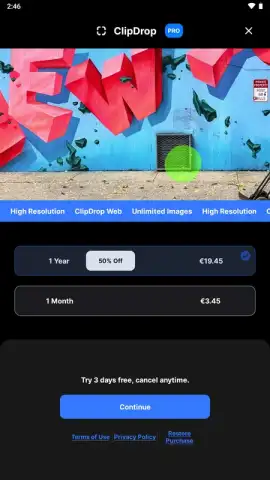
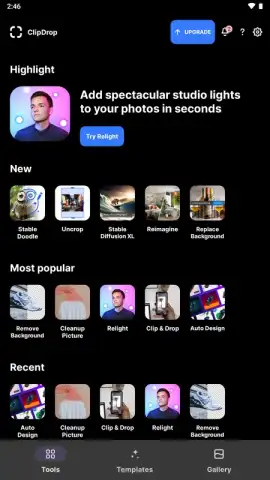
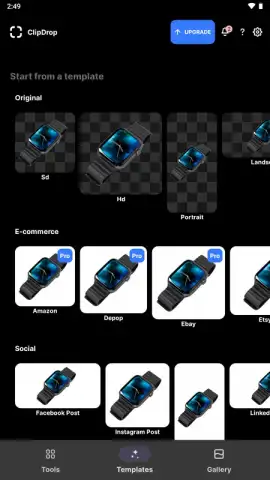
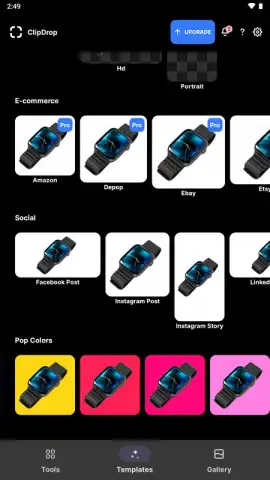
Description ClipDrop
A New Reality for Your Photos
Imagine needing a specific object for a project—a vintage lamp, a tropical plant, a piece of sleek tech—but you don't have it on hand. Traditionally, you'd scour stock photo sites, often settling for images that don't quite fit your vision. ClipDrop redefines this process by allowing you to capture objects from the real world with your phone's camera and instantly place them, with a clean background, into any digital workspace on your computer or mobile device. It effectively bridges the gap between physical reality and digital creation, turning your environment into a direct source of assets.
Core Functionality and Tools
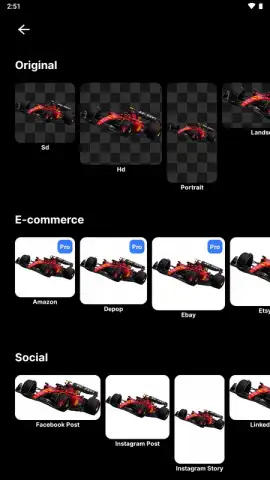
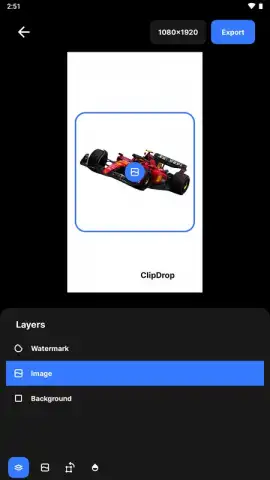
ClipDrop operates on advanced machine learning models developed by Init ML, functioning as a practical toolkit for visual content creation. Its primary mechanic is the seamless extraction of subjects from their surroundings. You simply point your camera at an object, tap to capture, and the app's AI delineates the subject with impressive precision, removing the background entirely. This "dropped" image can then be instantly synced to a paired desktop application or saved directly to your device's gallery. Beyond simple capture, the suite includes tools for cleaning up images by removing unwanted objects or text, upscaling low-resolution pictures for greater clarity, and relighting virtual 3D models using a real-world light source captured through your camera. It is less about applying filters and more about providing raw, editable components for graphic design, presentations, social media content, and digital art.
Key Operational Advantages
The app's strength lies in its focused utility and technical execution. The background removal is notably fast and accurate, even with complex subjects like hair or translucent materials, which are typically challenging for automated tools. The cross-platform workflow between mobile and desktop is streamlined, reducing friction for users who create across multiple devices. Furthermore, by leveraging on-device processing where possible, it maintains a respect for user privacy and allows for functionality without a constant internet connection. The interface is deliberately minimal, putting the sophisticated technology behind a simple point-and-shoot interaction that feels immediate and powerful.
- Precision Object Capture: Instantly extract any subject from a photo or live camera feed with clean, cut-out edges.
- Cross-Platform Instant Sync: Send captured images directly to a desktop app for use in Photoshop, Figma, or PowerPoint.
- AI-Powered Cleanup Tools: Remove defects, text, or objects from images and upscale photos using generative AI models.
We suggest trying ClipDrop to experience a tangible upgrade to your creative workflow, turning everyday objects into immediate digital assets.
Download mobile app now
Disclaimer: This application requires an internet connection for certain advanced features and synchronization. It may offer in-app purchases for additional functionality or subscription plans. The app is rated for general audiences. Data usage applies when syncing assets and using cloud-based processing features. Ensure your device meets the minimum requirement of Android 8.0.


