

CLONEit - Batch Copy All Data
CLONEit - Batch Copy All Data screenshots (7)
Description CLONEit - Batch Copy All Data
Imagine the moment you unbox a brand new Android phone. The excitement is real, but then comes the daunting task: moving everything over. Contacts, photos, messages, apps, and settings—it feels like a project that could take hours. What if you could complete that entire transfer in the time it takes to drink a coffee? That’s the reality CLONEit - Batch Copy All Data delivers. This powerful utility from SHAREit Technologies transforms device migration from a chore into a swift, seamless process, leveraging high-speed local transfers to get you set up on your new device in minutes, not hours.
Core Functionality & Performance
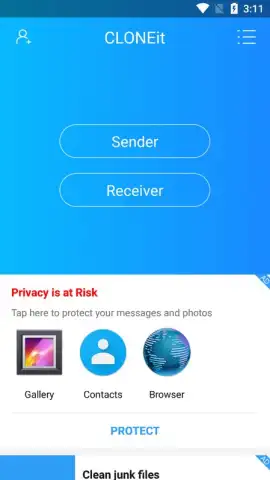
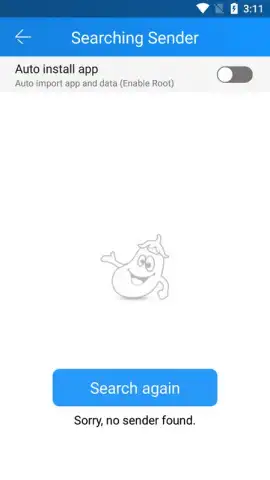
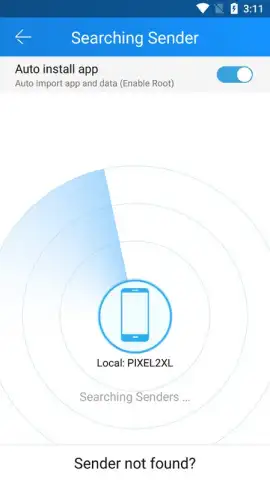
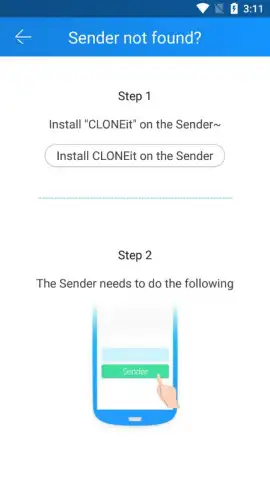
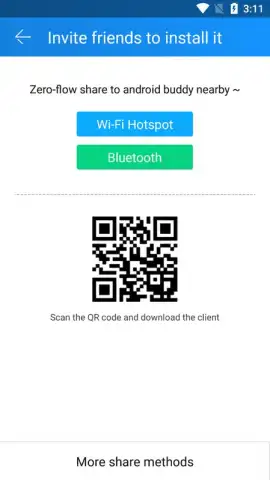
CLONEit operates on a simple sender-receiver principle but is engineered for exceptional performance. After installing the app on both your old and new Android devices, you designate one as the Sender and the other as the Receiver. The apps connect directly over a local Wi-Fi network, establishing a secure and stable channel for data migration. The standout technical specification is its transfer speed, capable of reaching up to 20 MB/s. This is significantly faster than traditional Bluetooth transfers and avoids the data costs or potential security concerns of cloud-based backups. The process is not just fast; it's comprehensive. You maintain full control, selecting exactly which data categories to migrate before initiating the copy operation.
What You Can Transfer in One Batch
The "Batch Copy All Data" name is a precise description of its capability. CLONEit is designed to handle a massive range of data types in a single, consolidated operation, eliminating the need for multiple specialized apps.
- Personal & Communication Data: Securely transfer your complete contact list, SMS message history, and detailed call logs.
- Application Ecosystem: Move your installed APK files and, critically, their associated application data and settings to maintain your progress.
- Media Libraries: Batch copy all your photos, personal videos, and audio files from your device's internal storage.
- System & Organizational Data: Migrate your calendar events, reminders, and even customizable system settings and preferences.
- Expanded Storage Content: Clone the entire contents of your SD card, including documents and other files, to the new device.
The entire migration process is remarkably streamlined. Once your devices are paired and your data is selected, the transfer proceeds automatically. Depending on the total volume of data on your source device, a full clone can be completed in roughly five to ten minutes, getting you to a fully personalized new phone almost immediately. The app provides a clear progress indicator, so you’re never left wondering how much longer it will take.
Ready to experience a stress-free device switch? This is a limited-time opportunity for new users to access premium-grade data transfer technology at no cost. Download CLONEit - Batch Copy All Data today and make your next Android upgrade your easiest ever!
Internet required. IAP available.


