

CMC Image Scanner
CMC Image Scanner screenshots (8)
Description CMC Image Scanner
Turn Your Phone Into a Professional Document Hub
Stop juggling loose papers and struggling with bulky office scanners. Your Android device holds the power to transform any document, receipt, or whiteboard note into a crisp, organized digital file instantly. CMC Image Scanner unlocks that potential, converting your smartphone or tablet into a portable scanning station, PDF creator, and fax solution all in one. This tool eliminates the clutter, letting you capture physical objects and files with your camera and save them directly as high-quality PDFs or JPEGs. The process is streamlined from start to finish, allowing you to merge multiple scans into a single PDF and share or upload your digitized documents to cloud services in moments, unifying your entire document management workflow.
Experience Uninterrupted, Precision Scanning
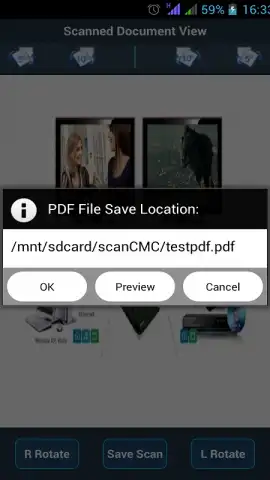
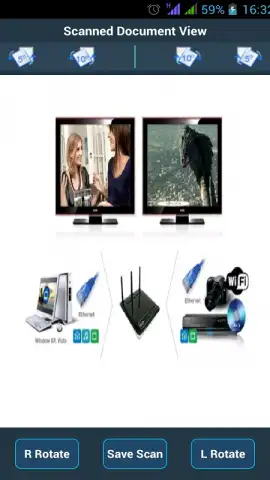
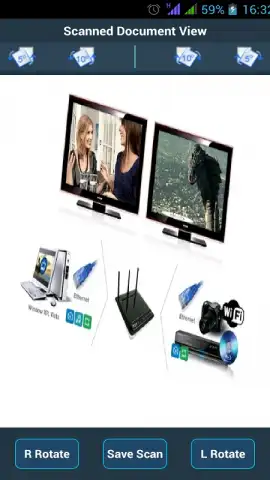
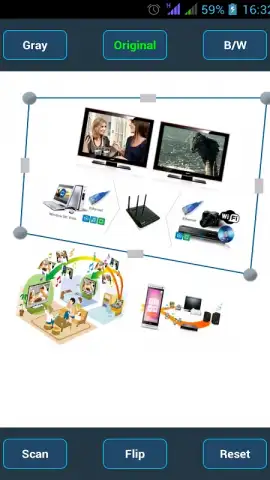
The application provides a focused environment for perfect digitization. You initiate a scan either by capturing a new image using your device's built-in camera or by selecting a pre-existing image file from your gallery. Once captured, you take full control over the output. Adjust the scanning area with precision by modifying the borders of the capture rectangle, ensuring no extraneous background is included. Correct alignment with a simple rotate function, turning your file in 90-degree increments or finer intervals for absolute straightness. Save your work in standard formats, choosing A4 for professional PDFs or various photo sizes for JPEGs, guaranteeing compatibility for any use case.
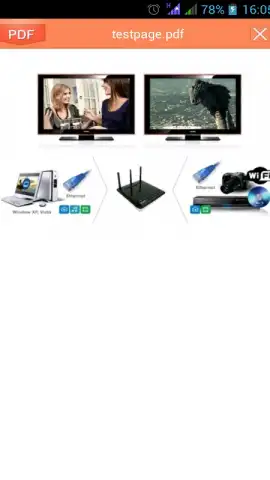
A key part of the experience is the complete absence of disruptive advertisements, creating a fluid and professional workflow. Viewing your creations is equally straightforward, using the integrated image viewer or any PDF reader already installed on your device. Sharing those documents becomes a seamless extension of the process. Send files directly via Bluetooth, email them to colleagues, or upload them instantly to cloud storage platforms like Google Drive and Dropbox without leaving the app.
- Multi-Function Device: Acts as a mobile scanner, PDF creator, and fax machine, consolidating multiple office tools into one application on your phone.
- Flexible Capture: Scan objects or documents using your device's camera or convert existing images in your gallery into scanned documents.
- Editing Control: Precisely customize the scan area by adjusting the border rectangle and correct document alignment with rotation tools.
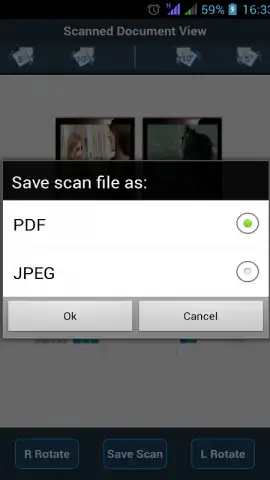
- Format & Output: Save digitized files in high-quality formats including A4-sized PDFs and various JPEG photo dimensions for versatility.
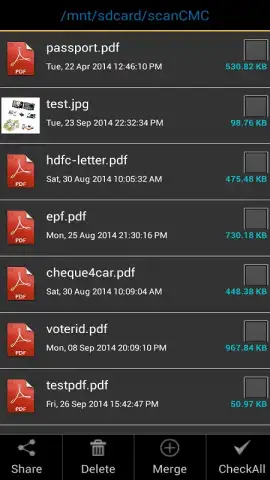
- Document Management: Combine several PDF files into one consolidated document for better organization.
- Instant Sharing & Cloud Integration: Effortlessly share scans via Bluetooth or email, or upload directly to Google Drive and Dropbox.
- Ad-Free Interface: Enjoy a clean, uninterrupted scanning experience with no advertisements cluttering the workspace.
- Universal Viewing: Open and review your scans with the built-in image viewer or any default PDF reader on your Android device.
- Complete Package: A free-to-download tool offering lifetime free use with premium-grade scanning capabilities and no hidden data usage.
This application emerges as an essential tool for anyone needing to maintain a digital record of physical items. It is perfectly suited for archiving meeting notes, preserving lecture materials, digitizing receipts for expense reports, or saving important personal documents. The user interface is designed for accuracy, ensuring the integrity of the original object is maintained in the digital copy. Integrate CMC Image Scanner into your daily routine to experience the efficiency and order of a truly digital workflow.
Download this mobile app now and banish paper chaos forever! Get it immediately to start scanning like a pro!
Disclaimer: An internet connection may be required for cloud uploads and sharing features. The app is free to download and use.


