

Cockpit
Cockpit screenshots (5)
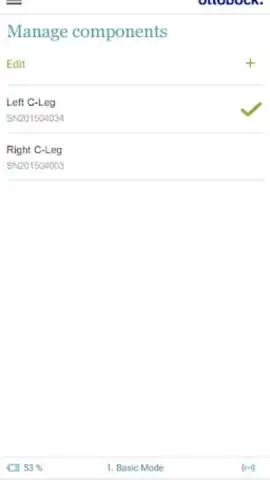
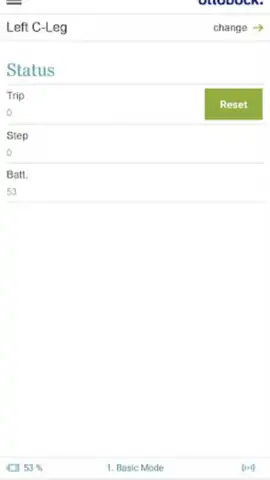
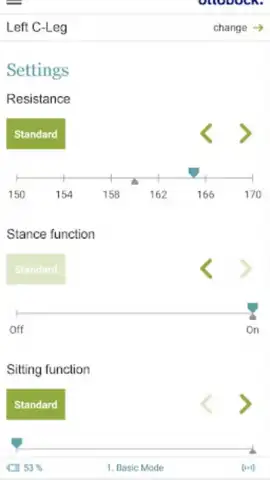
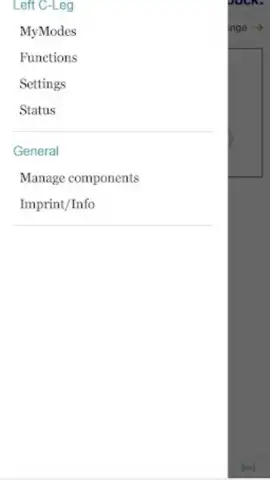
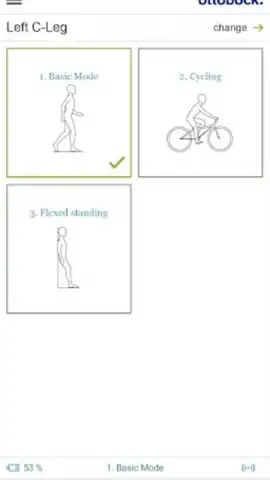
Description Cockpit
A dedicated control platform transforms prosthetic and orthotic management from routine maintenance into a personalized extension of self.
The Cockpit app, developed by Ottobock, functions as a sophisticated digital bridge between user and device. It moves beyond basic monitoring to offer granular, real-time control over compatible electronic prostheses and orthoses. This is not a generic health tracker; it is a specialized configuration tool designed to adapt high-tech medical devices to the nuanced demands of daily life. The interface provides a clear dashboard showing critical data like component status and battery levels, turning abstract device information into actionable insight.
Core functionality is built around customization, activity-specific profiles, and proactive device care.
Users can delve into detailed parameter adjustments, enabling or disabling specific features to fine-tune performance for comfort and efficiency. The standout feature is the library of selectable MyModes—pre-configured profiles that instantly optimize the device for activities like cycling or a bent-knee standing position. The app also manages the practicalities of owning advanced hardware, allowing easy switching between multiple saved components, setting personalized auditory alerts, and tracking mobility metrics via integrated step counters. It introduces a preventative layer to device care through automated service date reminders, aiming to reduce unexpected downtime.
- Activity-Optimized MyModes: Instantly switch between pre-set configurations, such as a dedicated cycling mode, to match your device to your current task.
- Granular Device Parameter Adjustment: Personally fine-tune performance by enabling, disabling, and calibrating specific functions for a truly individualized fit.
- Proactive Component Management: Monitor battery life, track steps, set service reminders, and seamlessly switch between multiple saved components from one central hub.
The application’s available features and modes vary depending on the specific Ottobock component in use, and compatibility may be limited for some older models. However, for supported devices, Cockpit stands as a comprehensive solution for intuitive and flexible orthotic and prosthetic management. We suggest trying the Cockpit app to experience direct, personalized control over your device’s performance.
Download the Cockpit mobile app now for precise device management.
Internet required. IAP available.
 GooglePlay


