

Collabora Office
Collabora Office screenshots (15)
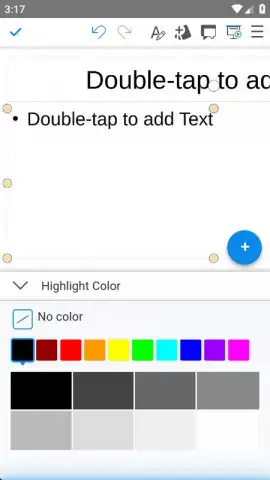
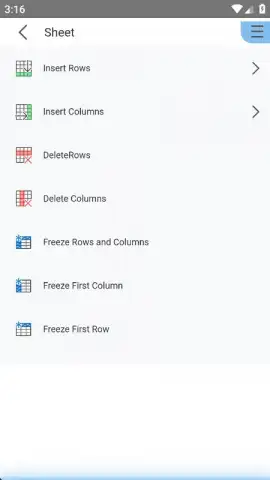
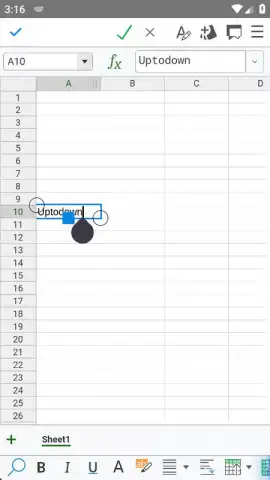
Description Collabora Office
A Document Workflow Without Limits
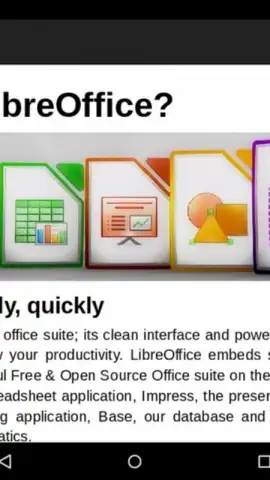
Imagine needing to edit a critical spreadsheet sent from a colleague who uses a different office suite, or opening a legacy presentation file on your mobile device during a commute. File format barriers and subscription fees often disrupt this flow. Collabora Office for Android removes these obstacles by providing a professional-grade, open-source office suite that operates with complete freedom. Built upon the robust LibreOffice engine, this application delivers a comprehensive toolset for creating, editing, and reviewing documents directly on your device, with a development model focused on continuous enhancement of features, stability, and format support.
Core Functionality and Cross-Platform Operation
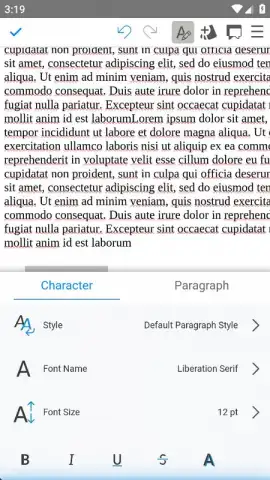
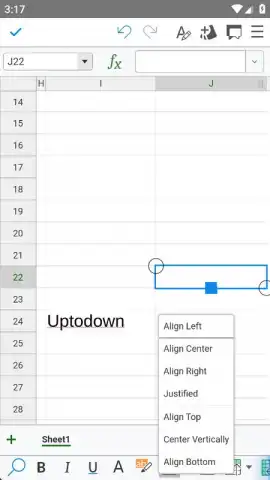
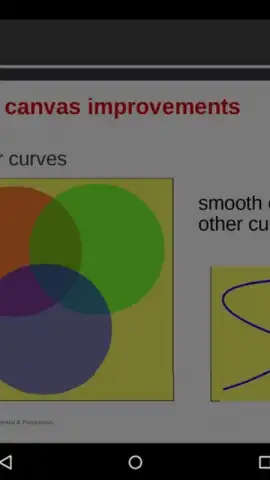
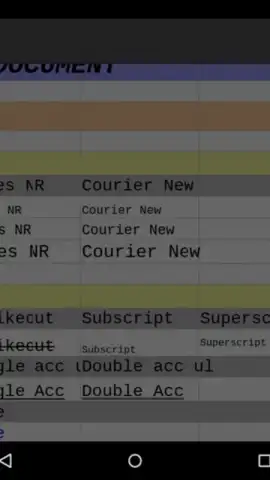
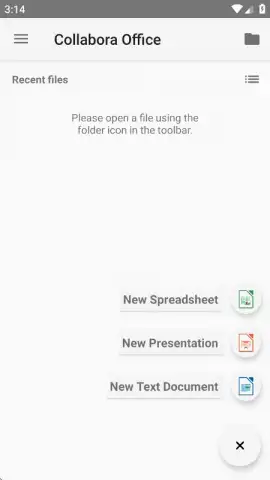
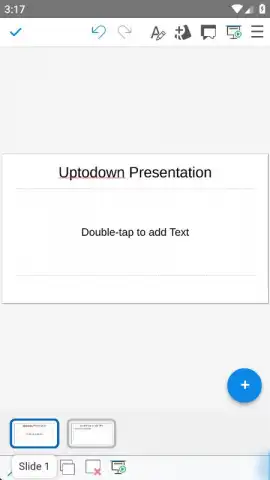
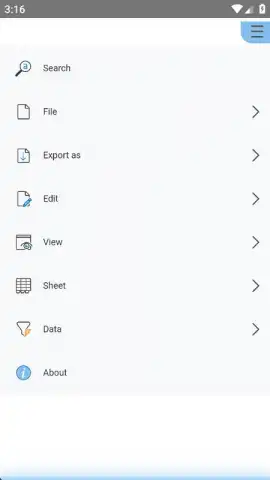
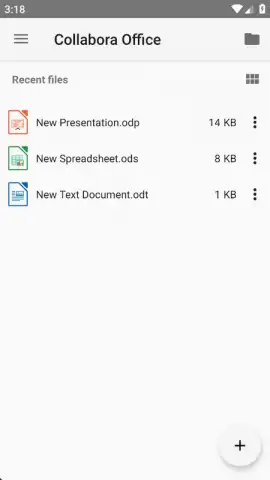
The application presents a clean home tab where initiating a new project is a streamlined process. Tapping the '+' button reveals options to start a text document, spreadsheet, or presentation. After naming the file and selecting a storage location, either locally or on connected cloud services, you gain access to a full editing interface. For text documents, this includes precise controls for font management, paragraph spacing, advanced spell-checking, and image embedding. Spreadsheet tools encompass formula entry, cell formatting, and chart creation, while presentation mode offers slide templates, transition effects, and object animation.
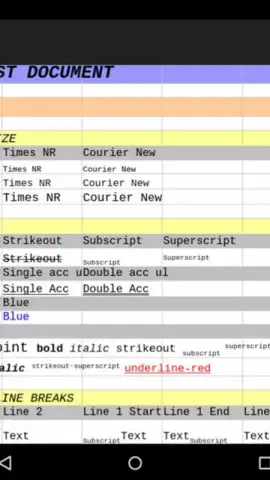
Format compatibility is a foundational feature, with the engine supporting an extensive range of file types. This includes native OpenDocument formats (.odt, .ods, .odp), modern Microsoft Office XML formats (.docx, .xlsx, .pptx), and legacy binary formats from older Office versions (.doc, .xls, .ppt). Documents are opened, edited, and saved without conversion errors or layout corruption. The application is part of a wider ecosystem, with desktop versions available for Windows, macOS, and Linux, enabling a seamless workflow across all your devices. The mobile app itself is engineered for performance, ensuring complex documents remain responsive even on mid-range hardware.
- Create and edit text documents, spreadsheets, and presentations with a full toolbar of advanced formatting and layout tools.
- Open and save files in all major formats including Microsoft Office, OpenDocument, and legacy document types without compatibility issues.
- Utilize a completely ad-free interface with no subscriptions, powered by the open-source LibreOffice technology core.
- Maintain workflow continuity with cross-platform availability across Android, Windows, macOS, and Linux operating systems.
- Benefit from a lightweight application that receives regular updates for new features, enhanced stability, and security improvements.
Start managing your documents with professional tools and absolute format freedom. Download the mobile app now and transform your device into a complete mobile office.
Disclaimer: This application requires an internet connection for initial download and certain cloud services. The core office functionality operates offline. The app is free and open-source; no in-app purchases are required for full feature access.
 GooglePlay


