
CollartAI
CollartAI screenshots (13)
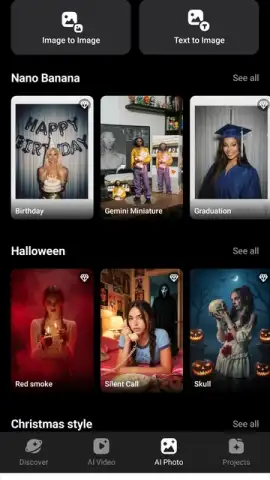
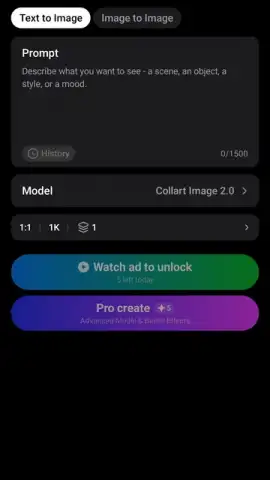
Description CollartAI
Ever wished you could turn your simple photos or rough ideas into stunning, animated videos without spending hours learning complex software? What if an AI assistant could handle the technical heavy lifting, leaving you free to focus purely on your creative vision?
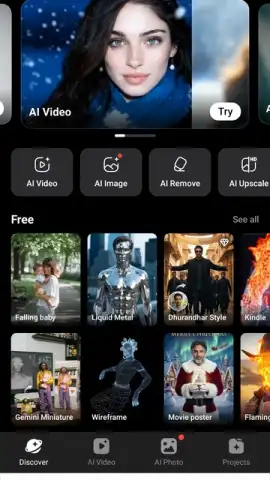
CollartAI positions itself as that creative partner, a mobile video editor that uses artificial intelligence to bridge the gap between your imagination and a polished final clip. The core promise is automation: you provide the raw material, and the app's algorithms work to animate, style, and sequence it into a dynamic video. This process is designed to feel less like manual editing and more like guiding an intelligent tool. You start by either selecting images directly from your phone's gallery or by typing a descriptive idea of the scene you want to create. The AI then interprets this input, applying movement, transitions, and visual flair to generate a complete video draft. The experience is built around minimizing menus and technical settings, aiming to deliver a streamlined path from a static concept to a shareable motion piece.
Transforming Static Images into Moving Stories
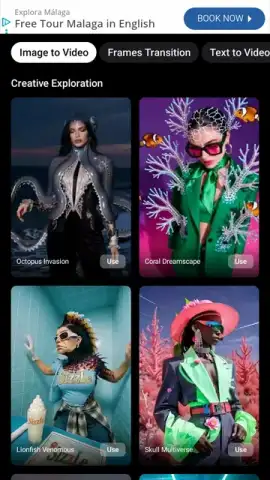
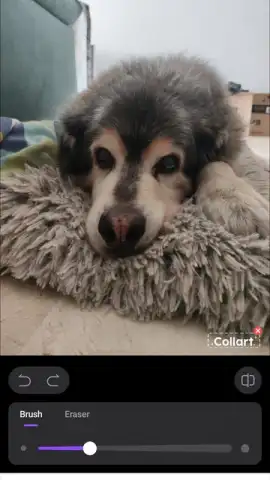
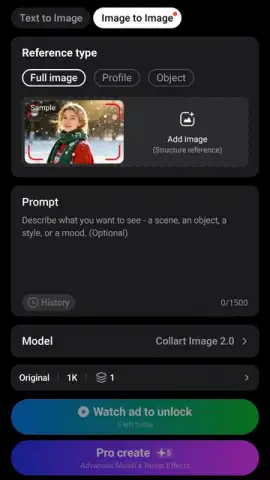
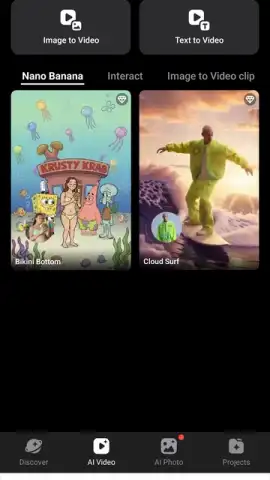
The primary function is converting your existing photos into animated videos. The app analyzes each image and applies automated AI processes to introduce subtle or dramatic motion, effectively bringing your memories or compositions to life. You are not required to set keyframes or understand animation timelines; the system proposes the movement for you. This could mean a gentle pan across a landscape, a focused zoom on a subject's face, or simulated camera movements that add a cinematic feel to otherwise still shots. The transformation happens after you make your selection, allowing you to quickly see a new interpretation of your personal media.
Generating Video from Text Prompts
Beyond your gallery, CollartAI offers a more conceptual starting point. You can describe a scene, a mood, or an idea through text, and the application will work to generate visual content that matches your prompt. This feature acts as a creative spark, especially when you have a clear vision but lack the specific images. You might type "a serene sunset over mountains" or "a cyberpunk city street at night," and the AI utilizes its resources to find or create visuals that align with your request, then assembles them into a coherent video sequence. It serves as both an idea generator and a rapid prototyping tool for visual concepts.
Accessing a Library of AI-Powered Styles and Effects
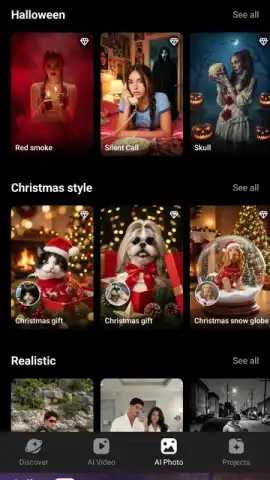
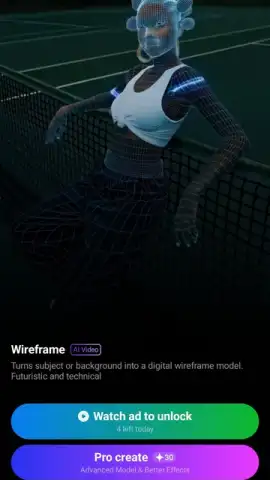
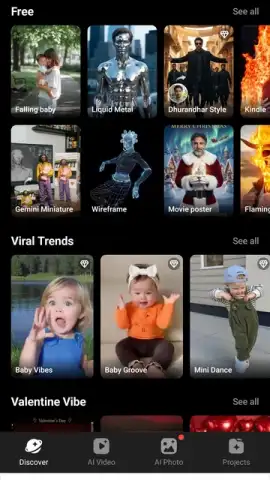
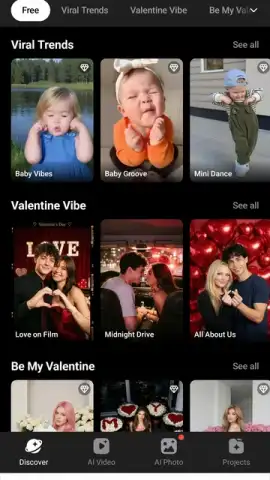
To further customize the automated output, the app provides access to a range of pre-set visual styles and AI-generated effects. These are more than simple filters; they are comprehensive thematic treatments that can alter the color grading, texture, and overall artistic feel of your entire video. You might explore options that make your footage resemble an oil painting, a vintage film reel, a sketch animation, or a modern graphic art piece. The process involves browsing these styles one by one and applying them to see how they fundamentally change the atmosphere of your creation, allowing you to tailor the final look to match the intended emotional tone or platform aesthetic.
Streamlined Editing for Social Media Content
Recognizing that most creations are destined for social platforms, CollartAI optimizes the entire workflow for this purpose. The automated editing choices, including pacing, transition styles, and aspect ratios, are geared toward producing clips that are designed to capture attention in crowded feeds. The goal is to enable you to produce content that looks professionally crafted, thereby enhancing your social media profile with eye-catching videos that stand out. The app handles the technical optimization so you can concentrate on the creative direction, making consistent content creation more accessible.
An Ad-Free Experience with Turbo Mode
The application offers a Turbo mode, which, when activated, removes all advertising from the editing environment. This provides an uninterrupted creative session where you can focus solely on your project without disruptive pop-ups or banners. The mode is presented as a key benefit for serious editing, ensuring a smooth and immersive user experience from start to finish.
- Automated Video Creation: Transform static photo albums into animated video sequences using AI-driven motion analysis.
- Text-to-Video Generation: Input descriptive text prompts and let the AI build a video concept around your written ideas.
- Diverse Visual Styles: Apply a variety of AI-crafted artistic filters and thematic effects to define the look of your entire project.
- Simplified Editing Workflow: Rely on automated transitions, animations, and sequencing to minimize manual timeline editing.
- Social Media Optimization: Create videos with formats and visual impact tailored for platforms like Instagram, TikTok, and YouTube.
- Ad-Free Turbo Mode: Enjoy an uninterrupted creative process by removing all advertisements within the application.
- Beginner-Friendly Design: Start video editing with no prior skills, using an intuitive interface that guides you from import to export.
We suggest trying CollartAI if you want to explore video creation where the AI handles complex animation tasks. Consider downloading the app to quickly produce engaging, stylized content for your social channels directly from your mobile device.
Disclaimer: This application requires an internet connection for full functionality, including AI processing and access to style libraries. It may contain in-app purchases for premium features or subscriptions. Please be aware of potential data usage charges when using the app online. Always check the product description for age ratings and review the app's privacy policy regarding data collection and usage.
 GooglePlay


