

ColorOS My Files
ColorOS My Files screenshots (20)
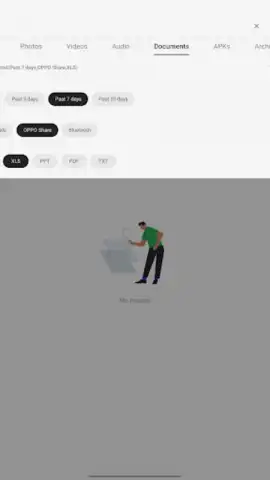
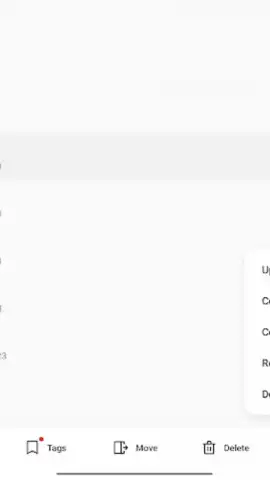
Description ColorOS My Files
Tired of Your Phone's Files Feeling Like a Messy, Uncontrolled Drawer?
You know the feeling. You need that one document, a specific photo, or want to clear some space, but digging through your phone's storage is a frustrating hunt. Default file systems often leave you swiping through endless, unorganized lists. What if you had a dedicated, powerful command center for every single file and app on your OPPO device? That precise control is exactly what ColorOS My Files delivers. This isn't just another app; it's the integrated system file manager built directly into your ColorOS experience, designed to turn chaotic storage into a neatly ordered library you command with ease.
Your Central Hub for Total Digital Control
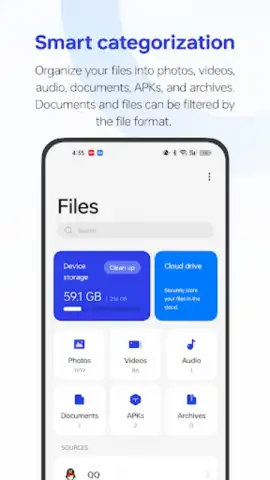
ColorOS My Files acts as the fundamental gateway to everything stored on your device. Imagine having a single, intuitive dashboard that shows you the complete landscape of your data—from internal memory to external SD card storage. This application provides the tools not just to view, but to actively manage and curate your entire digital environment. You gain the authority to structure your space exactly how you want it, moving elements around, inspecting details, and removing clutter without any barriers. It’s the difference between being a guest in your own phone and being the administrator.
The experience is streamlined and focused, free from the distractions of advertisements, allowing you to concentrate purely on the task of management. Enhanced by system-level optimizations, operations feel swift and responsive. Whether you're using an OPPO smartphone or a compatible tablet from brands like Realme or OnePlus that run ColorOS, this tool provides a consistent and powerful file management foundation. It handles the essential tasks so seamlessly that you might forget how cumbersome file handling can be on other devices.
What You Can Do with This File Command Center
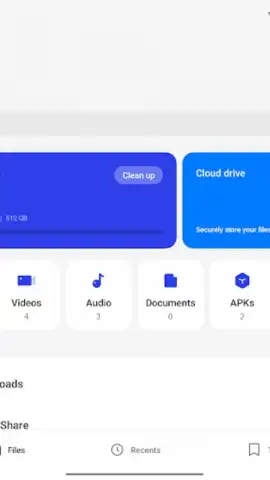
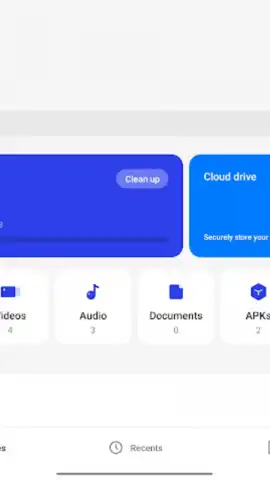
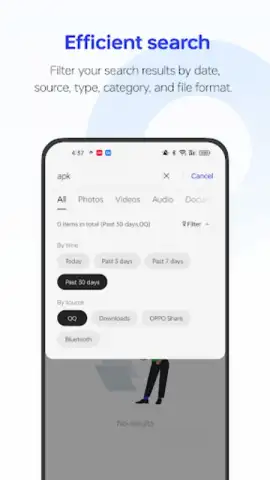
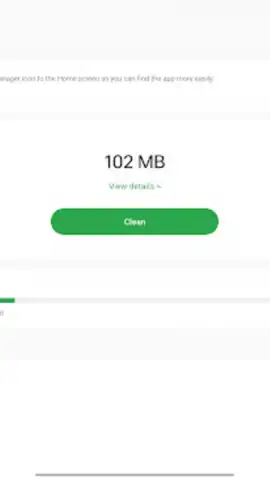
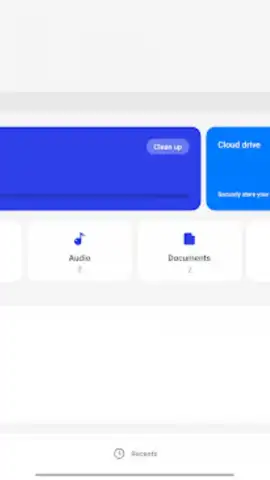
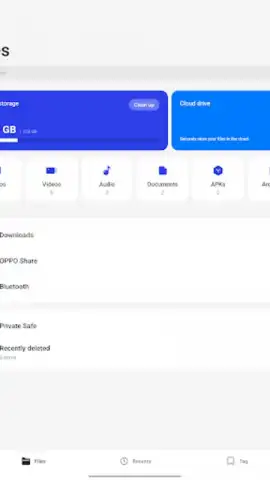
- Access Every Corner of Storage: Seamlessly browse all files stored in your device's internal memory and simultaneously manage content on an inserted SD card, giving you a unified view of all your media, documents, and downloads.
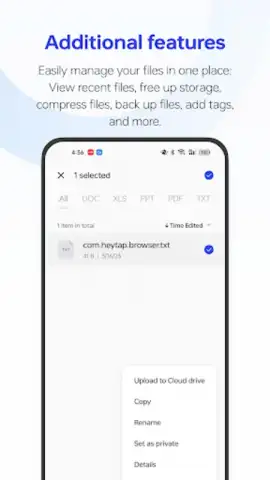
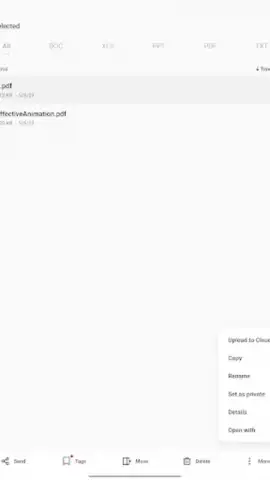
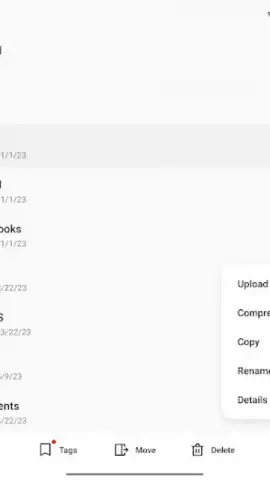
- Perform Core File Operations: Easily move, copy, rename, or delete any file or folder. Create new directories in seconds to implement your own organizational system and keep everything meticulously sorted.
- Inspect Detailed File Information: Check crucial details about any item, including file size, type, and the exact date it was created or modified, empowering you to make informed decisions about what to keep or remove.
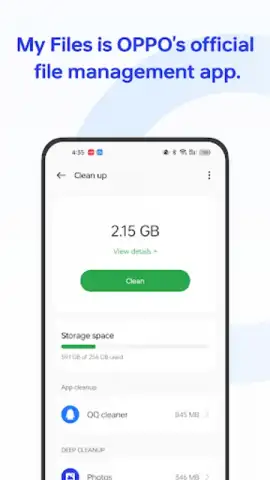
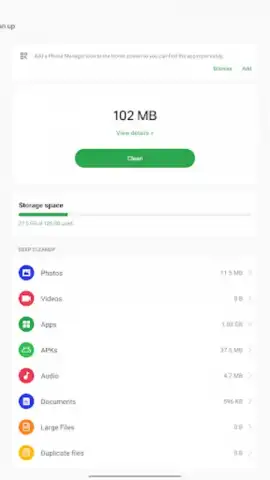
- Manage Installed Applications: Review and oversee all the apps on your device from within the file manager, allowing you to check their storage usage and related data conveniently in one place.
- Enjoy a Clean, Uninterrupted Interface: Experience a focused management workflow with no advertisements cluttering the interface, supported by efficient performance optimizations for smooth operation.
We suggest trying ColorOS My Files to finally bring order to your device's storage. Consider downloading it directly to experience the difference a dedicated, system-level file manager makes.
Download mobile app now
Disclaimer: This is a system application for devices running ColorOS. Functionality may vary by device model and OS version. An internet connection is not required for core file management but may be needed for certain cloud services if integrated. The app may request permissions to access device storage to perform its functions. Always ensure your device is updated to the latest compatible software version for optimal performance. Data usage is dependent on user operations with local and network storage.
 GooglePlay


