

Геотрекер
Геотрекер screenshots (7)
Description Геотрекер
A Modern Solution for Precise Location Tracking and Management
Geotracker addresses the core need for reliable, real-time positioning data without the complexity of enterprise systems. It functions as a dedicated tool for logging routes, monitoring movement, and managing location-based information directly from a mobile device. The application is built for scenarios requiring verifiable travel history, personal activity logging, or remote coordination, providing a clear digital record of geographic movement.
Core Functionality and Operational Mechanics
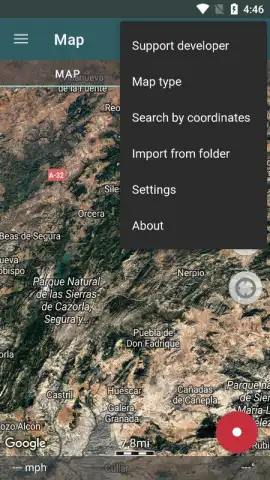
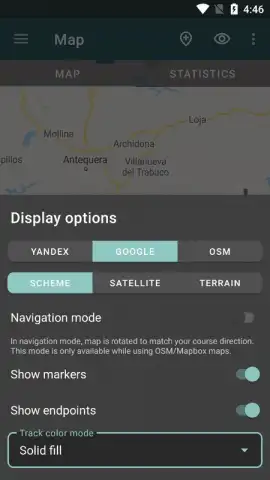
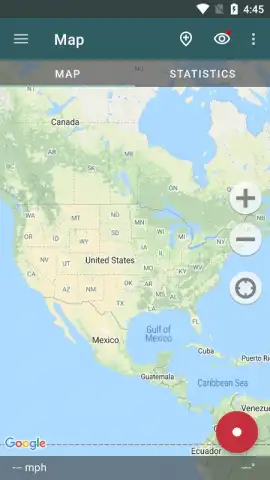
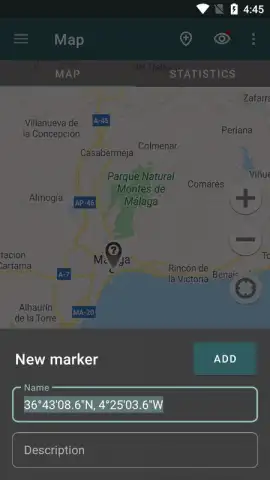
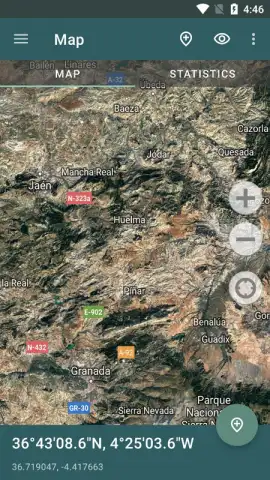
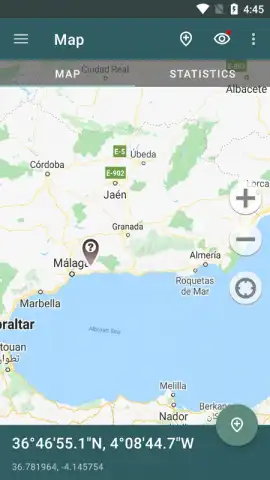
The application operates by utilizing the device's GPS and network sensors to establish and record a user's position. It creates continuous tracks, displaying them over a map interface which can be switched between standard and satellite views. A primary feature is the ability to start and stop tracking sessions manually, with each session saving a detailed log containing metrics like distance, average speed, duration, and elevation gain. These tracks can be reviewed, edited, and exported in standard GPX or KML formats for use in other mapping software or for archival purposes. The interface provides essential map controls, including zoom, recentering, and the placement of waypoints to mark specific locations of interest along a route.
Key Technical and Usability Advantages
The utility of Geotracker is defined by its focused functionality and user-centric design.
- Detailed Track Analytics: Review comprehensive post-session data including precise distance measurements, average moving speed, and total elapsed time for performance analysis.
- Flexible Export Options: Save and share your recorded routes in universal GPX format, compatible with most external navigation and fitness platforms.
- Offline Map Utilization: Download map regions for use without an active internet connection, ensuring tracking continuity in areas with poor cellular reception.
Download the Geotracker mobile app now and start documenting your journeys with precision.
Heads up: you'll need wifi for initial map downloads. Some advanced features are extra.
 GooglePlay


