
Computer File Explorer
Computer File Explorer screenshots (10)
Description Computer File Explorer
Need to manage files on your Android device like you do on a computer?
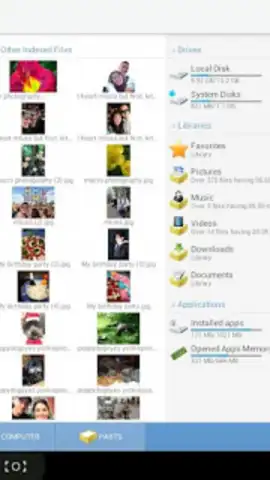
Computer File Explorer transforms your phone or tablet into a powerful file management workstation. Navigate your internal storage, SD cards, and cloud services with a familiar desktop-style interface. This tool provides precise control over your documents, media, archives, and apps, streamlining organization and data transfer directly from your mobile device.
Core Functionality and Tools
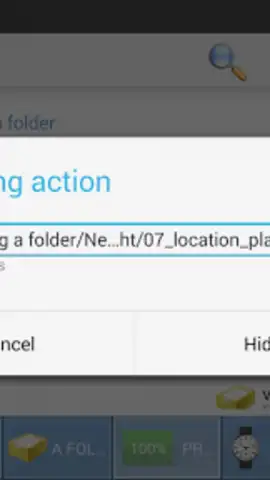
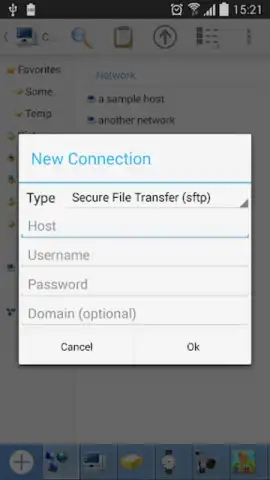
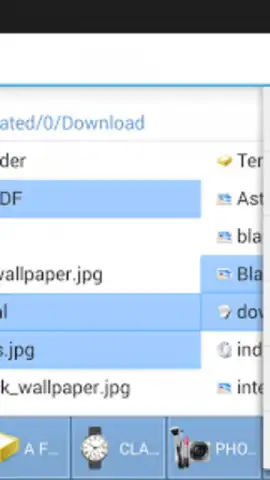
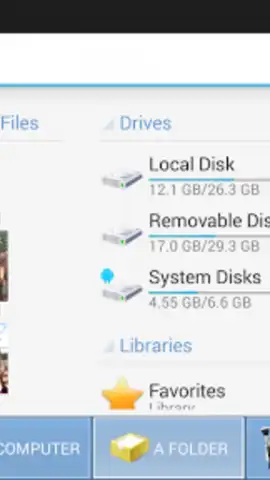
The app replicates a full desktop file management experience. You can browse your device's entire directory structure in a dual-pane view for efficient file operations. It includes a built-in file analyzer that visualizes storage usage by category, helping you identify and remove large, unused files. Support for compressed archives allows you to create, extract, and browse ZIP and RAR files on the go. The application also features a robust search function with filters for name, date, size, and type, alongside direct access to network storage and cloud drives for unified management.
Key Operational Advantages
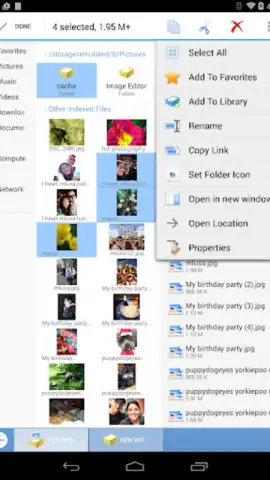
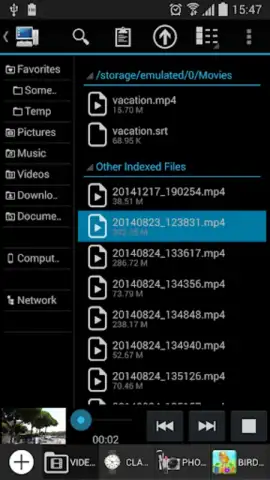
The interface prioritizes clarity and efficiency with a clean, hierarchical folder view and customizable display options. Operations are executed with high performance, enabling quick moving, copying, renaming, and deletion of single or batch files. The tool is designed for reliability, handling system files and large transfers with stability, ensuring your data management tasks are completed without interruption.
- Dual-pane file browser for side-by-side folder navigation and drag-and-drop management.
- Storage analyzer and cleaner to visualize space usage and quickly delete junk files.
- Full archive support for creating, extracting, and viewing ZIP, RAR, and 7Z files.
- Advanced search with filters to locate files by multiple criteria instantly.
- Root access and APK management for viewing system directories and handling app installations.
We suggest trying Computer File Explorer to take complete command of your device's storage with professional-grade tools.
Heads up: you'll need wifi for cloud and network features. Some advanced tools may require additional permissions.
 GooglePlay


