
Computers Shortcut Keys
Computers Shortcut Keys screenshots (6)
Description Computers Shortcut Keys
Imagine your fingers hovering over the keyboard, a complex task on the screen, and the sudden, frustrating blank of forgetting the right shortcut. That moment of friction, that tiny delay, is what this app systematically erases. Computers Shortcut Keys is a focused digital reference tool designed to transform hesitation into fluid, unconscious execution, turning any user into a more efficient operator of their machine.
Core Functionality & Learning System
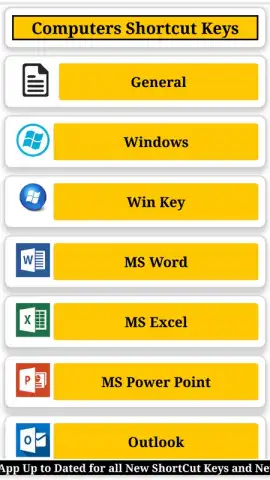
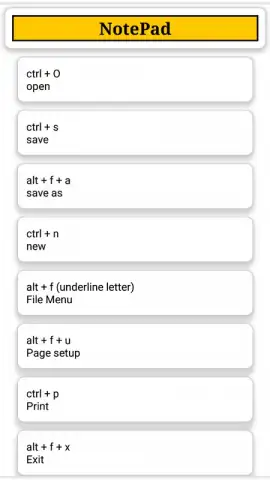
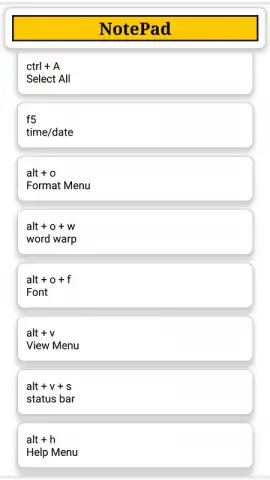
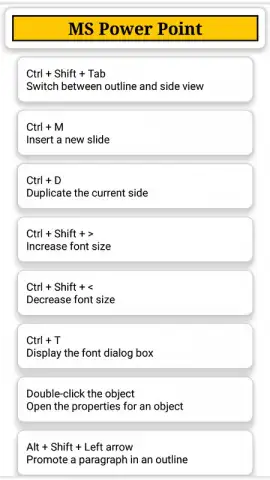
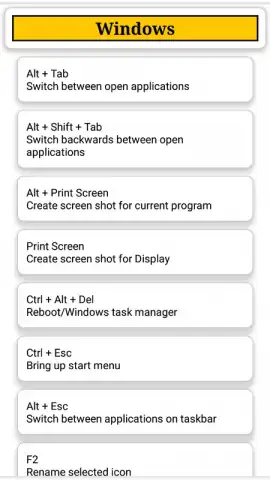
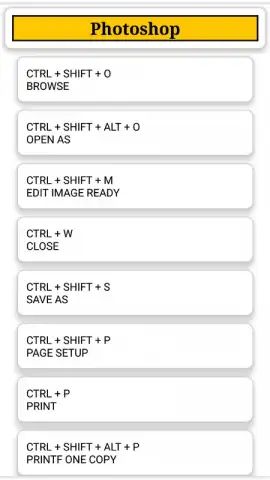
This application operates as a comprehensive, searchable encyclopedia for keyboard commands across a vast array of software and operating systems. It is structured not as a passive list, but as an interactive learning environment. The core mechanic involves categorized databases where users can drill down from general categories like "Operating Systems" or "Creative Suites" to specific programs such as Adobe Photoshop, Microsoft Excel, or Blender. Each entry clearly lists the action and its corresponding key combination, often with platform-specific variants for Windows, macOS, and Linux noted. Beyond simple lookup, the app incorporates practical tools like a customizable favorites section for personal workflows and a quiz mode that tests your knowledge through flashcard-style challenges, reinforcing memory through active recall rather than passive reading.
Key Advantages & User Experience
The primary strength of this utility lies in its uncompromising focus on utility and clarity. The interface is deliberately clean and text-optimized, ensuring information is found in seconds without visual distraction. Performance is streamlined for instant searches, making it a viable companion during actual work without disrupting flow. Its value is compounded by the sheer breadth of its curated database, which is regularly updated to include commands for new and niche software, positioning it as a single, permanent replacement for dozens of scattered bookmarks and forgotten web searches. The inclusion of a dark mode and customizable categories tailors the experience to individual needs, making it a genuinely personalized productivity asset.
- Extensive Cross-Platform Database: Access thousands of accurate shortcuts for Windows, macOS, Linux, and major software applications.
- Interactive Quiz & Learning Mode: Reinforce your memory with customizable flashcard tests for any software category.
- Personalized Quick Access: Bookmark and organize your most-used shortcuts into a dedicated favorites section for instant recall.
Stop wasting time with inefficient workflows. Download Computers Shortcut Keys now and wire your brain for speed. Install it immediately and feel your productivity shift into a higher gear.
Internet required. IAP available.


