

Concepts
Concepts screenshots (11)


Description Concepts
Your Pocket-Sized Design Studio, Unleashed
Ever felt that creative spark, only to be stifled by clunky, oversimplified drawing apps? You sketch an idea, but the tools feel limiting—like trying to paint a masterpiece with a child's crayon. You know professional-grade software exists, but the complexity and cost feel like a barrier standing between you and your vision. What if you could harness that power directly on your Android device, turning it into a true digital sketchbook without the steep learning curve or subscription fatigue? That moment of friction ends now.
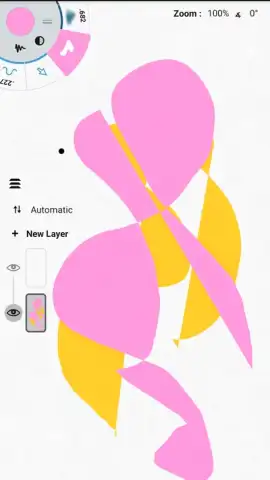
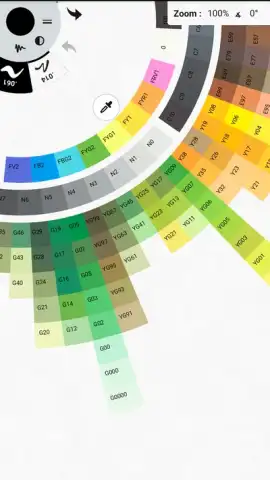
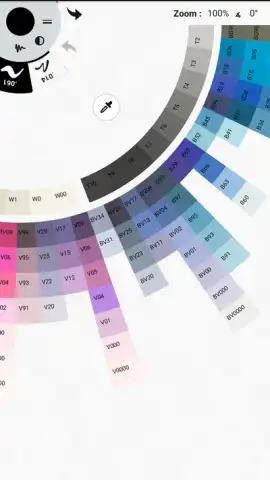
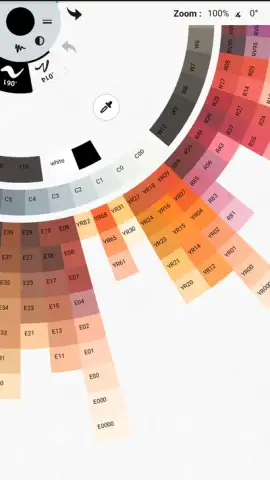
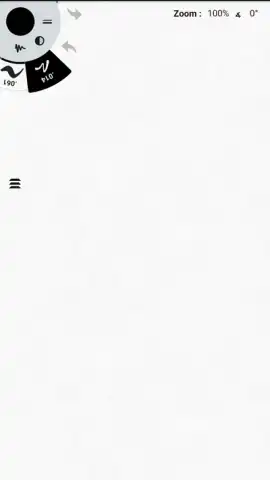
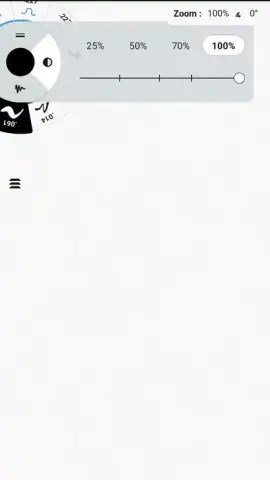
Concepts transforms your Android phone or tablet into a portable, precision graphic tablet. Feel the immediate difference as you lay down smooth, vector-based strokes that are infinitely editable, never losing quality no matter how much you zoom or adjust. This isn't just a simple doodling pad; it's a structured environment where your ideas can grow. Organize your thoughts across multiple, fully adjustable layers, experimenting with compositions freely. The intuitive radial wheel menu puts every tool you need at your fingertips—simply spin to find the perfect brush, pen, or shape without digging through messy menus. When inspiration strikes, a new project is just a tap away. Finish your work and export it in high quality directly to your device or share your creation seamlessly to social platforms, all within a clean, focused interface designed to keep you in the flow.
Experience Professional-Grade Tools on Your Terms
Dive into a feature set that bridges the gap between casual sketching and professional design work. Concepts delivers a surprisingly robust toolkit that empowers you to create exactly what you imagine.
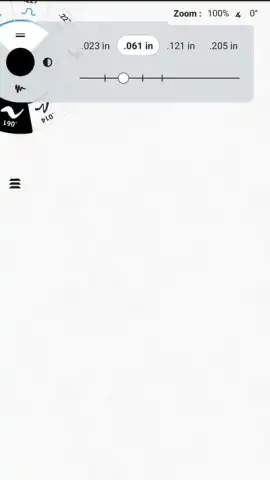
- Infinite Vector Canvas: Draw with confidence using vectors. Every line stays crisp and editable. Adjust stroke width, tweak curves, and scale your artwork infinitely without any pixelation or loss of detail.
- Multi-Layer Mastery: Build complex illustrations and designs with an unlimited layer system. Lock, hide, reorder, and adjust the opacity of each layer for non-destructive, organized editing.
- Intuitive Radial Tool Wheel: Access your entire toolkit fluidly. The customizable wheel keeps brushes, pens, erasers, and shapes just a spin away, streamlining your workflow and minimizing distractions.
- Precision Input & Smoothing: Whether using your finger or a stylus, benefit from advanced stroke smoothing and palm rejection. Your lines flow naturally onto the digital canvas exactly as intended.
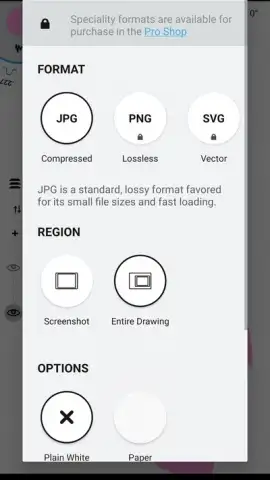
- Flexible Export & Sharing: Complete your project and export it in high-resolution PNG, JPG, or vector formats (PDF, SVG, DXF) directly to your device or cloud storage. Share your work to social media or other apps in seconds.
- Ad-Free Creative Environment: Enjoy an uninterrupted creative session. Concepts provides a clean, focused workspace free of disruptive banner ads or video interruptions.
- Turbo Mode Advantages: Unlock the full potential with optional subscriptions. Access advanced features like custom brush creation, enhanced export options, and massive object libraries to supercharge your projects.
Stop compromising on your creative tools. This is your invitation to a world where powerful design is accessible, intuitive, and always in your pocket. Transform your device into the most versatile sketchbook you've ever owned.
Download Concepts Now! Turn your next idea into a stunning reality today—get it immediately from the app store!
Disclaimer: An internet connection may be required for initial download, account features, and accessing certain subscription services. The app offers in-app purchases for optional premium subscriptions (e.g., Concepts Turbo) to unlock additional advanced features and content.


