

ConnectAir Free
ConnectAir Free screenshots (4)
Description ConnectAir Free
Unlock Effortless Wireless File Transfer Between Your Android and PC
Tired of cumbersome cables, slow Bluetooth, or cloud upload limits? ConnectAir Free shatters those barriers by establishing a direct, high-speed WiFi bridge between your Android device and Windows PC. This powerful yet lightweight tool transforms your local wireless network into a private data highway, enabling instant file synchronization in both directions without any intermediate servers or complex setup. It’s the missing link for seamless digital workflow.
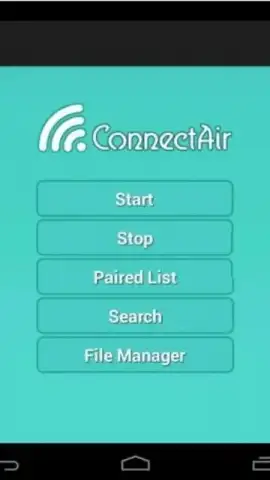
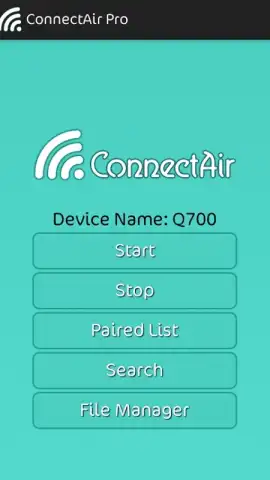
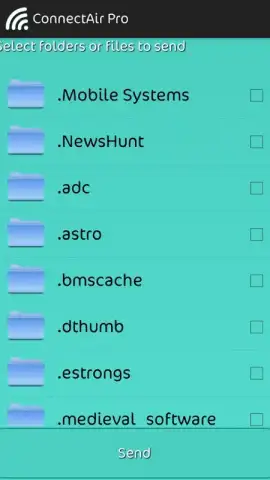
The core functionality is brilliantly straightforward. Once the companion desktop application is installed on your computer, ConnectAir Free for Android creates a persistent, secure connection over your shared WiFi network. This paves the way for drag-and-drop simplicity: send documents, photos, videos, or entire folders from your phone to your desktop, or pull files from your PC directly onto your mobile device. The transfer happens locally, which means speeds are limited only by your router's capability, offering a significant advantage over internet-dependent services. While the interface prioritizes function over flash, its utilitarian design puts the essential transfer controls front and center, minimizing learning curve.
Experience the freedom of a truly connected ecosystem. The application operates without intrusive advertisements, ensuring an uninterrupted file management experience. Its minimal footprint—a download of just around 2MB—belies its robust utility, making it an efficient addition to any device.
- Direct Android-to-PC WiFi Sync
- No Cloud Uploads or Data Limits
- Simple, Local Network Transfers
Stop wrestling with email attachments or hunting for cables. Streamline your digital life today. Download ConnectAir Free now and experience instant wireless file freedom!
Disclaimer: This application requires a functional WiFi network and the installation of the separate ConnectAir Free desktop client on a Windows PC to operate. It does not contain in-app purchases. Users are responsible for complying with their local internet service agreements. Data usage is confined to your local network. Ensure your devices meet the required system specifications for optimal performance.


