

Control Center iOS 17
Control Center iOS 17 screenshots (5)
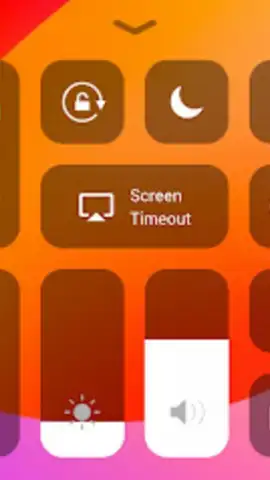
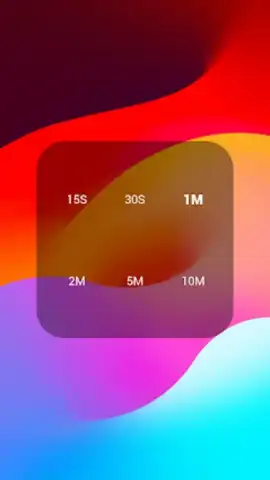
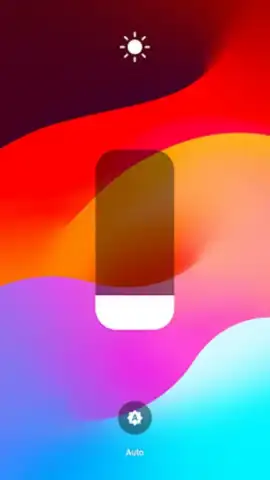
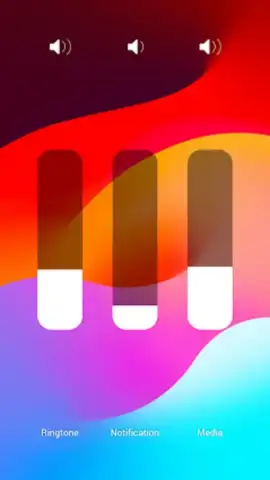
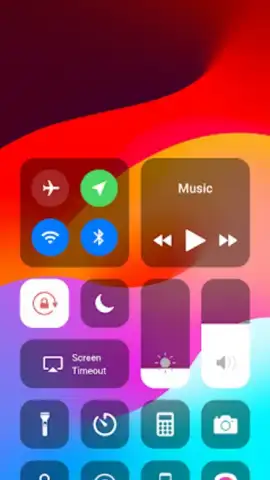
Description Control Center iOS 17
Ever wished your Android phone had that sleek, instant-access control hub from the latest iPhones?
You know the feeling—fumbling through settings menus just to toggle your flashlight or adjust brightness, while a friend with a newer iPhone swipes and taps with effortless style. That streamlined, powerful control center isn't locked to Apple anymore. Imagine having that elegant, customizable command center right on your Android screen. With a simple swipe, you unlock a world of quick settings, app shortcuts, and tools that make your phone feel smarter, faster, and uniquely yours. This is about transforming your everyday interaction from a chore into a seamless, satisfying experience.
Take Command with a Truly Personalized Control Hub
This app brings the intuitive design and immediate utility of a modern control center directly to your device. It’s not just an imitation; it’s an adaptation designed for how you use your Android phone. The core experience is built around a customizable panel that you access with a swipe from any screen—even from the lock screen. You decide exactly what goes there: your most-used settings, favorite app launchers, music controls, and device toggles. The interface is clean, responsive, and visually refined, giving your phone an instant upgrade in both looks and functionality. It’s about putting power and personalization at your fingertips, literally.
Why This Control Center Feels Like a Genuine Upgrade
The magic isn't just in having quick toggles; it's in how smoothly and deeply it integrates into your phone's experience. The visual design is polished with attention to detail, offering themes and icon styles to match your vibe. Performance is key—the panel launches instantly without lag, so you're never waiting. It’s incredibly lightweight, ensuring it runs smoothly even on older devices. Most importantly, it respects your choice. You’re in complete control of the layout, the functions, and the access points, creating a helper that works precisely the way you do.
- Fully Customizable Quick Panel
- Swipe Access from Any Screen
- Elegant iOS-Style Themes
- Lightweight & Fast Performance
Stop envying that slick interface. Transform your Android device into a powerhouse of convenience and style today. Download now and feel the difference from the very first swipe!
Heads up: you'll need wifi for initial setup and theme downloads. Some premium themes and advanced customization options are extra. Requires Android 7.0 or above.


