
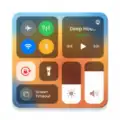
Control Center Simple - iOS Control Center
Control Center Simple - iOS Control Center screenshots (5)
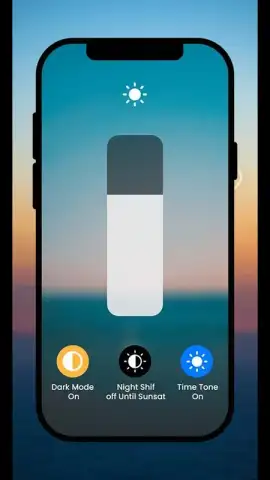
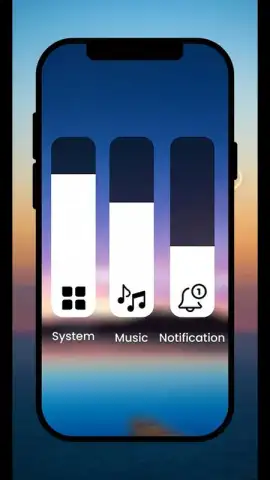
Description Control Center Simple - iOS Control Center
A Frustrating Gap on Your Android, Elegantly Filled
Android offers immense power, but sometimes you find yourself missing the streamlined, instant-access elegance of another system's control hub. Manually digging through settings menus for a flashlight, timer, or calculator breaks your flow and feels unnecessarily cumbersome. This application directly addresses that specific UX gap, providing a familiar, gesture-based command center that puts essential tools and device functions literally at your fingertips.
Core Mechanics and Toolset
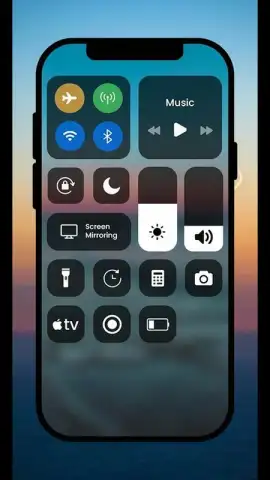
The app installs a persistent, accessible overlay that mimics the functionality and visual design of a well-known control center from iOS. A simple swipe from the top or bottom edge of your screen—configurable in settings—summons a clean panel of interactive tiles. Each tile is a direct gateway to a specific device function or a quick-setting toggle, requiring just a single tap for activation. The core experience is built around immediacy and reducing the steps between intent and action, effectively creating a secondary, more efficient layer of control over your device.
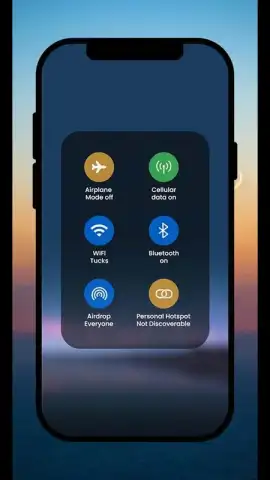
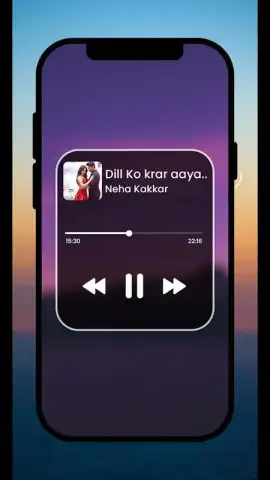
Beyond simple toggles, the panel integrates quick-launch modules for common tools. The architecture is modular, allowing you to customize which tiles appear and in what order, tailoring the control center to your daily habits. The visual design is purposefully clean and minimalist, with intuitive icons and smooth animations that provide clear feedback for every interaction, from enabling Bluetooth to starting a screen recorder.
Key Operational Advantages
- Gesture-Controlled Instant Access: Summon the control panel from any screen, app, or game with a configured swipe, eliminating the need to exit your current task to adjust settings.
- Fully Customizable Quick-Tile Grid: Add, remove, and rearrange tiles for flashlight, calculator, screen brightness, Wi-Fi, Bluetooth, cellular data, and more to build your perfect shortcut dashboard.
- Lightweight and Non-Intrusive Performance: The app runs as a minimal overlay service, consuming negligible system resources and battery life while remaining instantly responsive when you need it.
Download Control Center Simple now and stop navigating menus! Get immediate control over your device with a single swipe.
Heads up: you'll need wifi for initial download and optional theme updates. Some premium visual themes and advanced tile packs are extra.


