
Desk Clock
Desk Clock screenshots (10)




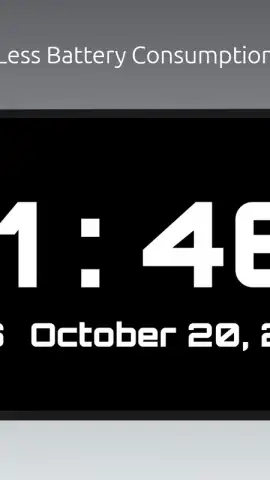
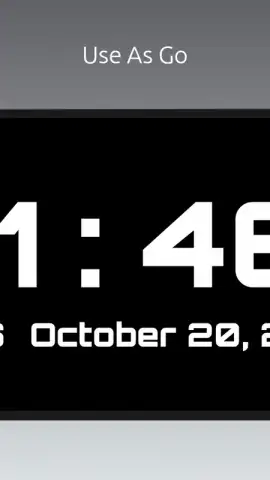
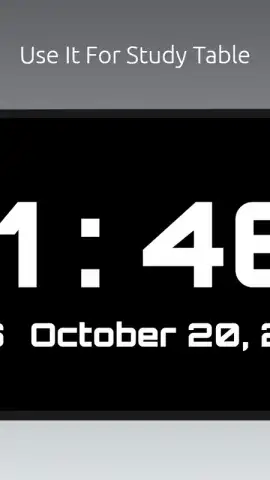
Description Desk Clock
Transform Your Device into a Sophisticated Desk Accessory
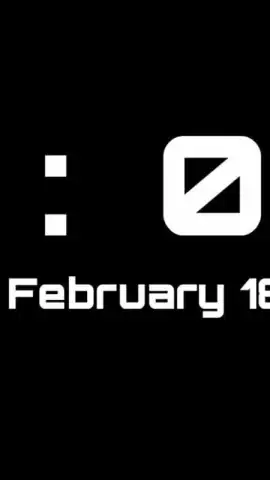
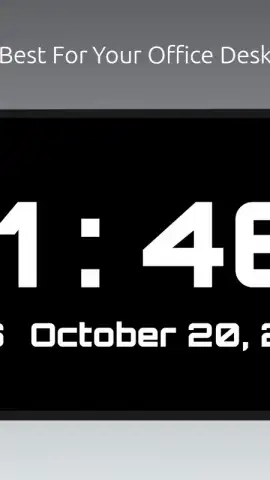
This application reconfigures your smartphone or tablet into a dedicated, always-on desk clock, eliminating the need for a separate physical device. It provides a persistent, glanceable time display ideal for workstations, nightstands, or any space where a clear, customizable timepiece is required. The core function centers on delivering high-visibility time and date information through a variety of digital and analog designs, turning idle screen real estate into a functional tool.
Core Functionality and Display Modes
The app operates primarily as a screensaver-style display, activating when the device is charging or placed in a stationary position. It offers multiple clock faces, ranging from minimalist digital readouts with configurable fonts to classic analog designs with sweeping second hands. Users can adjust critical parameters such as brightness levels—often with a dimming night mode—color schemes, and the visibility of additional data points like battery percentage, next alarm, or weather. The interface is designed for maximum legibility at a distance, making it a practical alternative to a traditional alarm clock or desk clock.
Key User Advantages
The primary strength lies in its utility and customization. It leverages existing hardware to perform a specific task without additional cost, while providing a level of personalization most physical clocks cannot match.
- Always-On Display Support: Optimizes screen technology to show time persistently with minimal battery impact.
- Extensive Customization Suite: Choose from numerous clock faces, colors, fonts, and information widgets.
- Intelligent Auto-Dim Feature: Automatically adjusts brightness for day and night use to reduce eye strain.
- Multi-Functional Display: Shows time, date, next alarm, device battery, and optional weather data.
- Charging Station Mode: Transforms your device into an elegant clock while it powers up.
Download this mobile app now and instantly upgrade your desk or bedside table with a smart, adaptable time display. Don't wait—get it immediately!
Disclaimer: This application requires an internet connection for certain features like weather updates. It may contain optional in-app purchases for premium themes or features. Continued use may consume significant battery power depending on display settings. Please be aware of your device's screen burn-in policies when using always-on displays. Data usage and accessibility may vary. Suitable for all ages.


