
Device Control - Root
Device Control - Root screenshots (16)
Description Device Control - Root
A Toolbox Unlocked: Navigating the Depths of Android with Device Control
There is a common perception that the smartphone you purchase is the device you are stuck with—its performance curves, its pre-installed software, its fundamental behavior set in stone by the manufacturer. For the vast majority of users, this is a perfectly acceptable reality. However, a distinct group of enthusiasts views their Android device not as a finished product, but as a raw platform, a collection of hardware and system software waiting to be tuned, optimized, and truly personalized. For this audience, the journey beyond the standard settings menu requires two keys: root access, and a capable, precise instrument to wield that power. Device Control – Root by Alexander Martinz positions itself as that essential instrument, a centralized dashboard for system-level modifications that were previously scattered across terminal commands and various niche tools. It is not a casual customization app; it is a utility for those who understand the risks and rewards of operating at the kernel level, offering a graphical interface to profound system controls.
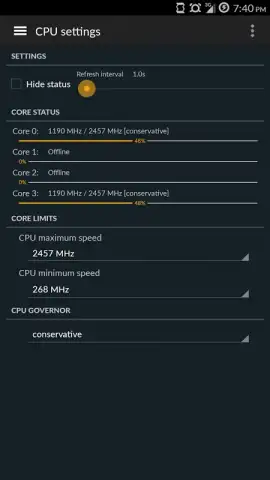
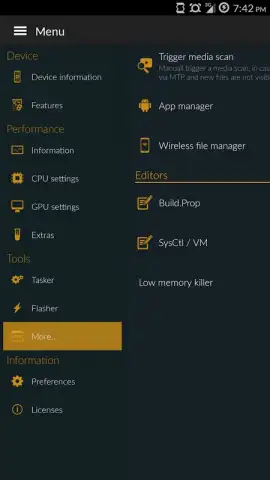
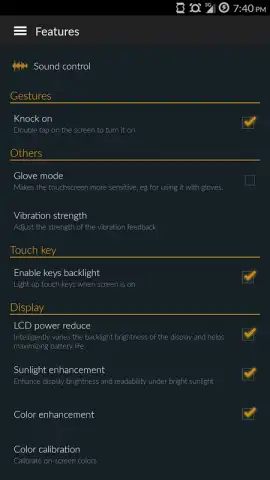
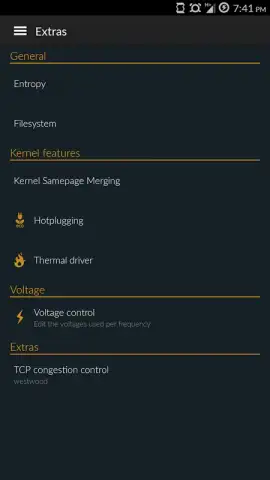
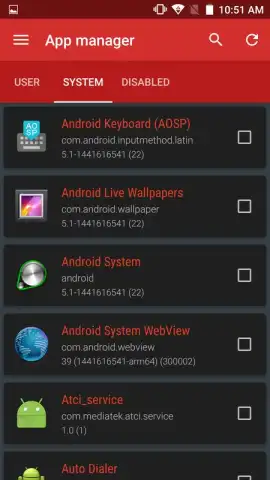
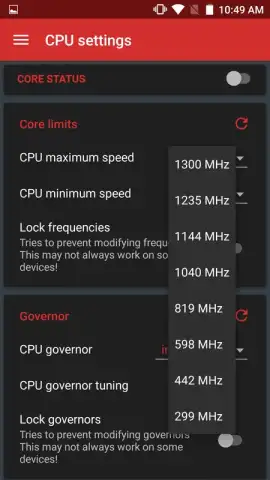
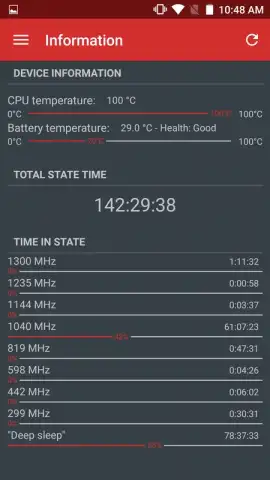
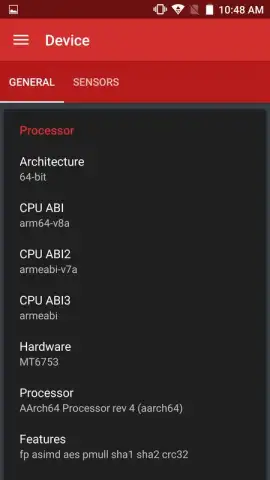
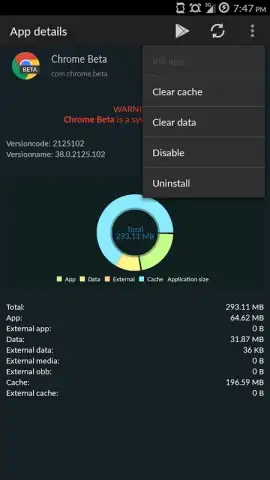
The application’s functionality is predicated on a rooted Android environment and the presence of BusyBox, a suite of essential Unix utilities that many advanced tools rely on. These are non-negotiable prerequisites, framing Device Control squarely within the domain of advanced system administration. Once these conditions are met, the app unveils a suite of features focused on performance telemetry, hardware management, and system alteration. A core component is the detailed CPU control, which allows for the adjustment of both minimum and maximum clock frequencies for the processor. This is paired with a real-time monitor displaying the performance state and load of each individual CPU core, providing the data necessary for informed underclocking to save battery or overclocking for demanding tasks. Beyond the processor, the app ventures into system modification with tools for removing persistent bloatware—those factory-installed applications that typically resist standard uninstallation methods, freeing up storage and background resources.
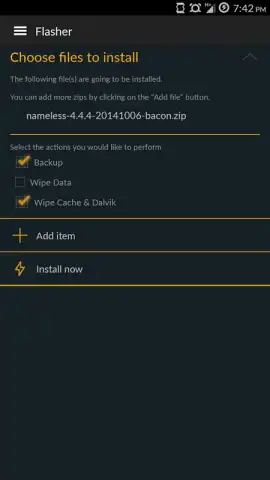
Device Control extends its utility into automation and remote management, moving beyond simple tweaks. Its integrated task scheduler allows users to configure and trigger specific actions or scripts on a timed basis, automating maintenance or performance profiles. For direct file system access, the built-in wireless file manager creates a local web server on your device, enabling you to browse, transfer, and manage files from any web browser on the same network, a valuable tool for developers or those managing large data sets without cables. The toolkit is rounded out with system recovery and backup utilities, emphasizing its role as a comprehensive maintenance hub. It is critical to note that the power offered here is double-edged; modifying kernel parameters or deleting system components without precise knowledge can lead to instability or a non-functional device. The application provides the controls but assumes the user possesses the requisite understanding to operate them safely, offering no safeguards against misconfiguration.
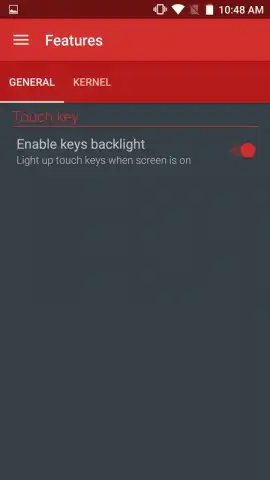
- Granular CPU Frequency Management: Precisely set minimum and maximum clock speeds for performance tuning or battery conservation.
- Real-Time Core Performance Monitor: Observe the load and state of each individual CPU core with live-updating statistics.
- Persistent Bloatware Removal Tool: Uninstall factory-preinstalled system applications that are normally locked and undeletable.
- Automated Task Scheduler: Configure and launch scripts or app actions automatically based on custom time or event triggers.
- Wireless Web-Based File Manager: Access and manage your device's file system remotely from any browser on your local network.
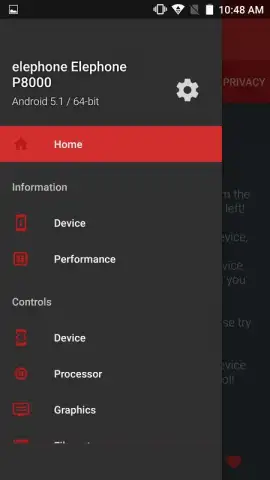
For the advanced user who views root access as a beginning rather than an end, Device Control consolidates critical system operations into a single, focused interface. It transforms complex command-line procedures into actionable settings, provided you have the foundational knowledge to use them responsibly. To move from a standardized device to a personally engineered one, this app provides the necessary levers and dials.
Download Device Control – Root now to unlock definitive control over your Android hardware and software.
Disclaimer: This application requires a rooted Android device and a separate BusyBox installation to function. Use of advanced system modification tools carries an inherent risk of device instability or data loss. An internet connection may be required for certain features. The developer is not responsible for any damage resulting from the use of this software.


