

Do Note
Do Note screenshots (5)
Description Do Note
Ever feel like a brilliant idea slips away before you can act on it?
You’re in the middle of a walk, a meeting, or just drifting off to sleep when the perfect thought strikes. A task you must remember, a creative spark, a quick log you need to make. By the time you fumble for your phone and open a dozen apps, it’s gone. Do Note solves that. This is your instant, one-tap gateway to making things happen without breaking your flow. It turns a fleeting moment into immediate action, connecting your quick thoughts directly to the apps and services you use every day.
Your Personal Digital Shortcut
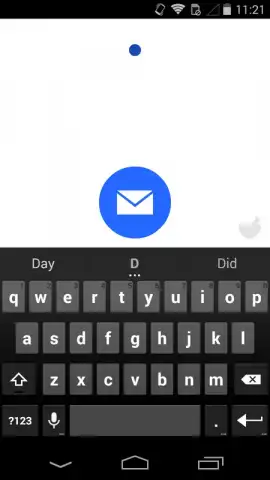
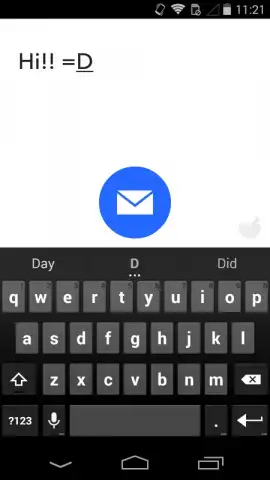
Do Note isn’t another cluttered notepad. It’s a minimalist action panel that lives in your notification shade or as a widget. With a single tap, you open a clean, focused text field. Type your note, your reminder, your log entry, and hit send. That’s where the magic happens. Do Note works seamlessly with IFTTT to connect that simple text to hundreds of services. Your quick note can become a new calendar event, a saved row in a spreadsheet, a posted tweet, a logged expense, or a message sent to your team’s Slack channel. It turns a simple text entry into a powerful automated action.
Key Advantages That Keep You in Flow
-
Instant Access, Zero Friction: Pull down your notification shade and tap. No unlocking, no searching for apps. The interface is always one gesture away, designed for speed above all else.
-
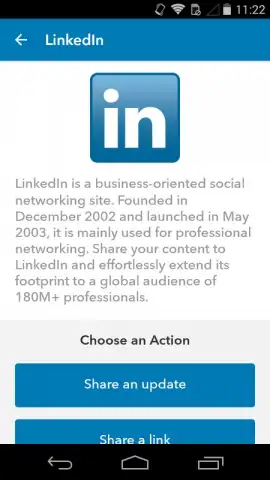
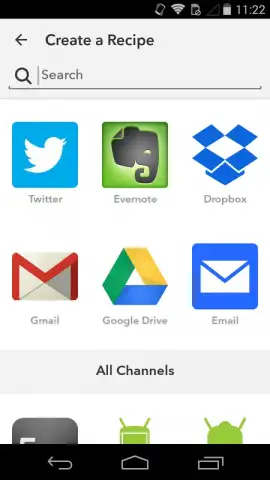
Connect to Everything via IFTTT: The true power lies in its connection to the IFTTT platform. Each note you send can trigger a different “Applet.” You can have one button that logs a work note to Google Docs, and another that sends a grocery item directly to a shared shopping list.
-
Clean, Distraction-Free Design: The interface is purposefully sparse. There are no settings to tweak in the moment, no fonts to choose. It’s a pure conduit for your thought, eliminating any barrier between your intention and the action.
-
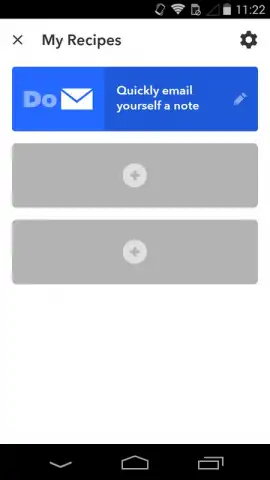
Highly Customizable Actions: While using it is simple, setting it up is powerful. Through IFTTT, you define exactly what each note does. Create different widgets or notification buttons for different contexts: one for work tasks, one for personal ideas, one for health tracking.
-
Universal System Integration: Use it as a persistent notification or place customizable widgets on your home screen. It integrates into your device’s ecosystem, becoming a natural extension of how you interact with your phone.
Stop letting ideas vanish. Start capturing and automating them in a single tap. Transform your quick thoughts into organized action.
Download Do Note now and turn every moment into productivity.
Requires an internet connection for syncing and triggering IFTTT Applets. Some services connected via IFTTT may require their own subscriptions.


