

Dock4Droid
Dock4Droid screenshots (12)
Description Dock4Droid
Tired of Digging Through Your Phone to Switch Tasks?
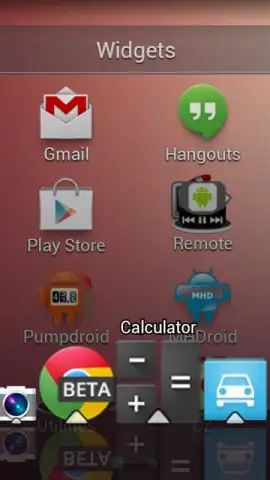
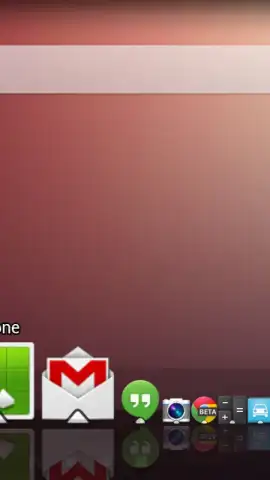
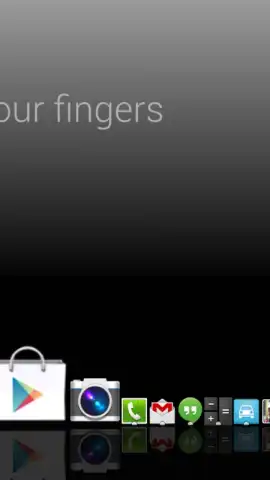
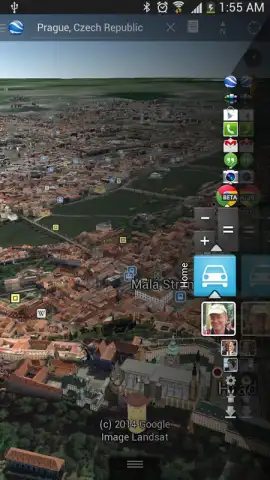
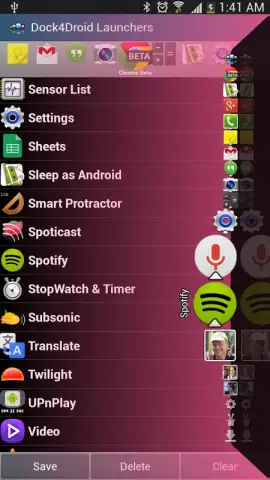
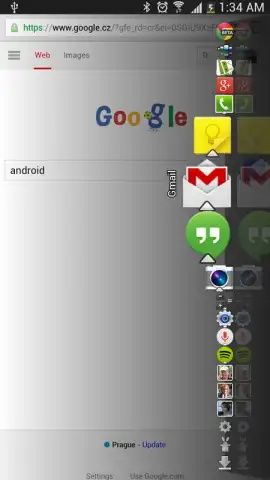
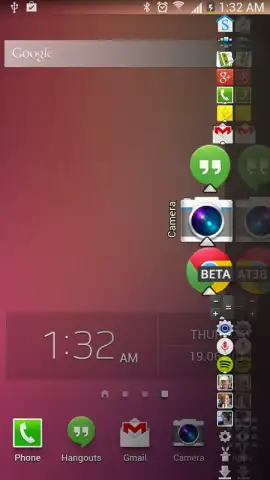
Constantly minimizing apps or hunting through your home screen disrupts your workflow and slows you down. Dock4Droid rethinks Android multitasking by placing a powerful, always-accessible command center directly on your screen. This innovative utility provides immediate control over running tasks and app launches without ever leaving your current view. Its visually striking parabolic dock is not just aesthetically pleasing; it's engineered for speed and personalization, transforming how you interact with your device for enhanced daily productivity.
Core Functionality and Customization
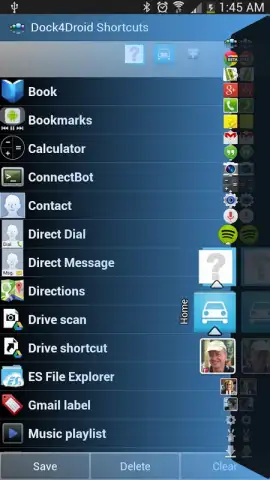
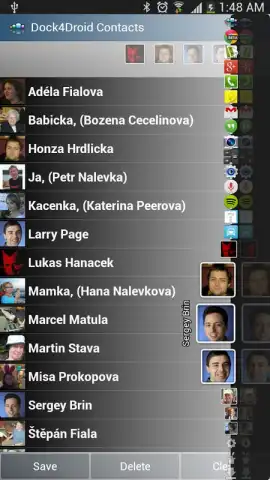
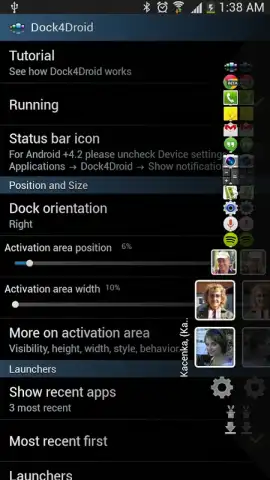
Dock4Droid operates as a persistent, floating dock that grants one-tap access to your most-used applications and currently running tasks. The core experience is built around an intuitive design that eliminates unnecessary steps, allowing you to launch new apps or switch between active ones instantly. Beyond the basics, the app offers deep customization, letting you tailor the dock to your exact workflow. You can add custom launchers for specific actions, exclude apps you never want to appear, and integrate direct contact shortcuts for accelerated calling—all streamlining communication and task management.
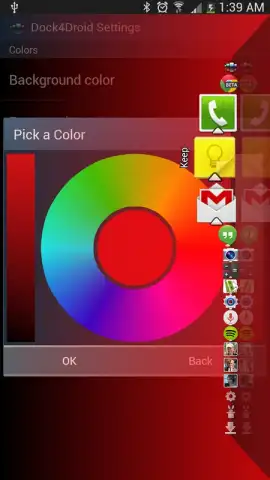
The free version is fully functional and ad-free, providing a comprehensive toolset. Upgrading to the premium Turbo version unlocks the full potential for power users, removing limits and adding advanced aesthetic controls. This includes support for an unlimited number of launchers, app exclusions, and contact entries, plus the ability to fine-tune the dock's colors and appearance to match your style.
- Persistent Parabolic Dock: A visually engaging, always-on-top dock provides instant one-tap access to apps and tasks from any screen.
- Advanced Task Management: View and switch between running applications directly from the dock, streamlining your multitasking workflow.
- Fully Customizable Launchers: Add your own shortcuts and exclude specific apps to create a perfectly personalized productivity tool.
- Integrated Contact Shortcuts: Place direct call shortcuts for favorite contacts into the dock for faster communication.
- Premium Turbo Features: Unlock unlimited items, advanced color customization, and enhanced settings for complete control.
We suggest trying Dock4Droid to experience a significantly more efficient way to navigate and multitask on your Android phone or tablet. Consider downloading it today to streamline your device interaction.
Disclaimer: This application requires an internet connection for initial download and potential premium license verification. The free version is fully functional without advertisements. Optional in-app purchases are available to upgrade to the premium "Turbo" version, which provides additional customization features. The app may require permissions to display over other apps, access contacts for shortcut integration, and monitor running tasks. Data usage is minimal for core functionality. Please review the specific permissions and terms within the app.


