

Droid PCB
Droid PCB screenshots (9)
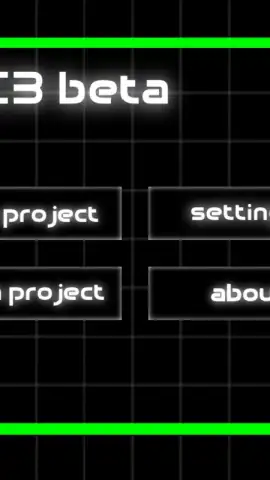
Description Droid PCB
Unlock the World of Electronics from Your Pocket
Ever felt the urge to design, test, and understand the printed circuit boards that power your world, but thought you needed a lab full of expensive equipment? That barrier is gone. This mobile app transforms your device into a portable electronics workshop, putting the power of PCB design and circuit simulation directly into your hands. You can move from a spark of an idea to a functional virtual circuit in minutes, learning the principles that drive modern technology through direct, hands-on interaction.
Your Personal Electronics Lab, Anywhere
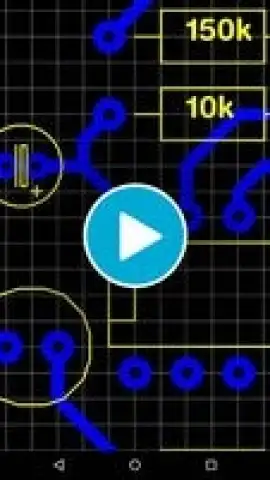
Dive into a comprehensive suite of tools designed for both learning and practical design. You begin by exploring a library of fundamental electronic components—resistors, capacitors, LEDs, integrated circuits, and more—dragging and dropping them onto a limitless digital canvas. The core experience involves wiring these components together to build functional circuits, from simple blinking LED setups to more complex logical arrays. A key feature is the real-time circuit simulator, which lets you apply virtual power and probe signals to see exactly how current flows and how components interact, providing immediate visual feedback on your design's functionality.
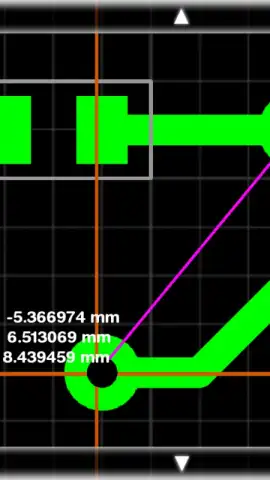
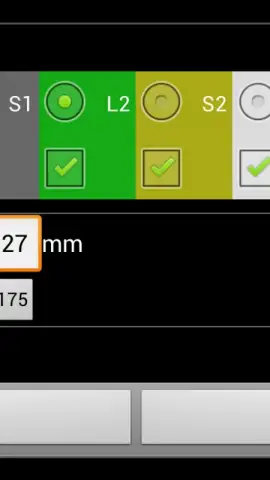
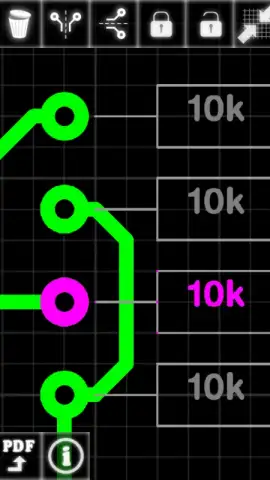
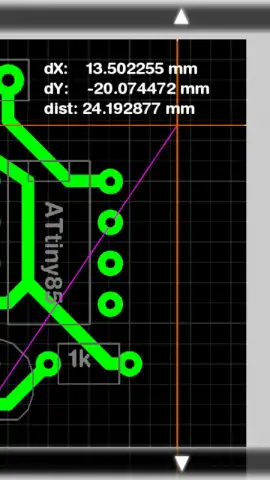
For those ready to take the next step, the mobile app includes dedicated PCB layout tools. You can convert your schematic diagrams into physical board designs, arranging components and routing copper traces while adhering to real-world design rules. This seamless transition from schematic capture to board layout demystifies the entire process of creating a manufacturable circuit board. The environment is built to be intuitive, encouraging experimentation without the fear of burning out physical parts, making it an ideal sandbox for students, hobbyists, and aspiring engineers.
Why This Stands Out as Your Go-To Tool
The mobile app distinguishes itself through a focus on accessibility and depth within a mobile-first experience. The clean, uncluttered interface ensures your focus remains on creativity and learning, not on battling complicated menus. Performance is optimized for smooth panning, zooming, and simulation even on older devices, ensuring your design flow is never interrupted. It serves as both a powerful educational platform for grasping electronic theory and a practical utility for prototyping ideas on the go, all wrapped in a package that feels both professional and approachable.
- Drag-and-Drop Component Library
- Real-Time Circuit Simulation
- Schematic to PCB Layout Tools
- Optimized for Mobile Design Work
The foundation for your next great invention is waiting. Stop just imagining circuits and start building them.
Download mobile app now!
Requires a stable internet connection for initial download and potential access to updated component libraries. The mobile app may contain optional in-app purchases for advanced feature sets or expanded component packs. Some features require a device running Android 4.2 or higher. Data usage may apply depending on your activity and sync settings.


