

DU Battery Saver
DU Battery Saver screenshots (9)

Description DU Battery Saver
A Practical Review of Battery Management Tools
In the daily operation of an Android device, battery depletion is a predictable constraint. Users often encounter a situation where a critical task is interrupted by a low-power warning, necessitating a search for a charging source. Applications designed to manage this resource, such as DU Battery Saver by DU Apps, function by providing users with system-level diagnostics and control mechanisms. This review examines the operational parameters and feature set of version 4.9.5.1, assessing its functionality as a utility within the Tools category.
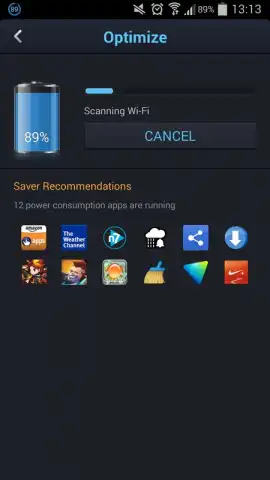
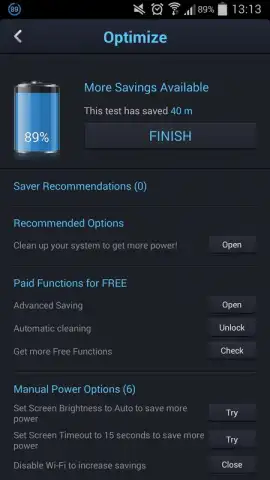
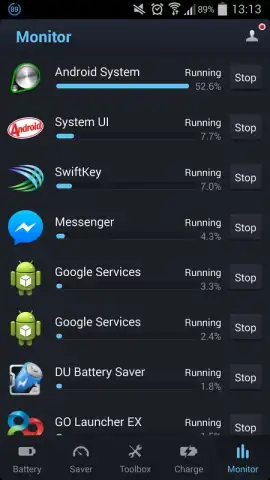
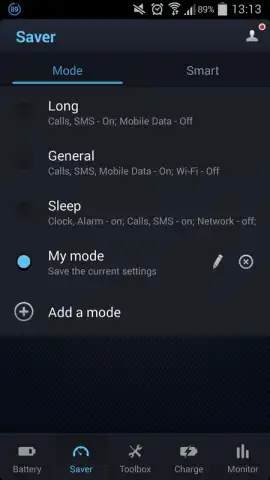
The application's primary operation involves analyzing background processes and system functions to identify disproportionate energy consumers. It provides a centralized interface for terminating these processes, which can marginally extend operational time before a recharge is required. Beyond manual intervention, the software includes several predefined power management profiles. These "smart" modes automate the enabling or disabling of specific device functions, such as connectivity options or screen settings, based on a selected battery conservation strategy. For users who prefer a direct analysis, the one-touch scan feature audits installed applications and ranks them by their historical power consumption, allowing for selective process closure.
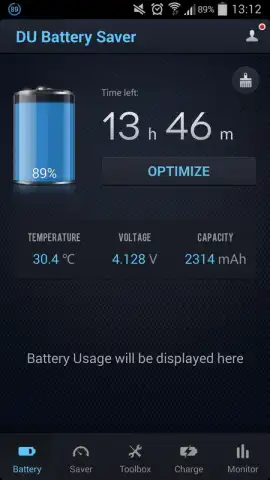
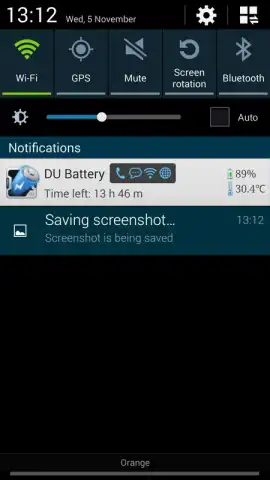
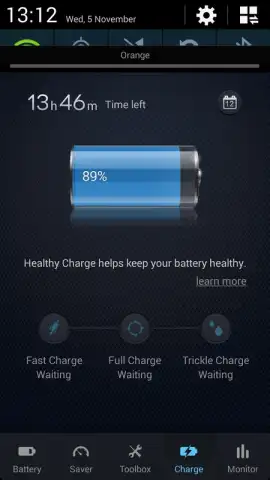
A secondary, diagnostic function offers a comprehensive report on the battery's current state. This report presents technical data points including real-time temperature readings, voltage output, and estimated capacity. It further breaks down energy usage by task category, such as voice calls or display activity, providing a factual overview of power allocation. The optional Turbo mode, referenced in the application's framework, is presented as a method to temporarily suppress background advertising processes and other non-essential operations for a period of focused use, though its efficacy is subject to individual device configuration and usage patterns.
- Provides detailed battery health reports including temperature, voltage, and capacity metrics.
- Features one-touch scanning to identify and stop high-consumption applications instantly.
- Offers multiple smart modes to automate battery saving based on different usage scenarios.
- Includes tools to monitor per-task battery usage, such as for calls or screen-on time.
- Allows for manual process management to extend device runtime before charging is needed.
If your device usage pattern frequently requires maximizing available battery life between charges, and you value having granular data on power consumption, this utility provides a consolidated set of controls. Consider downloading DU Battery Saver to access its diagnostic and management features directly.
Disclaimer: This application requires an active internet connection for certain features and may contain optional in-app purchases. Functionality can vary by device model and Android OS version. Data regarding battery usage is collected and presented within the app. Users should review the app's specific data collection practices in its privacy policy. This tool is intended for informational and utility purposes.


