
Dub Music Player
Dub Music Player screenshots (7)
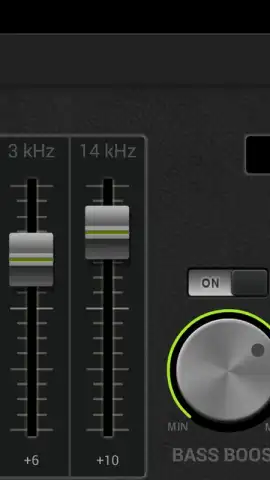
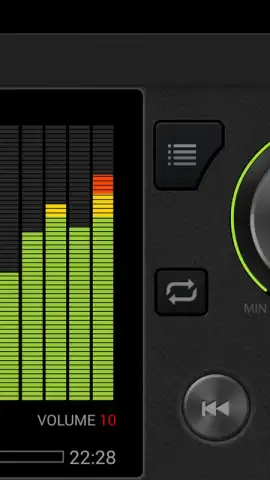
Description Dub Music Player
Imagine you’re on a long commute, your playlist hits a track with a weak bassline, and you instinctively reach to crank it up—only to be met with distortion and flattened sound. The standard music player on your device offers no real control, leaving your audio experience entirely dependent on the original file’s mix. This common frustration is precisely what the Dub Music Player is engineered to solve, placing professional-grade audio manipulation tools directly into the user’s hands for on-the-fly track enhancement.
Core Audio Processing and Playback Features
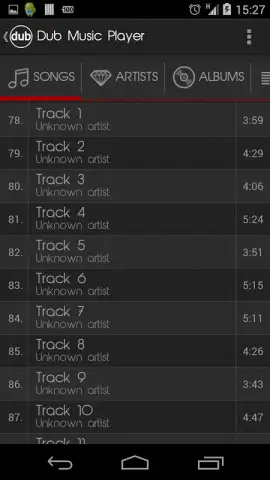
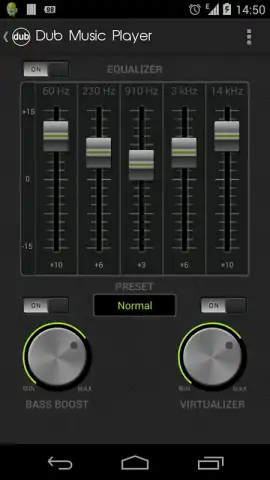
Dub Music Player functions as a dedicated local audio file player with an integrated digital signal processor. Its primary mechanic is real-time sound modification, allowing users to load tracks from their device storage and apply a suite of effects without permanently altering the original files. The central interface is built around a multi-band equalizer with customizable presets, ranging from flat response curves to genre-specific boosts for bass-heavy dub, rock, or classical music. Beyond the EQ, the app provides independent control over bass and treble gain, a virtualizer to widen the stereo field, and a compressor to balance dynamic range, preventing sudden volume spikes. Playback supports major formats like MP3, FLAC, and WAV, and includes standard library management through playlist creation and a tag editor for organizing metadata.
User Experience and Performance Advantages
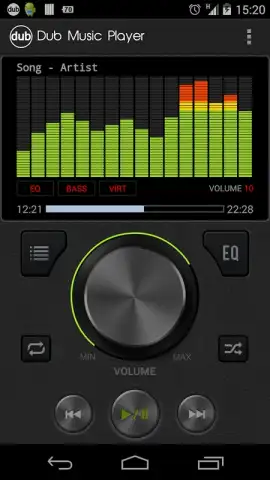
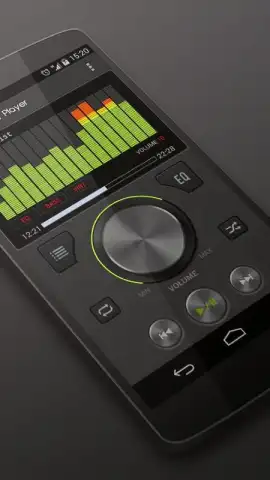
The application distinguishes itself through a utilitarian design that prioritizes immediate access to its sound-shaping tools. The main equalizer panel is persistently accessible from the now-playing screen, eliminating the need to navigate through nested menus to adjust settings. Visually, the UI employs a dark theme with high-contrast sliders and visualizers that respond in real-time to the audio output, providing clear feedback for adjustments. Performance is optimized for minimal battery drain during processing, and the app operates fully offline once installed, with no mandatory subscriptions or account creation required for core functionality. The settings allow for deep customization of audio buffers and output routing, catering to both casual listeners and audio enthusiasts seeking granular control over their playback hardware.
The key operational advantages of Dub Music Player are:
- Multi-band equalizer with custom presets
- Real-time bass boost and virtualizer
- Offline playback for all local files
- Efficient, battery-conscious audio processing
Download Dub Music Player now and transform every track in your library into a customized listening experience. Don't wait to unlock the full potential of your music collection—get it immediately!
Heads up: you'll need wifi for the initial download and for accessing any optional cloud backup features. Some cool stuff like advanced preset packs is extra.
 GooglePlay


