

EasyShare
EasyShare screenshots (8)
Description EasyShare
A Practical Look at Cross-Device File Management
Managing files across Android devices often involves a patchwork of cloud services, cables, or slow Bluetooth transfers. EasyShare, developed by Vivo Communication Technology Co. Ltd, presents itself as a direct local transfer solution designed to bypass these common friction points. This review examines its operational mechanics, interface structure, and transfer protocols to assess its functionality as a video player and editor-adjacent tool for media file management.
Core Functionality and User Interface Analysis
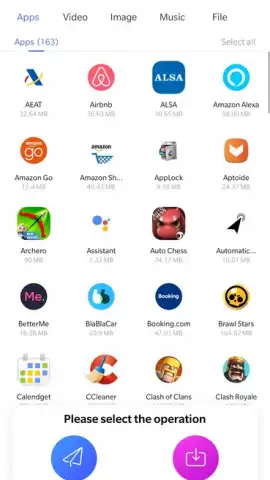
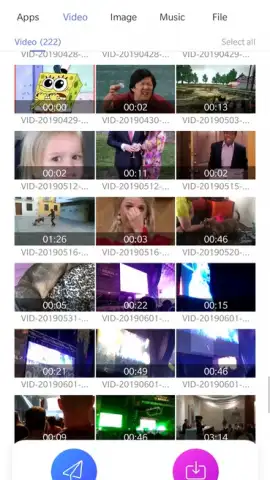
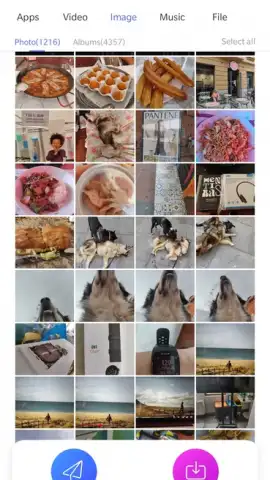
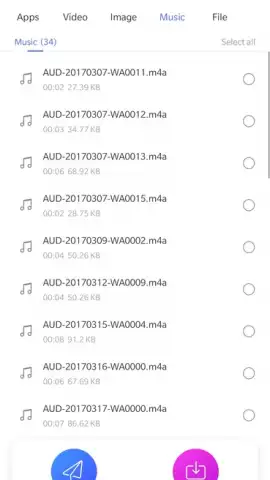
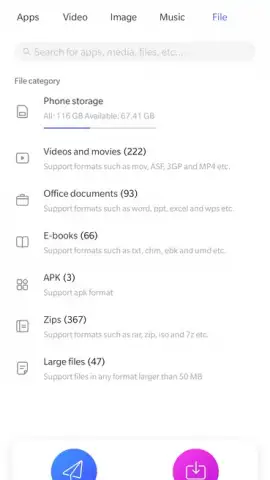
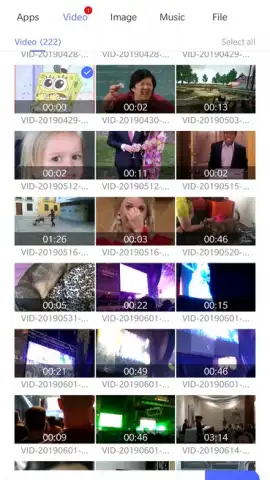
The application operates on a peer-to-peer connection model, eliminating the need for an active internet connection or centralized servers for file transfers. Upon launch, it performs an immediate cataloging of the device's internal storage, presenting a categorized inventory. This inventory is segmented into distinct panels: the first displays all installed applications and games, followed by sequential sections for video files, images, audio, and documents. This layout provides a clear, at-a-glance overview of transferable content without requiring manual file system navigation.
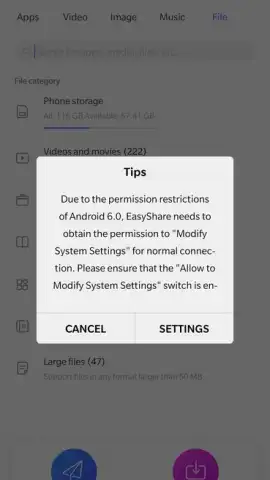
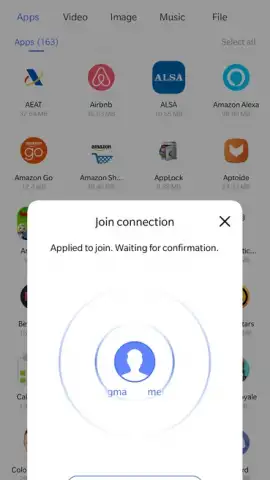
The transfer process is initiated by selecting multiple files from these categories. A notable feature is the pre-transfer calculation, which estimates the total file size and provides the recipient with a clear indication of the storage space required on their device before acceptance. For a connection to be established, both the sender and recipient must have the EasyShare application open simultaneously. The software then offers dual connection pathways: a standard Bluetooth link for basic compatibility or a proprietary high-speed channel, facilitated by a dynamically generated QR code. The sender displays this code, which the recipient scans within the app to initiate a direct Wi-Fi or Wi-Fi Direct connection, reportedly enabling faster transfer speeds.
Detailed Feature Breakdown
- Comprehensive Local File Catalog: Automatically indexes and categorizes all device content, including apps, videos, music, and documents, into a unified transfer menu.
- Dual-Mode Connection Protocol: Supports both traditional Bluetooth transfers and a faster, QR-code-initiated direct wireless connection for large files.
- Pre-Transfer Storage Analysis: Calculates and displays the total size of selected files, informing the recipient of required storage space prior to transfer.
- Unrestricted File Type and Size Support: Facilitates the sending of any file format, including APK application files, without imposing artificial size limits.
- Ad-Free Operational Environment: Functions without displaying advertisement interruptions during the file selection and transfer process.
Download the EasyShare mobile app now to handle your device-to-device file transfers directly. Stop relying on slow, inconvenient methods and implement a streamlined system today.
Disclaimer: This application requires permissions to access media files and storage on your device to function. While transfers occur locally, certain features may require an internet connection. The developer, Vivo Communication Technology Co. Ltd, is solely responsible for content and data practices. Please be aware of your device's available storage space before receiving large files. Data charges may apply if using over a mobile network.
 GooglePlay


