

EBookDroid
EBookDroid screenshots (32)









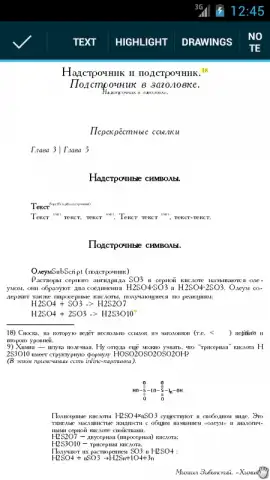
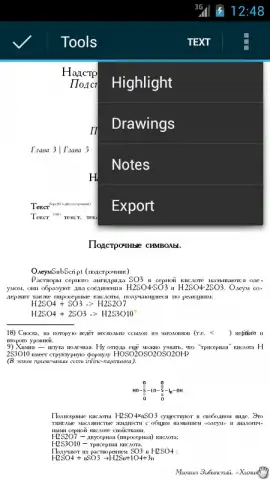
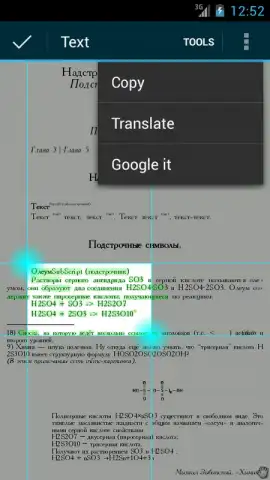
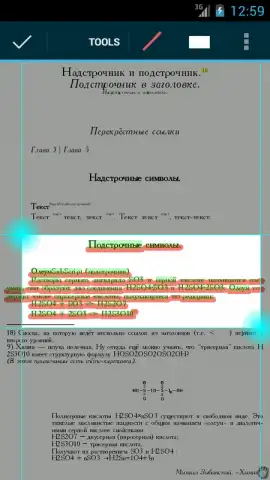

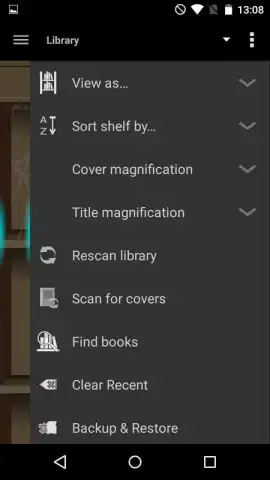

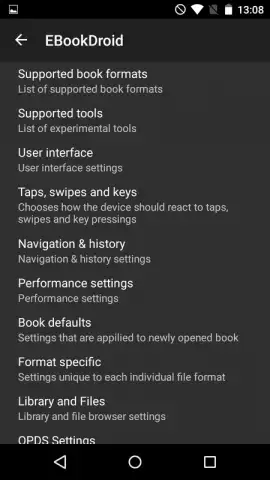

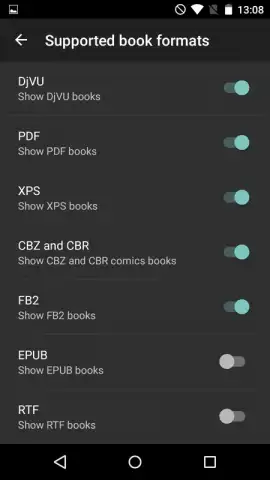
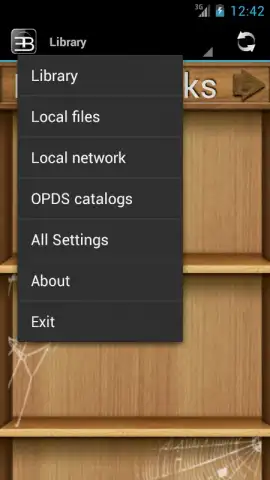
Description EBookDroid
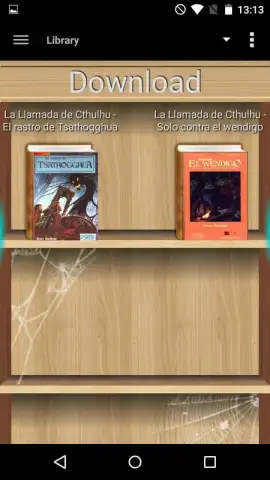
What if a single, lightweight application could replace the clutter of multiple document and ebook viewers on your Android device? EBookDroid, developed by AK2, functions as a comprehensive file viewer engineered to handle an extensive library of digital reading formats. This review examines its core mechanics as a versatile tool for accessing ebooks, comics, and documents without the typical software bloat.
Core Functionality and Format Support
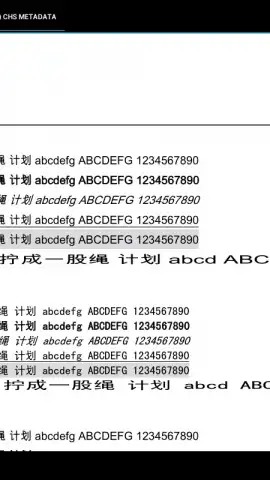
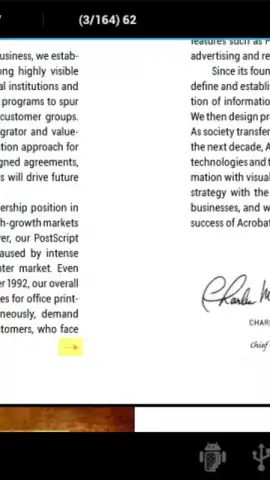
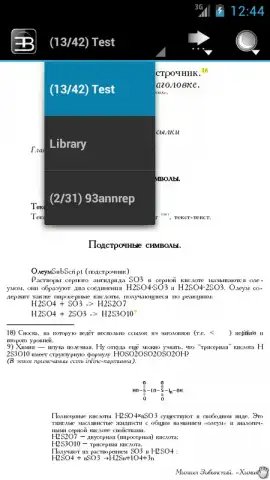
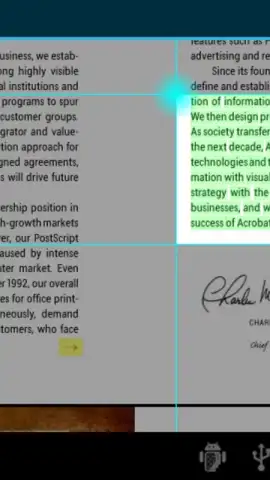
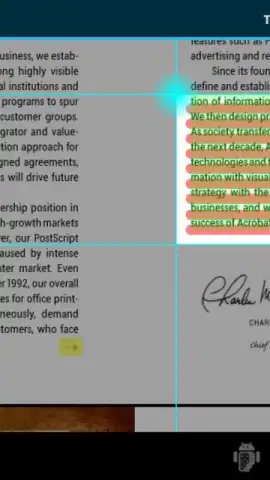
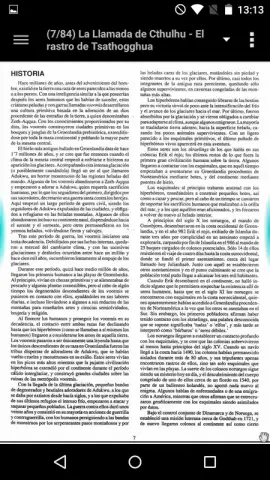
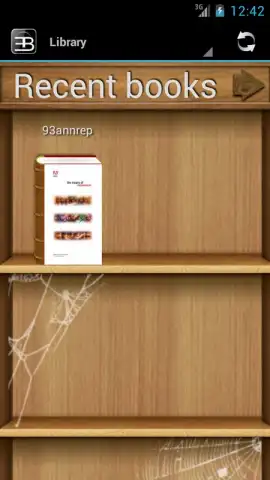
The application's primary operation centers on rendering files from a remarkably wide array of formats. It processes standard document types like PDF, XPS, and RTF with equal competence as it does specialized ebook formats such as EPUB, FB2, MOBI, and AZW3. For comic book and graphic novel enthusiasts, it provides native support for CBR and CBZ archives. The engine is also capable of handling the DjVU format, often used for scanned documents and books, making it a genuinely universal reader. This eliminates the need to seek out or convert files for compatibility, streamlining your digital library management.
Customization and User Interface
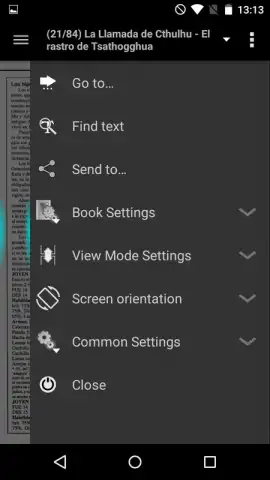
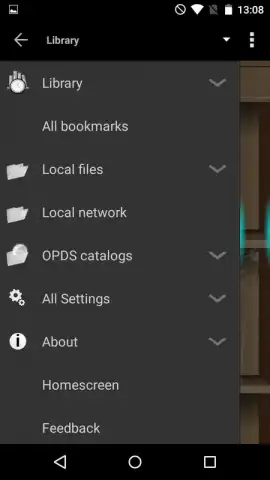
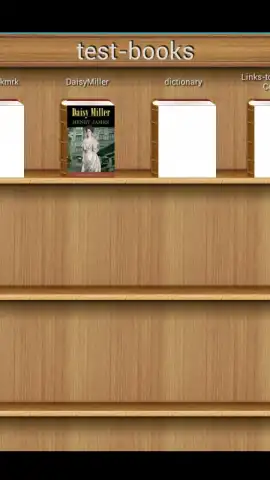
Beyond simple viewing, EBookDroid offers a depth of user-configurable settings that control both aesthetics and performance. The interface theme and visual presentation are not fixed; users can adjust them to reduce eye strain or match personal preference. The configuration menu allows for the customization of quick-action gestures and touch controls, tailoring the navigation experience to your reading habits. Furthermore, performance settings can be fine-tuned to optimize rendering speed and battery usage on different device hardware, a detail that enhances its utility across both new and older Android models.
Practical Advantages and Efficiency
The application distinguishes itself through operational efficiency. It maintains a minimal storage footprint while delivering functionality often found in larger, more cumbersome suites. An integrated 'Turbo' mode enhances this efficiency, reportedly streamlining operations for smoother performance. Notably, the core viewing experience is presented without advertisement interruptions, which is a significant consideration for immersive reading sessions. This combination of broad format support, deep customization, and a clean, ad-free interface positions it as a practical alternative to default or other third-party document viewers.
- Extensive Format Library: Opens PDF, EPUB, DjVU, CBR, FB2, MOBI, AZW3, and more.
- Fully Customizable Interface: Adjust themes, gestures, and performance settings in detail.
- Lightweight & Ad-Free Core: Minimal storage use with an uninterrupted reading experience.
We suggest trying EBookDroid if you require a single, powerful viewer for your diverse collection of ebooks, comics, and documents. Consider downloading it to consolidate your reading tools into one efficient application.
A functional internet connection may be required for initial setup and accessing certain online features. The application may offer optional in-app purchases for advanced functionality.


