
EGx File Manager
EGx File Manager screenshots (6)

Description EGx File Manager
Take Full Command of Your Device's Storage
Navigate, manage, and secure every file on your Android device with precision. This comprehensive file manager transforms your storage into an organized, accessible, and powerful workspace, eliminating clutter and putting you in complete control.
Core Functionality and Management Tools
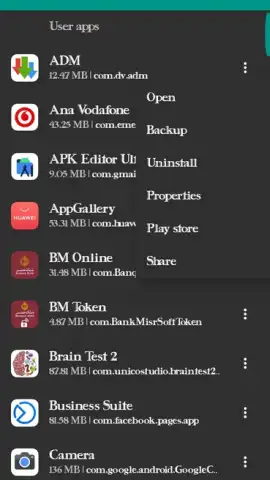
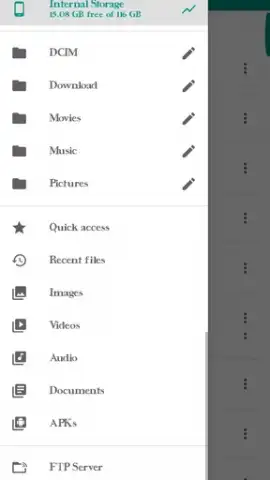
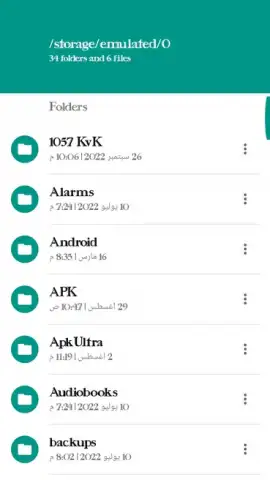
The application provides a unified interface for accessing all storage locations, including internal memory, SD cards, and cloud accounts. It features a dual-pane view for efficient file operations like cut, copy, paste, and batch renaming. Users can create, extract, and manage compressed archives (ZIP, RAR, 7Z) directly. The built-in media player supports previews for common audio, video, and image formats, while the text editor allows for quick file modifications. Advanced root explorer functionality is available for users with the necessary device permissions.
Engineered for Efficiency and Control
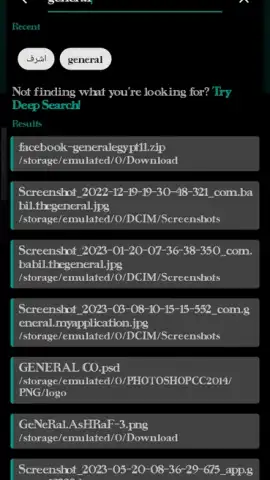
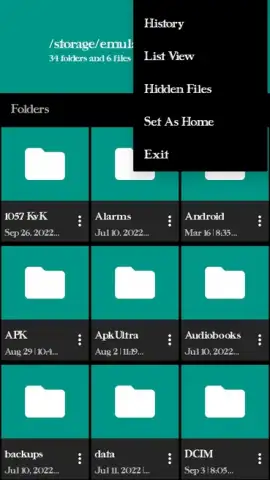
Performance is prioritized with fast indexing and smooth scrolling through large directories. The interface offers multiple view modes (list, grid, detailed) and full customization for sorting and display. A robust search function locates files instantly by name, type, or date. Security features include file hiding, app locking, and integrated cloud storage support for seamless backups. The tool operates as a standalone utility, minimizing background resource usage.
- Dual-Pane Explorer for side-by-side folder management and drag-and-drop transfers.
- Complete Archive Support to create, extract, and browse ZIP, RAR, and 7Z files.
- Integrated Media Player & Text Editor for previewing and editing without extra apps.
- Root Access Capability for advanced system file management on rooted devices.
- Cloud Storage Integration connecting to services like Google Drive and Dropbox.
Download this essential file management tool now and transform your device's storage into a streamlined, powerful system today!
Disclaimer: This application requires an internet connection for certain features like cloud storage integration. It may contain in-app purchases for premium functionalities. The app requires access to device storage to manage files. Some advanced features require a rooted device. Use in accordance with your device's terms and age restrictions. Data usage may apply when using online services.


