

Explorer File Manager
Explorer File Manager screenshots (6)

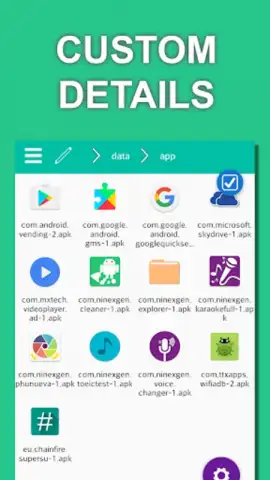
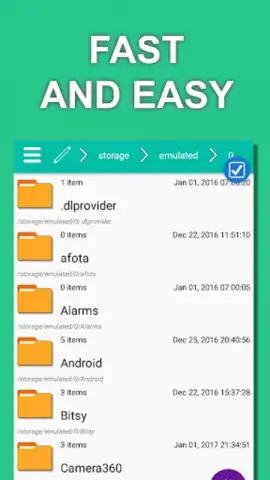
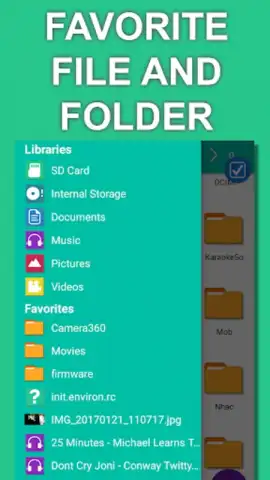
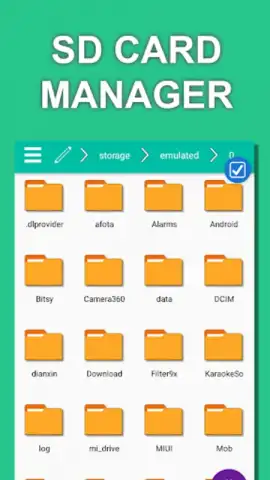
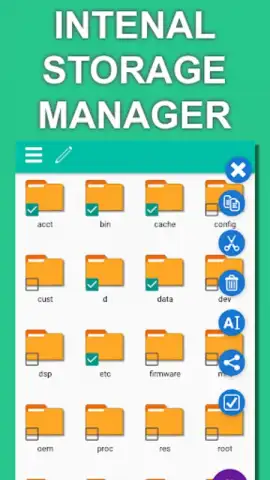
Description Explorer File Manager
Struggling to find files across your device and cloud storage?
Explorer File Manager provides a unified interface to manage all your local and online files. Navigate internal storage, SD cards, and connected cloud services like Google Drive or Dropbox from a single, streamlined application. The tool is designed for direct file manipulation, including moving, copying, archiving, and detailed sorting.
Core file management tools and functionality
The app operates with a dual-pane view mode for efficient file transfers between different directories. It includes a built-in media player for previewing audio and video, a text editor for notes and code, and a robust search function that indexes file names and metadata. Advanced users can access root directory functions where supported, modify file permissions, and create symbolic links.
Engineered for clarity and control
The interface uses a clear hierarchical layout and customizable themes to reduce visual clutter. Operations are executed with minimal system resource usage, ensuring responsiveness even during large file transfers. Support for a wide range of archive formats (ZIP, RAR, 7z) is integrated, eliminating the need for separate extraction tools.
- Unified Cloud & Local Access: Manage device storage and major cloud accounts in one consolidated file browser.
- Dual-Pane Navigation Mode: Drag and drop files between two open folders for faster organization.
- Integrated Media Player & Editor: Preview multimedia files and edit text documents without leaving the app.
- Root Explorer & Advanced Tools: Access system directories and modify permissions on rooted Android devices.
- Archive & Compression Support: Create, extract, and browse compressed archive files in multiple formats.
We suggest trying Explorer File Manager to bring order to your device's storage and streamline your daily file tasks.
Internet required for cloud services. IAP available.
 GooglePlay


