

Fast Cleaner
Fast Cleaner screenshots (6)
Description Fast Cleaner
Is Your Android Feeling Sluggish and Full?
Every tap feels delayed, storage space is vanishing, and your phone runs warmer than it should. These are classic signs that your device needs a deep, systematic clean. Fast Cleaner is the comprehensive Android maintenance toolkit designed to tackle these exact issues, transforming your phone from a cluttered, slow device back into a fast, optimized, and secure companion. It goes beyond simple cache cleaning to offer precise control over every aspect of your system's performance and privacy.
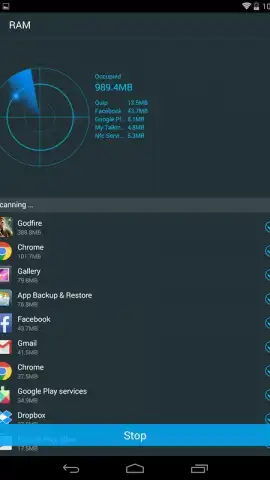
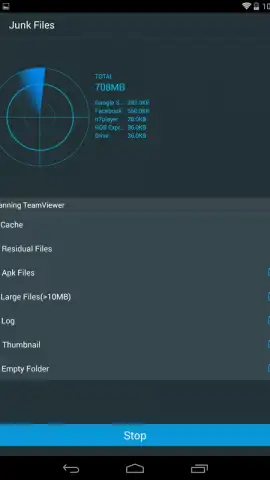
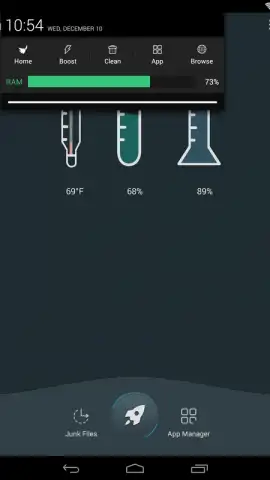
This application consolidates multiple essential utilities into one powerful interface. You gain direct access to a real-time CPU temperature monitor and a one-tap RAM booster to instantly free up system resources. Its advanced process manager, the Task Killer, identifies and safely terminates background apps that drain battery and slow down your interface. For a more thorough cleanse, the dedicated File Sweeper tool performs a deep scan to locate and remove leftover junk files, residual data from uninstalled apps, and unnecessary system cache that accumulates over time.
Beyond performance, Fast Cleaner provides robust privacy management tools. You can comprehensively clear your call and browser history with a single command and manage all installed applications from a centralized dashboard, where you can review permissions or batch-uninstall apps you no longer need. The integrated Turbo mode is engineered to aggressively streamline operations, temporarily suspending non-critical background services to push your device's speed to its maximum potential when you need it most.
- Advanced Task Killer: Safely force-stop any background process that is consuming RAM and slowing down your device's core responsiveness.
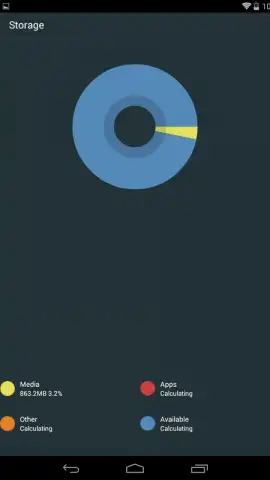
- Deep File Sweeper: Scans for and deletes residual junk, leftover folders from old apps, and redundant cache files to reclaim storage space.
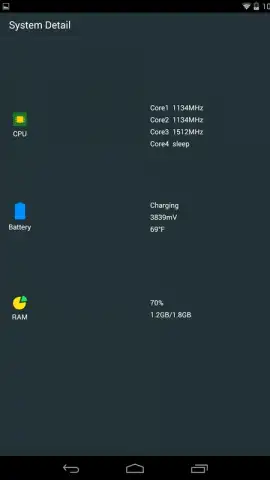
- System Monitor & Turbo Boost: View real-time CPU core temperature and activate Turbo mode to instantly optimize RAM and accelerate overall device performance.
Don't let digital clutter slow you down another day. For a limited time, new users get exclusive, ad-free access to the full Turbo optimization suite. Download Fast Cleaner now and feel the difference immediately!
Heads up: you'll need wifi for initial app analysis and feature updates. Some cool stuff, like scheduled auto-cleaning profiles, is extra.


