

Fast Downloader
Fast Downloader screenshots (11)

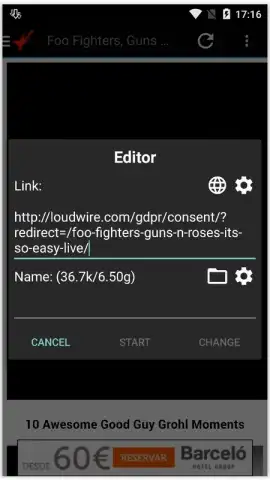

Description Fast Downloader
A Practical Solution for Direct Media and File Acquisition
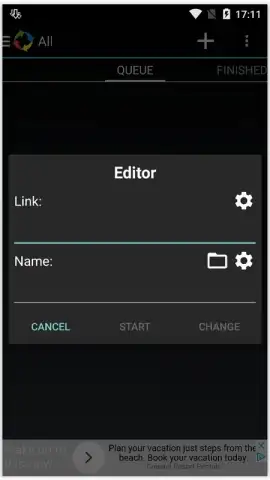
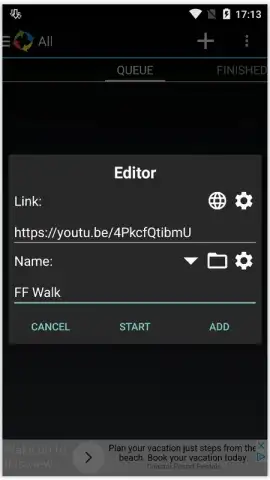
For users who require a method to download digital content directly to their Android device without intermediary platforms, a dedicated download manager becomes essential. Fast Downloader, developed by ISMAIL ABDELOUAHAB, functions as a utility application designed to facilitate the local saving of various file types. It operates by processing direct URLs, enabling the acquisition of video files, image sets, documents, and application installers from the web. The core process involves either pasting a copied link into the app's interface or utilizing the integrated browser to navigate to and capture content directly.
Operational Mechanics and Interface Configuration
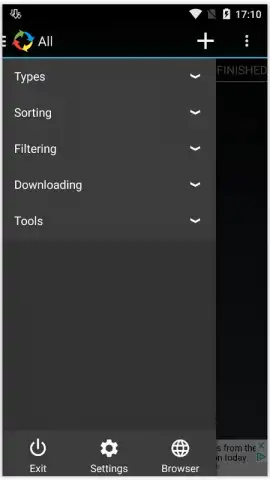
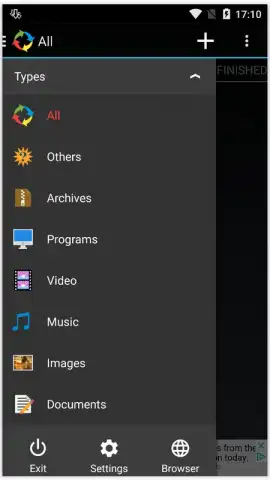
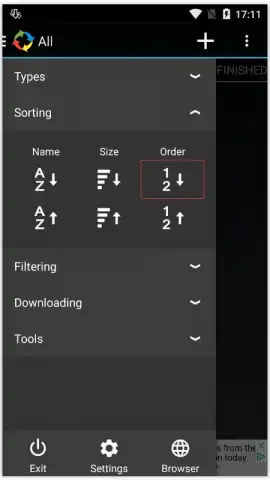
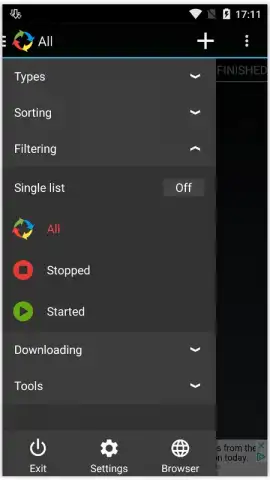
The application provides two primary methods for initiating downloads. The first is a manual input field for pasting a known, copied URL. The second is an in-app web browser, which allows for direct searching and navigation to the source page where the download link is located. Post-download, all saved files are cataloged within the app's library. This library employs a categorical sorting system—such as Videos, Images, Documents, and Apps—which automates organization and simplifies later retrieval of downloaded items.
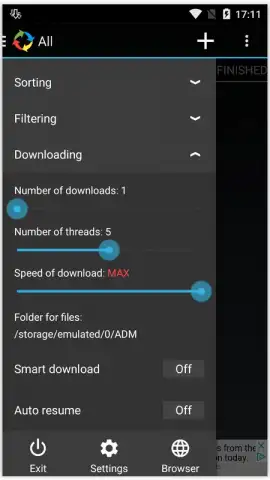
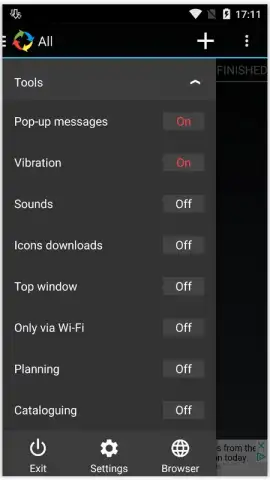
Beyond basic downloading, the utility includes several configuration settings for managing the download process. Users can define a maximum number of simultaneous active downloads to control bandwidth usage. The application also offers interface customization through selectable theme options, allowing for visual adjustment. A noted operational feature is the absence of display advertising during core use, which is attributed to an optional performance mode within the application.
Core Utility Features
- Direct download from URLs or built-in browser
- Categorical library for automated file sorting
- Configurable simultaneous download limits
- Customizable application theme and interface
Limited Offer: Exclusive access for first users. This utility app streamlines content acquisition. Download Fast Downloader today to manage your downloads directly.
Disclaimer: This application requires an active internet connection for downloading content. Downloaded files may be subject to copyright laws in your region. The developer is not responsible for the content of downloaded files. Some features or higher speed performance may be associated with in-app purchase options.


