

FF Logo Maker
FF Logo Maker screenshots (7)
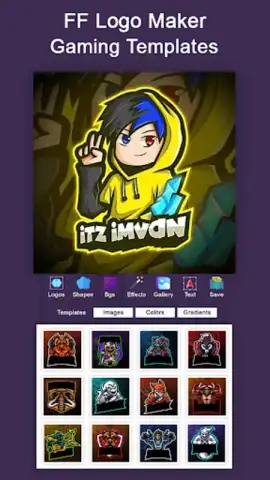


Description FF Logo Maker
What if you could design a professional logo in minutes, without needing a design degree?
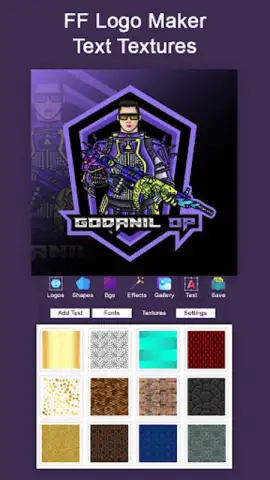
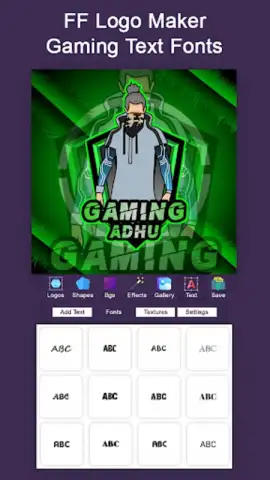
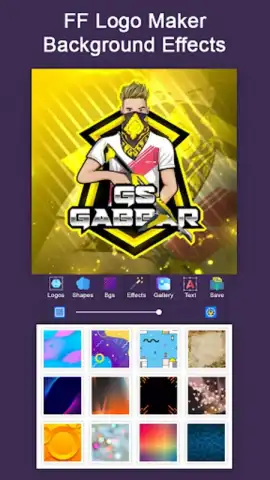
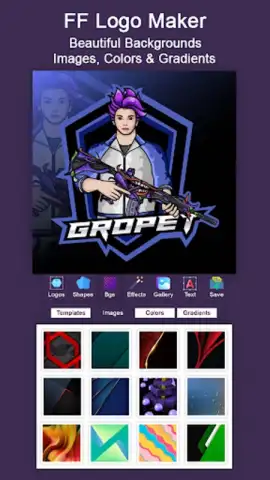
FF Logo Maker provides a structured toolkit for creating visual brand identities directly from a mobile device. The application centers on a template-driven design process, where users select from a categorized library of base logo forms. Each template is fully customizable; users modify individual elements such as icons, typography, color palettes, and layout spacing through a layer-based editor. The core mechanics involve combining pre-designed graphical elements—abstract shapes, industry-specific symbols, and geometric forms—with extensive text tools that offer a range of modern fonts. The workspace operates on a free-form canvas, allowing for precise placement, scaling, and rotation of all components. Final designs can be exported in standard image formats suitable for both digital use and basic print specifications.
Features and Tools
The app’s functionality is built around accessibility and depth. The primary toolset is divided into distinct modules: the shape and icon library, the text editor, and the color management system. The icon library is searchable and organized by thematic categories like Business, Technology, Food, and Sports, enabling quick relevance filtering. The text editor treats each text block as an independent layer, permitting adjustments to kerning, line spacing, and font weight. A significant feature is the color palette generator, which suggests harmonious color schemes based on a chosen primary hue, applying them consistently across all logo elements. The history function tracks changes step-by-step, allowing for non-destructive editing and easy reversion. Export options include transparent background (PNG) and standard (JPG) formats, with control over output resolution.
Key Advantages
The principal strength of FF Logo Maker is its streamlined interface that reduces complex design decisions into manageable, linear steps. The template system eliminates the intimidation of a blank canvas while retaining sufficient flexibility for customization. Performance is optimized for mid-range devices, with smooth rendering of vector elements and instant preview updates. The user experience is designed for clarity, with contextual tooltips and a minimal learning curve, making advanced design concepts like layering and alignment accessible to non-designers. The visual output leverages clean, scalable vector graphics, ensuring logos maintain clarity at various sizes without pixelation.
- Template-based design workflow
- Layer-by-layer element editing
- Custom color palette generator
- High-resolution export formats
We suggest trying FF Logo Maker if you require a straightforward, self-contained tool for creating credible brand marks for projects, small businesses, or personal ventures.
Download mobile app now.
Disclaimer: This application requires an internet connection for certain functions, including accessing additional template libraries. The app may contain optional in-app purchases for premium assets or features. Please be aware of your data usage when downloading content. Some features or content may be subject to age restrictions. Always review the app's terms of use and privacy policy.
 GooglePlay


