

File Converter
File Converter screenshots (9)
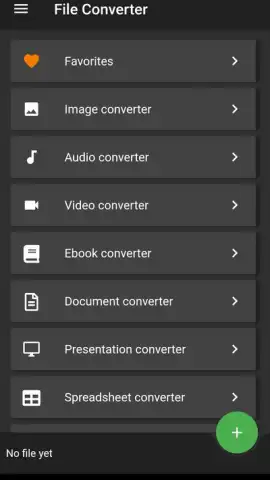
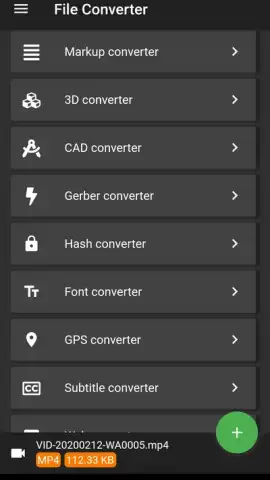
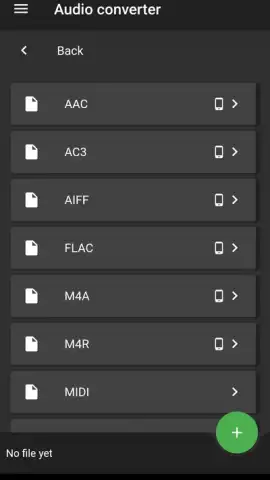
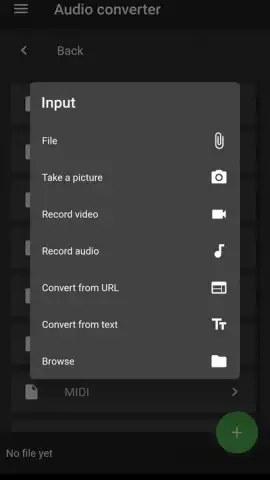
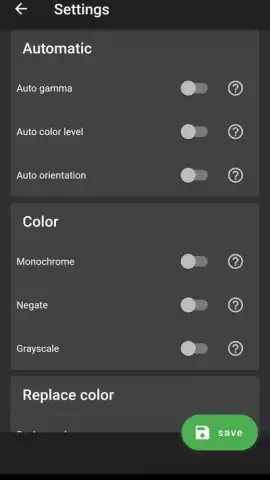
Description File Converter
Need to convert a document on your phone but don't have a desktop computer? File Converter transforms your Android device into a powerful, portable conversion hub for all major file types.
Core Functionality & Supported Formats
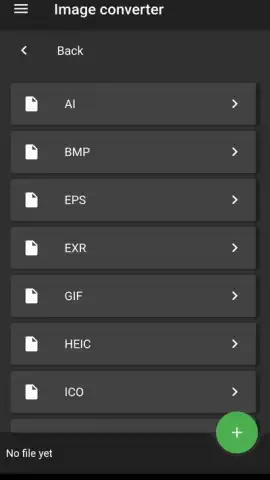
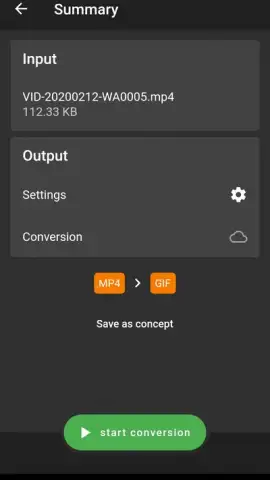
This application provides direct, on-device conversion between a wide array of document, image, and archive formats. It processes files locally, giving you control over your data without mandatory cloud uploads. The interface is designed for sequential or batch operations, allowing you to queue multiple files for conversion in a single workflow. Core processing includes handling PDFs, Word documents, spreadsheets, presentation files, and standard image formats.
Key Advantages & User Experience
The tool operates offline for fundamental conversions, requiring an internet connection only for specific advanced format processing. It maintains original document formatting and structure during conversion where possible. The app integrates with your device's native file picker for seamless import from any local folder or cloud storage location. Output files are saved to a user-designated directory, with no automatic deletion of source materials.
- Convert PDF documents to and from editable Word, Excel, or text formats.
- Transform image files between JPG, PNG, WEBP, and HEIC formats.
- Compress and extract archive files including ZIP, RAR, and 7Z.
- Change video and audio file containers for broader compatibility.
- Batch process multiple files simultaneously to save time.
Download this essential tool now and handle any file conversion task directly from your pocket!
Disclaimer: An internet connection may be required for certain conversion features and to access online help. The app may contain optional in-app purchases for advanced functionality. Some file operations can consume significant battery and processing resources. Data handling is subject to the app's privacy policy.
 GooglePlay


