
Filecrypt - Files & Folder Locker (No Ads)
Filecrypt - Files & Folder Locker (No Ads) screenshots (9)
Description Filecrypt - Files & Folder Locker (No Ads)
Your Private Digital Vault, Unlocked
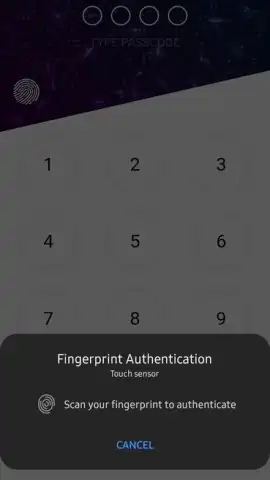
Imagine needing to share a confidential document, but hesitating because your phone's gallery or file manager is an open book. Filecrypt transforms your device into a secure enclave, allowing you to lock, hide, and encrypt sensitive files and folders behind a personal PIN, pattern, or password. This application provides a private space within your device, separating personal documents, financial records, private photos, or work files from general access.
Core Functionality and Tools
Filecrypt operates as a standalone file manager with integrated security layers. Upon setup, you create a master security key to access the app's interface. Within this secured environment, you can import files from your device's internal or external storage. The core mechanic involves selecting these imported items and applying a lock, which moves them into the app's encrypted internal storage, removing them from their original, publicly accessible locations. For sharing, the app can generate encrypted containers or use decryption keys, allowing secured file transfer to other users who also have Filecrypt. The 'No Ads' designation means all operations are performed without commercial interruptions or banners.
Operational Advantages and User Experience
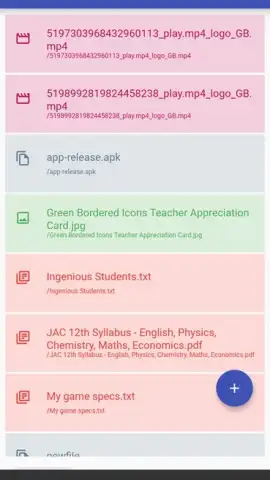
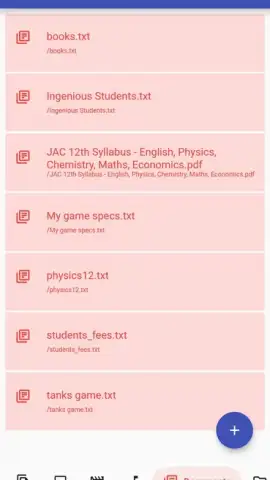
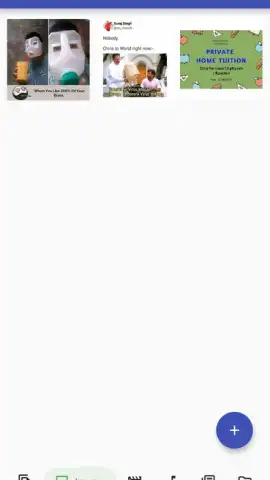
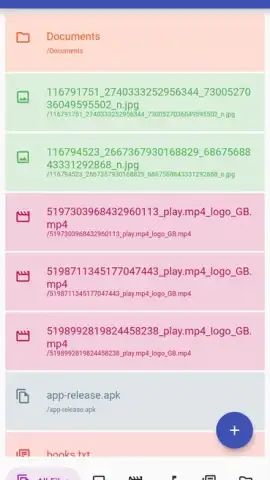
The interface is designed for straightforward navigation, presenting a clear list of protected files and folders with options to lock, unlock, or share. Performance is focused on local device processing; file encryption and decryption happen on-device without mandatory cloud uploads, giving you direct control over your data's security. The visual design is utilitarian, prioritizing clear menus and action buttons over decorative elements, which reduces cognitive load and speeds up the file management process. The absence of advertisements ensures that all screen real estate and system resources are dedicated solely to file security tasks.
Key Features
- Lock files with PIN or pattern
- Hide folders from gallery view
- Share via encrypted containers
We suggest trying Filecrypt to establish a controlled, private zone for your sensitive digital content directly on your Android device.
Download mobile app now
Requires an internet connection for initial download and for optional secure sharing features. The app itself is free with no advertisements; please check your device's settings for any standard network-related permissions.


